The MC7’s touchscreen is more compelling as an idea than as a reason to buy this mouse. Turtle Beach has packed a 2.25-inch colour touch display, high-end sensor specs and hot-swappable batteries into one device. But after a few weeks, I still wouldn’t trade my Stream Deck for it—or choose it as my everyday gaming mouse.
The screen does make some settings easier to see. Switching DPI or polling rate, and checking the battery, are sensible uses for a display. The problem is that the MC7’s size and shape make the screen awkward to reach during play. This feels like an ambitious first pass, with the rough edges still showing.
Buy if…
✅ A large screen on your mouse is the main attraction: The MC7 appears to be the only current gaming mouse from a reputable brand to pair modern specs with a display this large.
Don't buy if…
❌ You play competitively: The MC7’s weight, feel and handling don’t make it comfortable or quick enough for competitive gaming.
❌ You only want a display for figures: SteelSeries and Cooler Master have made mice with smaller OLED screens that may suit that job better.
Features
Buttons | 11 |
Connectivity | Wired and wireless (2.4 GHz and Bluetooth) |
Sensor | Owl-Eye Optical |
Switches | Titan Optical switches |
Feet | PTFE |
Max DPI | 30,000 |
Screen | 2.25-inch colour touch display |
Max acceleration | 70 g |
Max speed | 750 |
Polling rate | Up to 8,000 Hz |
Battery life | Up to 10 hours (hot-swappable) |
RGB | On the bottom of the mouse |
Weight | 135 g |
Extras | 4D scroll wheel, hot-swappable batteries |
Price |
On paper, the core hardware is serious: Turtle Beach’s Owl-Eye Optical sensor reaches 30,000 DPI, and the polling rate tops out at 8,000 Hz. That rate is competitive-grade, though most people are unlikely to notice what it adds. The screen is the feature that sets the MC7 apart. It’s touch-sensitive, lets you swipe between a few different views, and is substantially larger than the displays on earlier mice such as the Cooler Master MM830 and SteelSeries Rival 710. Neither of those screens supports touch. As far as I can tell, no other modern gaming mouse from a reputable brand has a display this large.
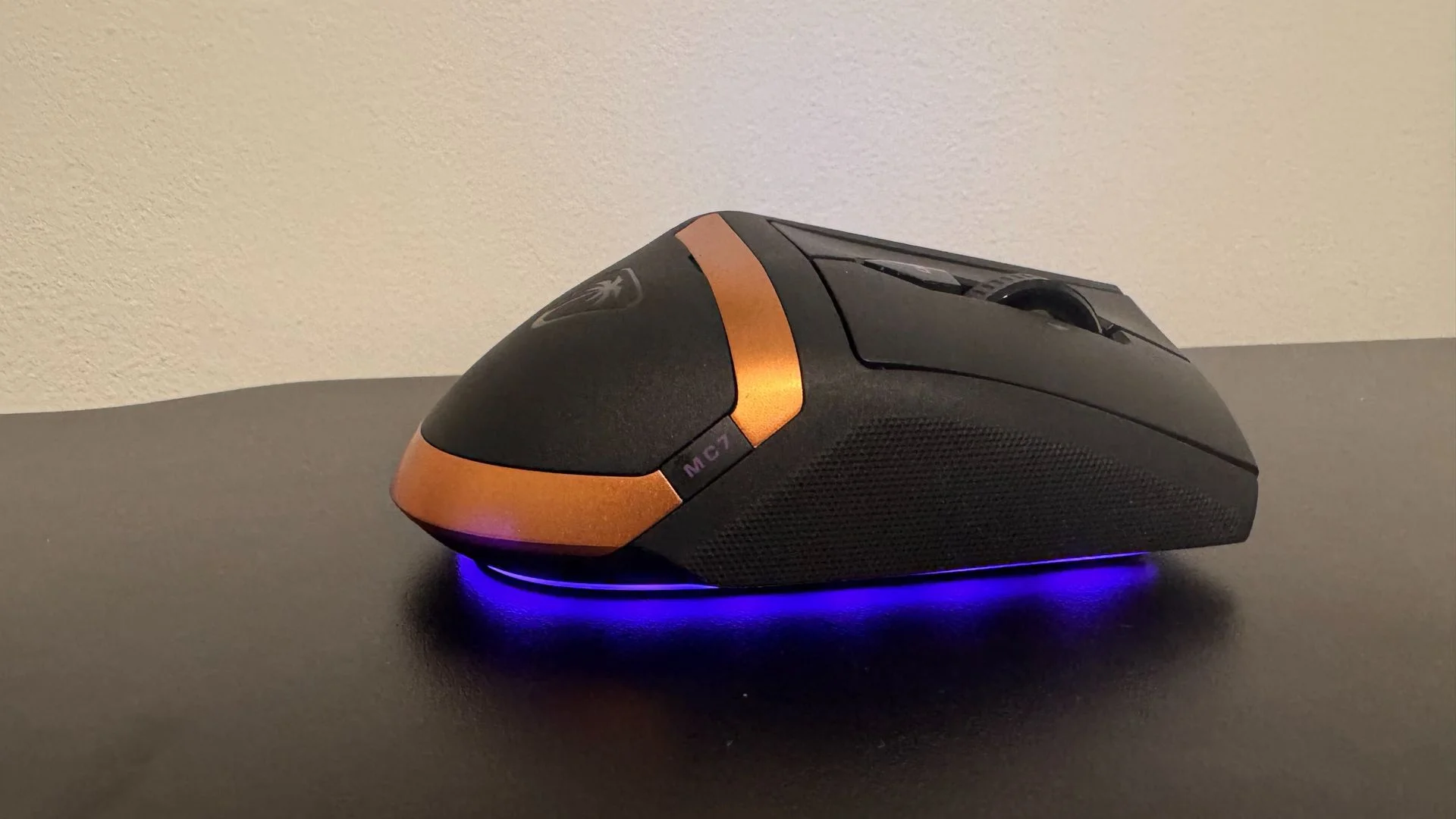
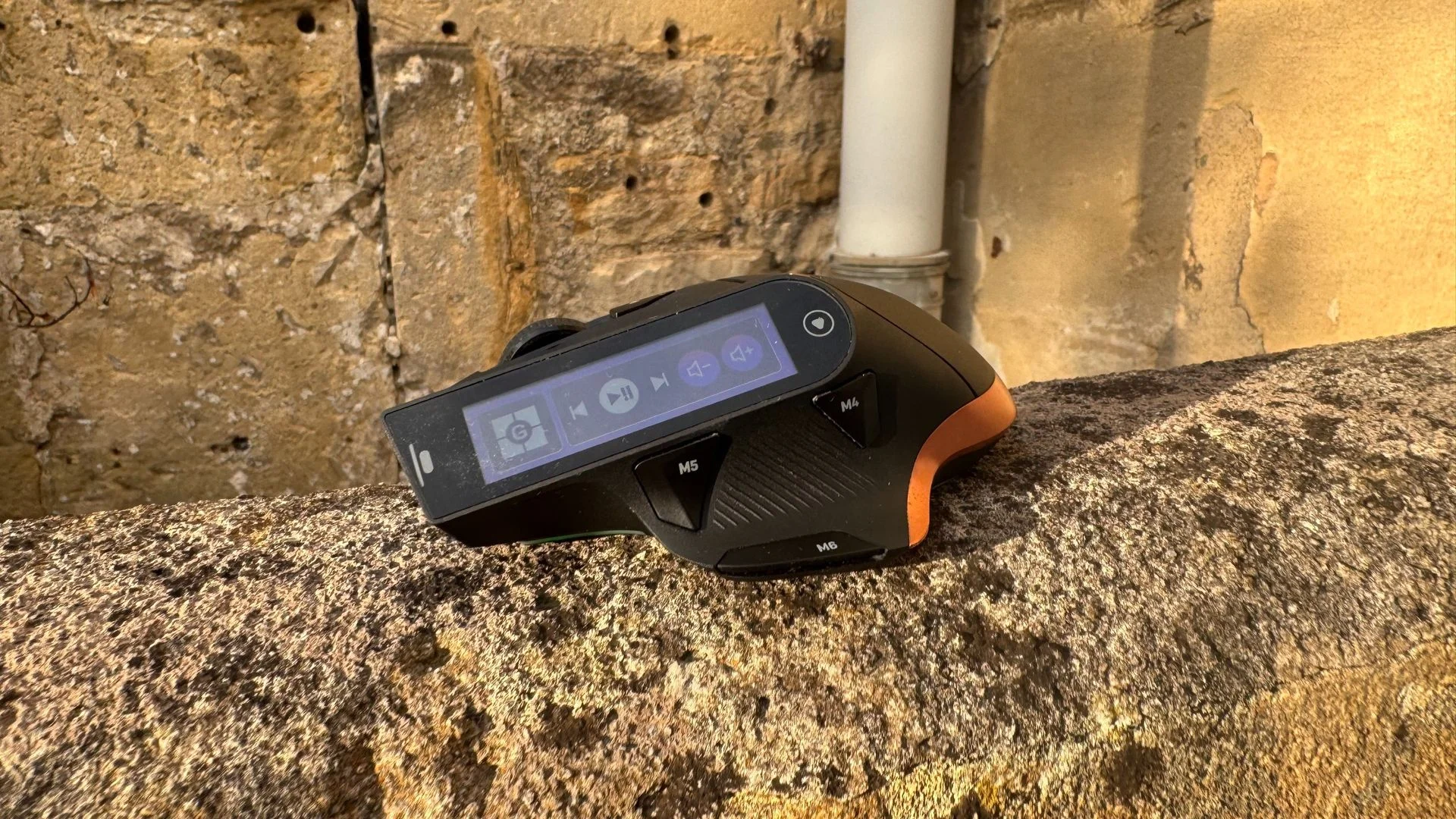
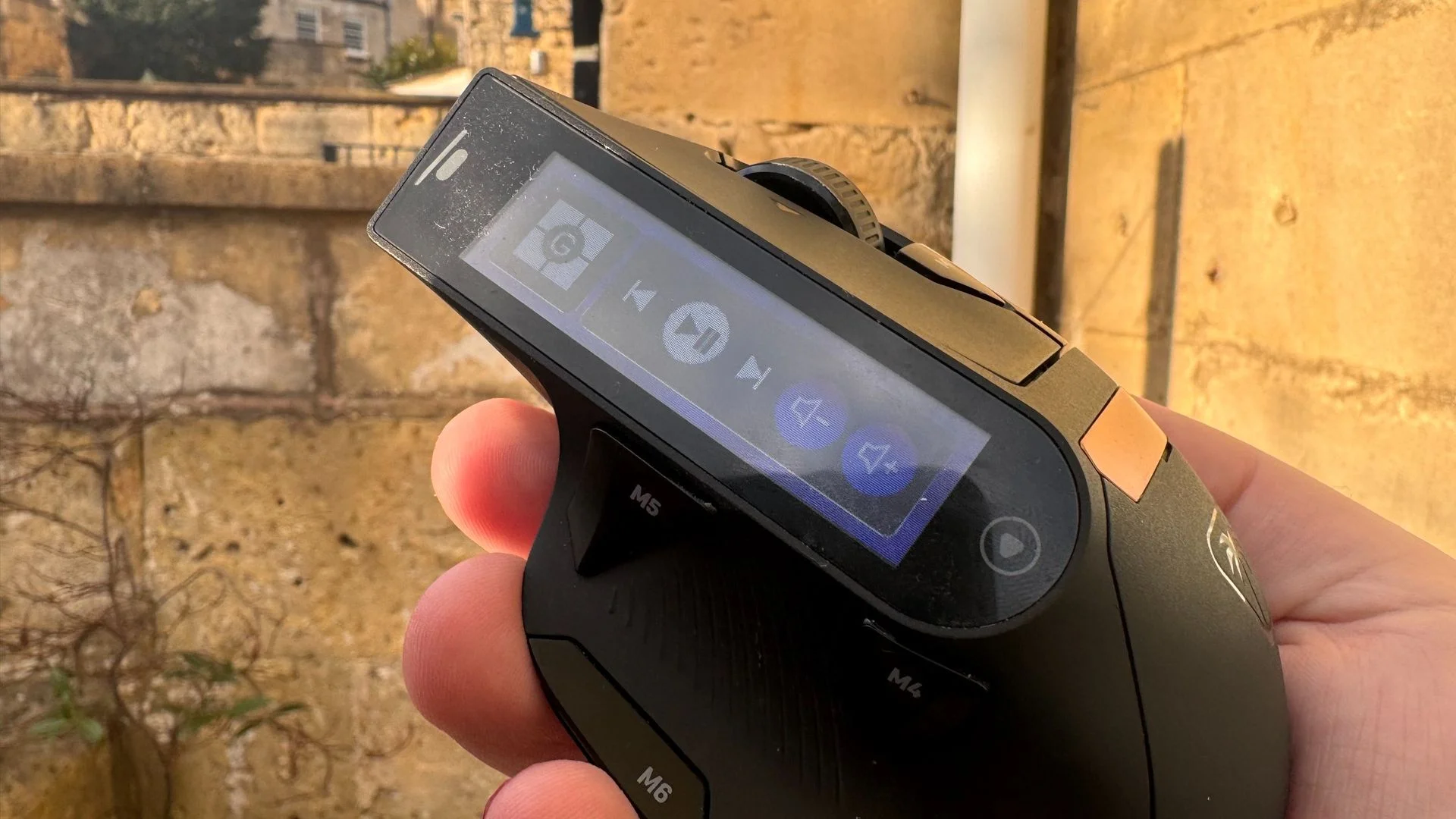
There’s more here than a screen and a sensor. The 4D wheel scrolls vertically and horizontally, while the MC7’s 11 buttons include a control below the thumb rest, one beside the wheel and two on the left side. It connects over 2.4 GHz wireless or Bluetooth, and can also be used wired.
The battery arrangement is one of the mouse’s best ideas. Its charger includes a spare USB Type-A port, so it can house the 2.4 GHz receiver as well as charge a spare battery. In practice, the hot-swap system makes the MC7 feel as if it can keep going indefinitely—as long as you’re willing to spend about 20 seconds replacing a battery roughly every 10 hours.
Performance
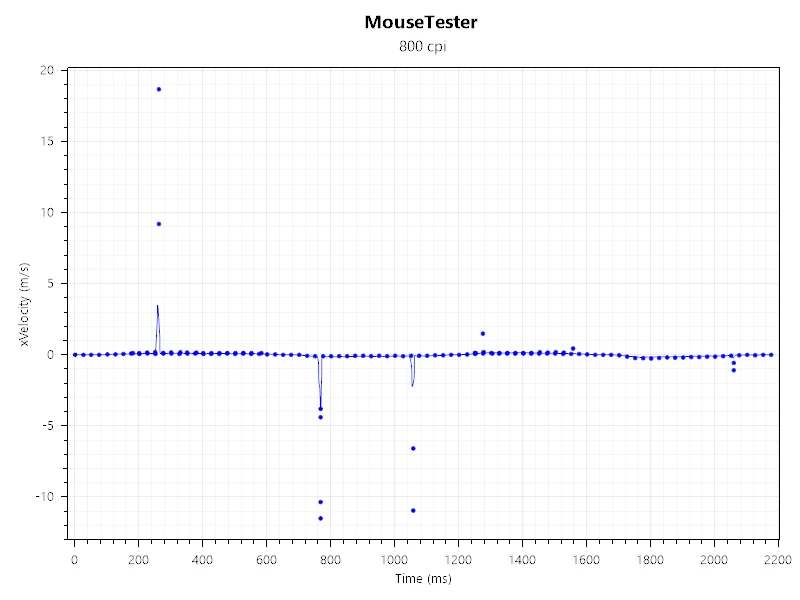
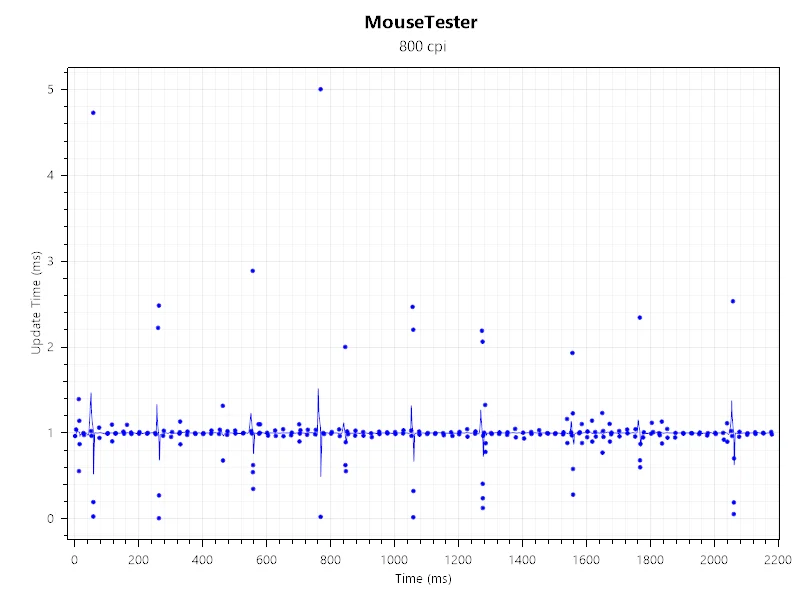
The sensor performs well in ordinary gaming. It tracks smoothly and consistently, and I didn’t run into problems in the games I tried. It’s a customised version of PixArt’s PAW3950, the 30K sensor that was previously exclusive to the Razer Deathadder V3 Pro.
The Titan Optical switches are responsive and crisp under my fingers, though the clicks are louder than I’d like. I haven’t had a single double-click issue. The internals are capable; the way the mouse carries its weight is the bigger concern.
At 135 g, the MC7 is heavy—even compared with the button-packed Naga V3 Pro. That weight might be manageable with better balance, but the mouse feels clunky in hand and gives off a slight rattle when moved quickly. Those traits make it harder to trust in competitive play, despite the impressive specifications.
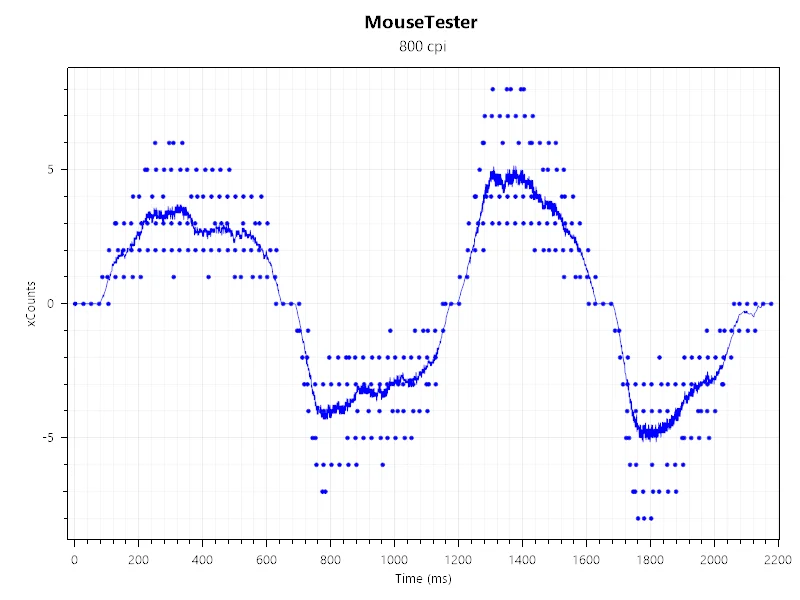
The screen’s controls are reasonably quick to swipe through in Turtle Beach’s Swarm II app, and you can tailor the pages to different uses. But operating them means arching your fingers over the mouse to tap the display. That makes the touchscreen a poor fit for quick in-game actions. It’s more useful for occasional settings changes or a battery readout—though the lighting already communicates battery and DPI status.
You can put information such as health and ammunition from Counter-Strike 2 on the display. The viewing angles are so limited, however, that it offers little tactical value. This is a striking feature, but the practical case for it remains thin.
Battery Life
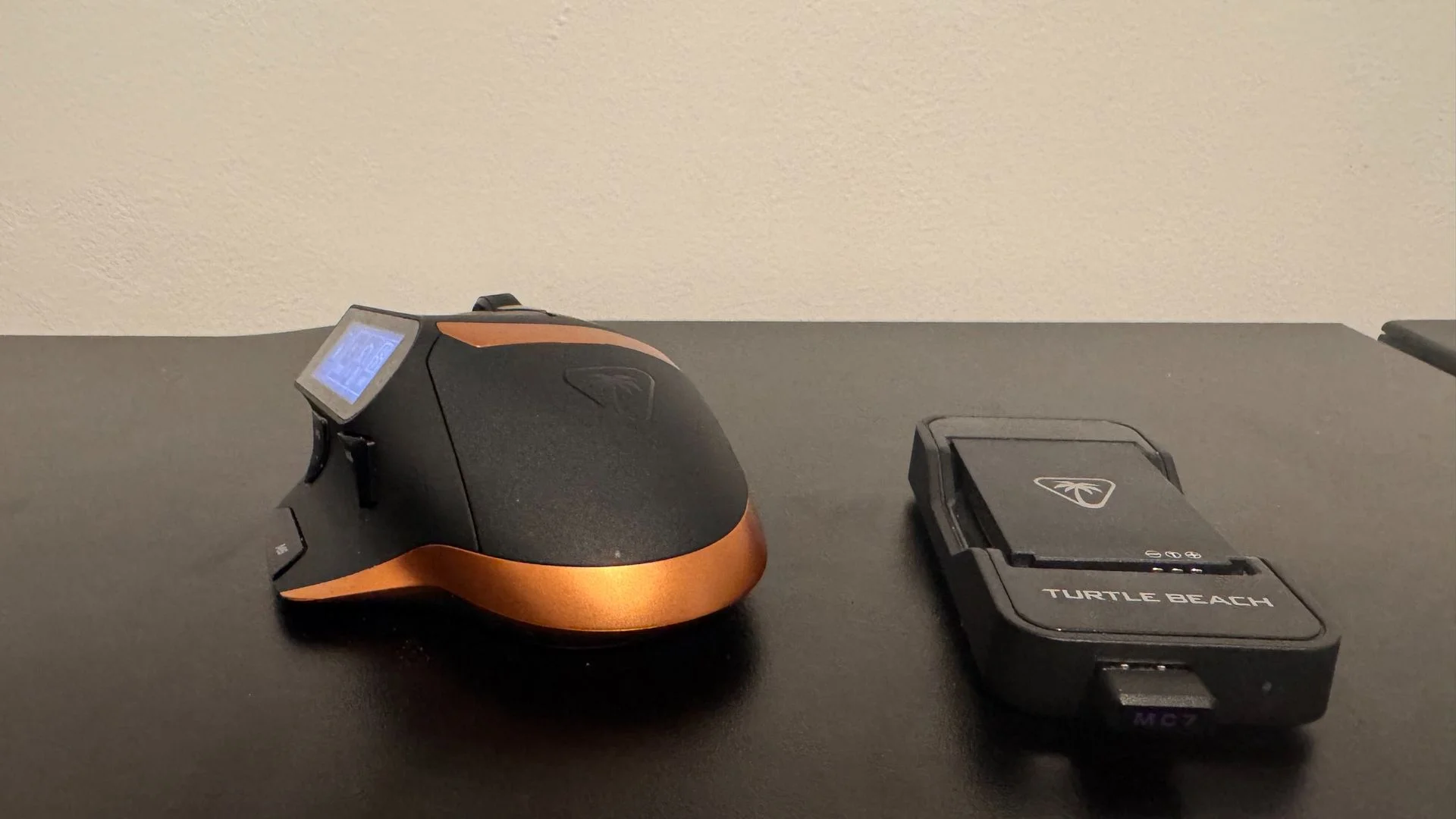
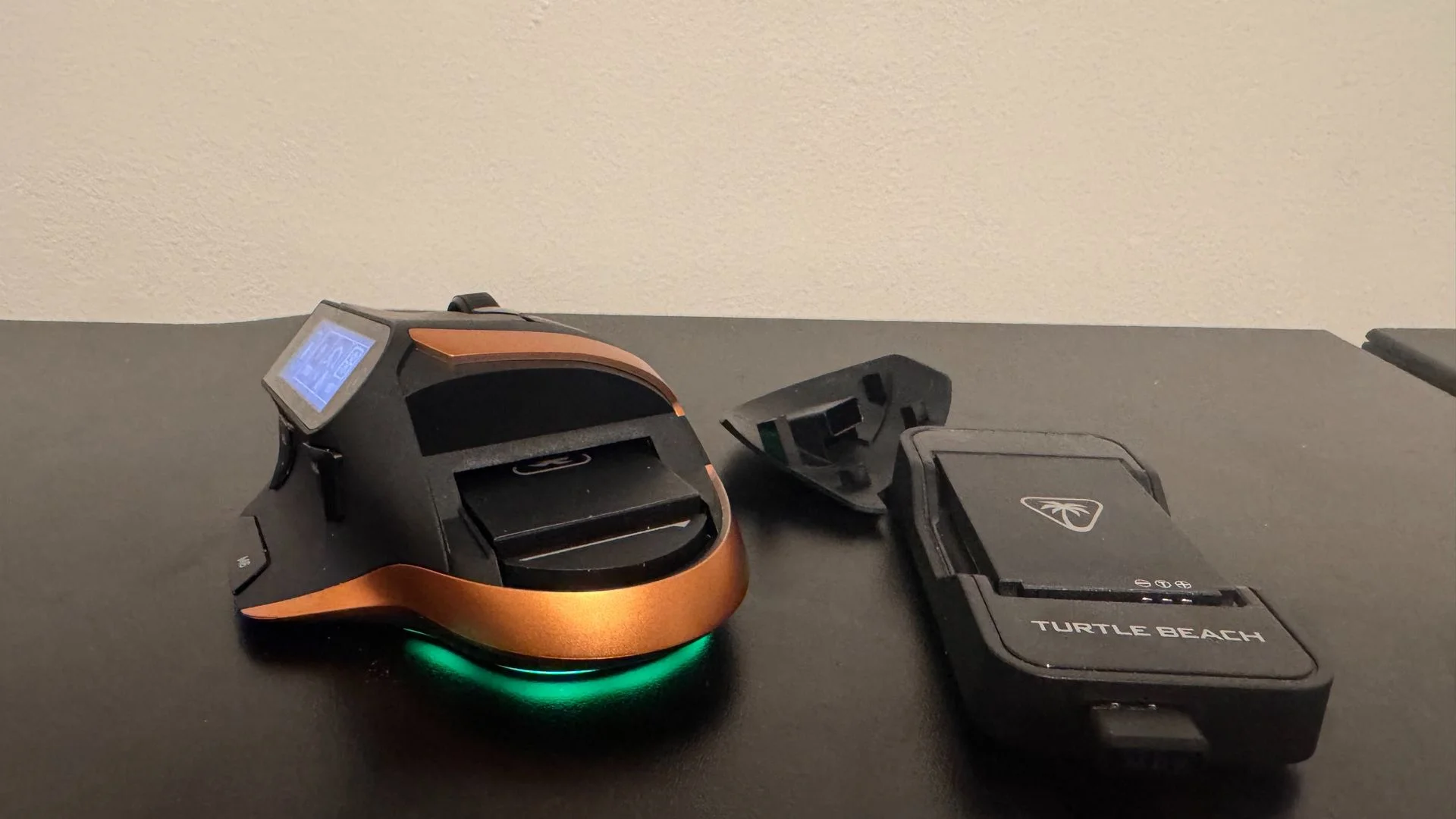
Turtle Beach includes two 1,000 mAh batteries, both of which are hot-swappable. They charge in a dock with a USB port for the 2.4 GHz receiver, so one USB connection can take care of both jobs. It’s a tidy, useful setup.
Changing a battery means removing the cover beneath the palm rest, pulling out the depleted cell and inserting the charged one. The mouse’s own battery lasts long enough that I never noticed it die during a swap; with a little practice, the change takes seconds. It isn’t as fast as the open battery design on the Glorious Model O Eternal, but the MC7’s compartment is neater.
I used the mouse for daily PC work and gaming most evenings, and at a 1,000 Hz polling rate I needed to swap batteries every few days. That’s a solid result, especially since the process is so convenient.
Ergonomics
The thumb rest shows how the MC7’s thoughtful details can work against each other. Its left-side groove is comfortable and textured to stop your thumb slipping, but the two buttons around it are awkward to reach. I use thumb buttons for forward and back navigation, so I want them under my thumb without effort. Here, I have to bend or stretch to press them. The grip texture also seems to discourage thumb movement, just where movement is needed.
The rear of the mouse fits my palm reasonably well, but the main buttons curve sharply in the middle. Hold the mouse low and there’s a gap beneath your fingertips; move your palm forward and the gap shifts to your knuckles. I couldn’t find a hand position that felt quite right.
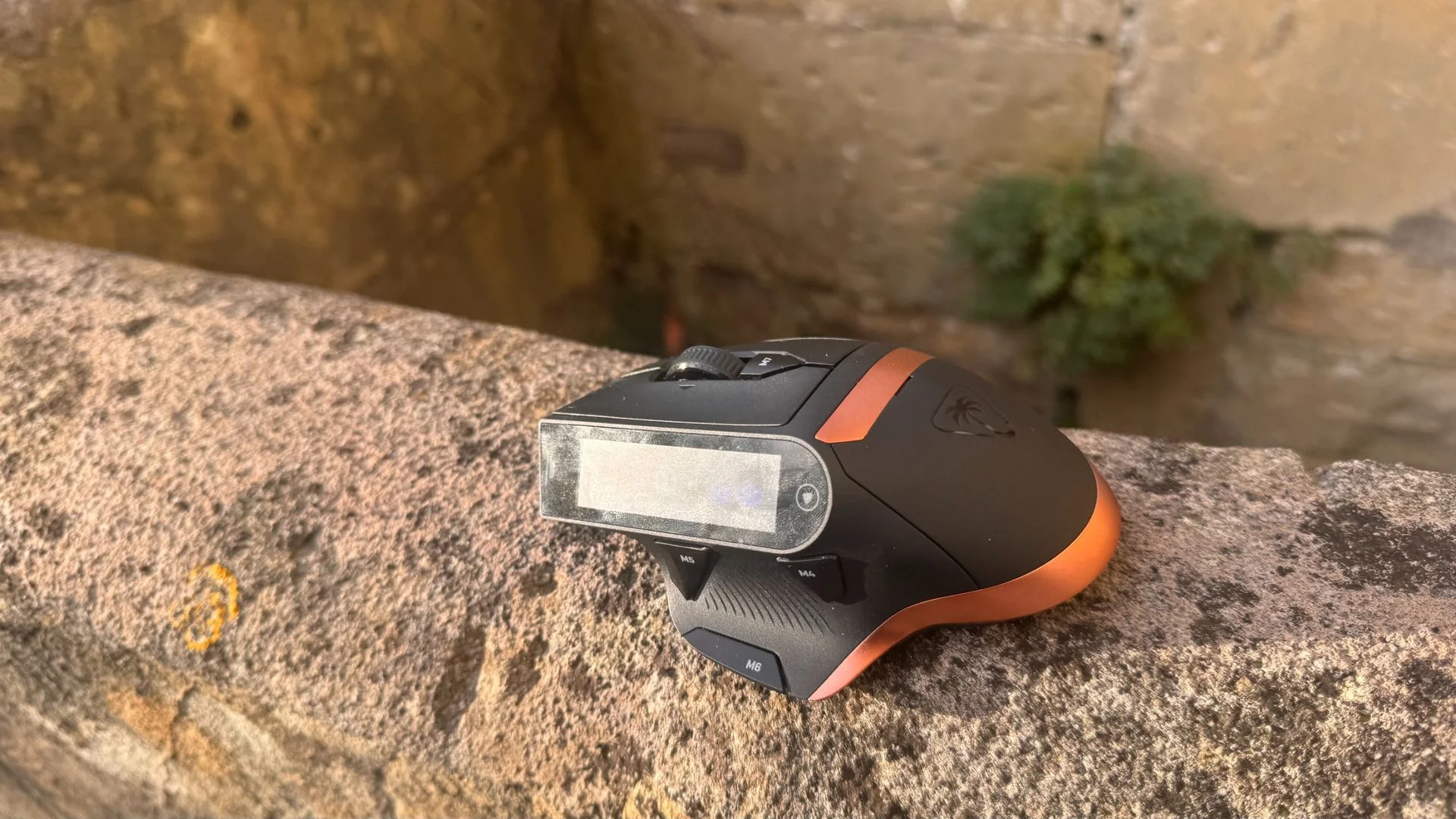
Then there’s the touchscreen. It’s long enough that reaching across it while holding the mouse feels awkward, and close enough to my fingers that I often changed DPI by accident when lifting and replacing my hand. I couldn’t find a way to lock the screen, which would have helped during games.
For simple tasks such as pausing a video or changing a song, I ended up taking my left finger off the left click and curling it around the display. Even with large hands, I couldn’t find a comfortable way to reach every part of the screen quickly. A control you have to work around is a hard sell as a shortcut.
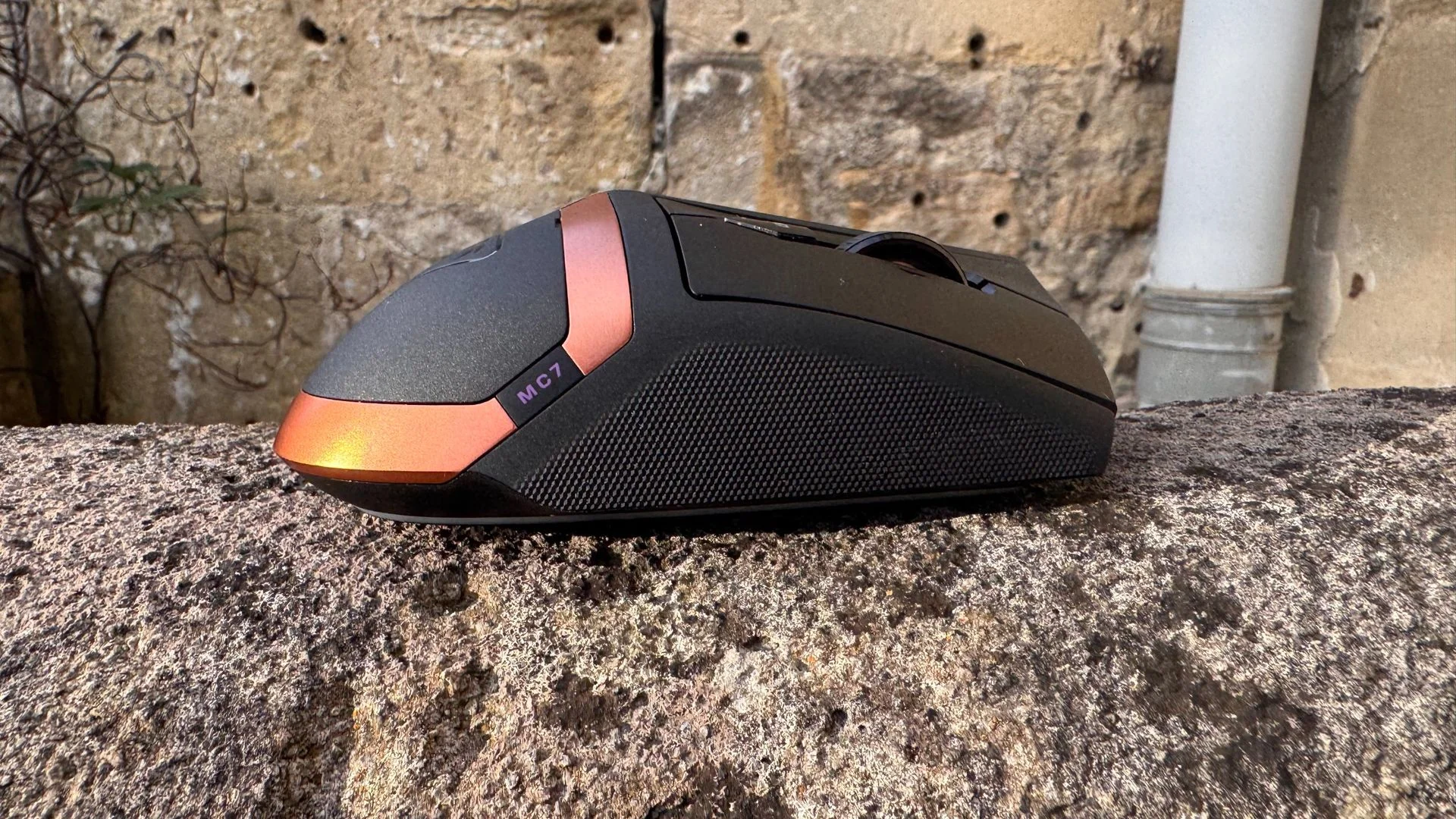
The materials don’t feel cheap, and the surface feels pleasant under the fingertips while resisting fingerprints. The battery cover stays firmly in place, too. The screen is less convincing: tapping it produces a hollow vibration and sound. There’s also a rattle, apparently from the 4D wheel, when I pick up and move the mouse quickly. Most people won’t shake a mouse on purpose, but quick repositioning can make it audible.
One control is especially well judged. A button recessed into the thumb grip lets me adjust volume by holding it down and turning the scroll wheel. It’s faster and more comfortable than tapping the volume icons on the screen.
Aesthetics
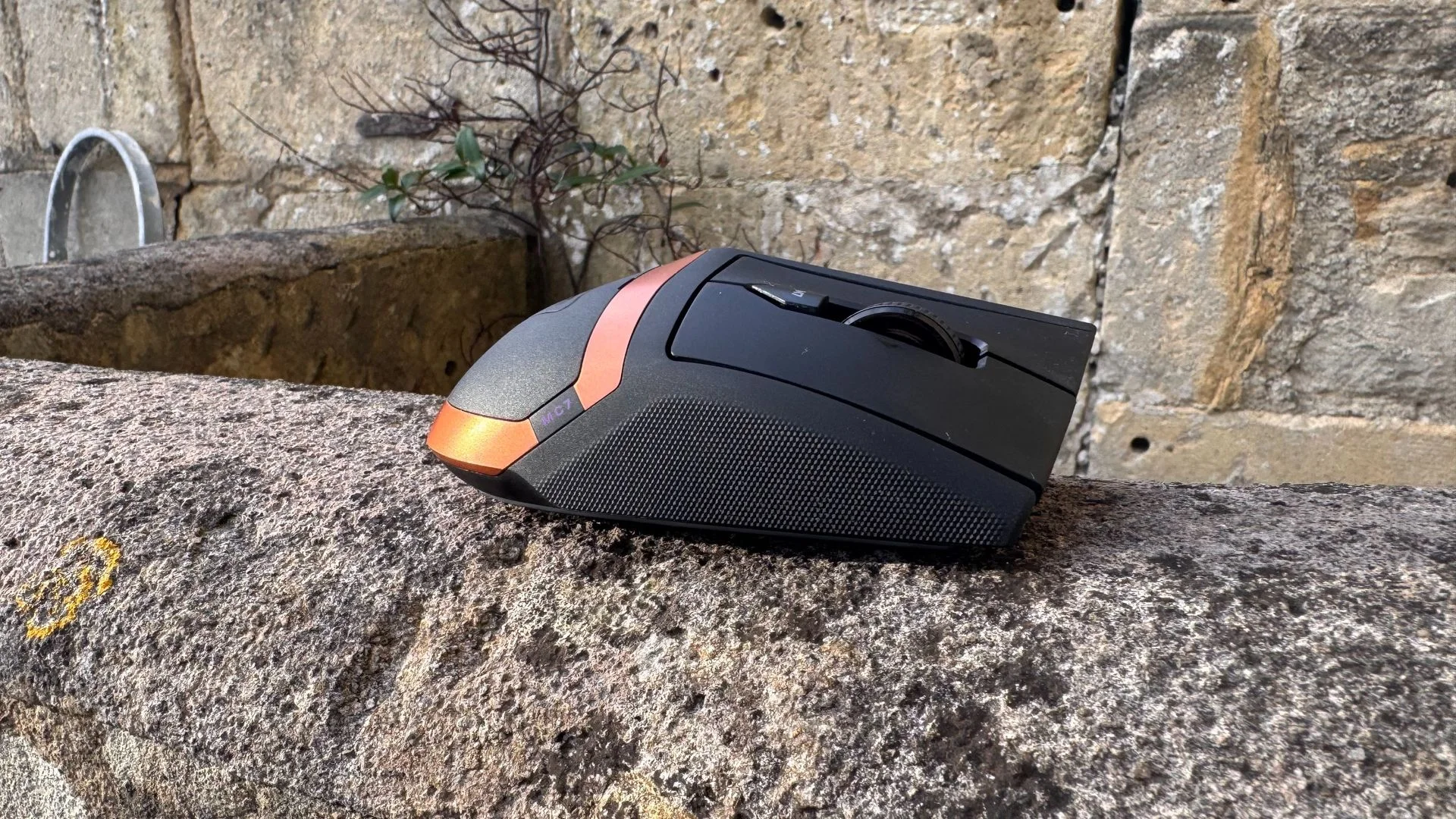
The MC7 borrows the black-and-copper palette of the Turtle Beach Stealth Pro II headset, but the resemblance stops at the colours. The mouse is an unruly collection of angles and bulges, as if its components were pushing against the shell. It looks like two different gaming mice collided and left something awkward behind.
The right side sits low and has little surface detail; the left rises sharply around the screen. That imbalance gives the whole mouse a noticeable tilt to the right. Its front is sharply cut, while the rest of the body keeps switching between curves and hard edges. It’s a difficult shape to read, and I don’t think it looks good on a desk.
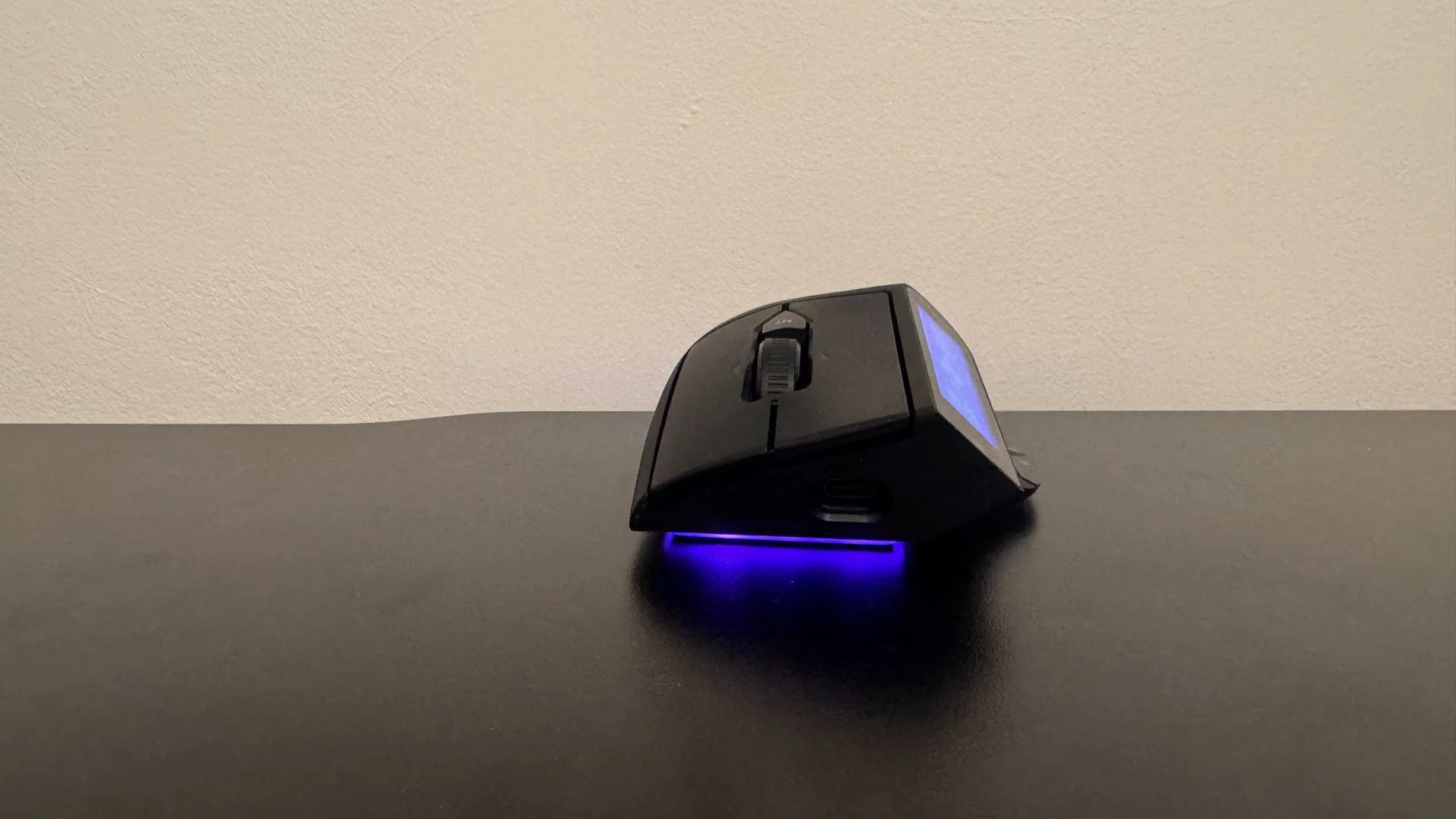
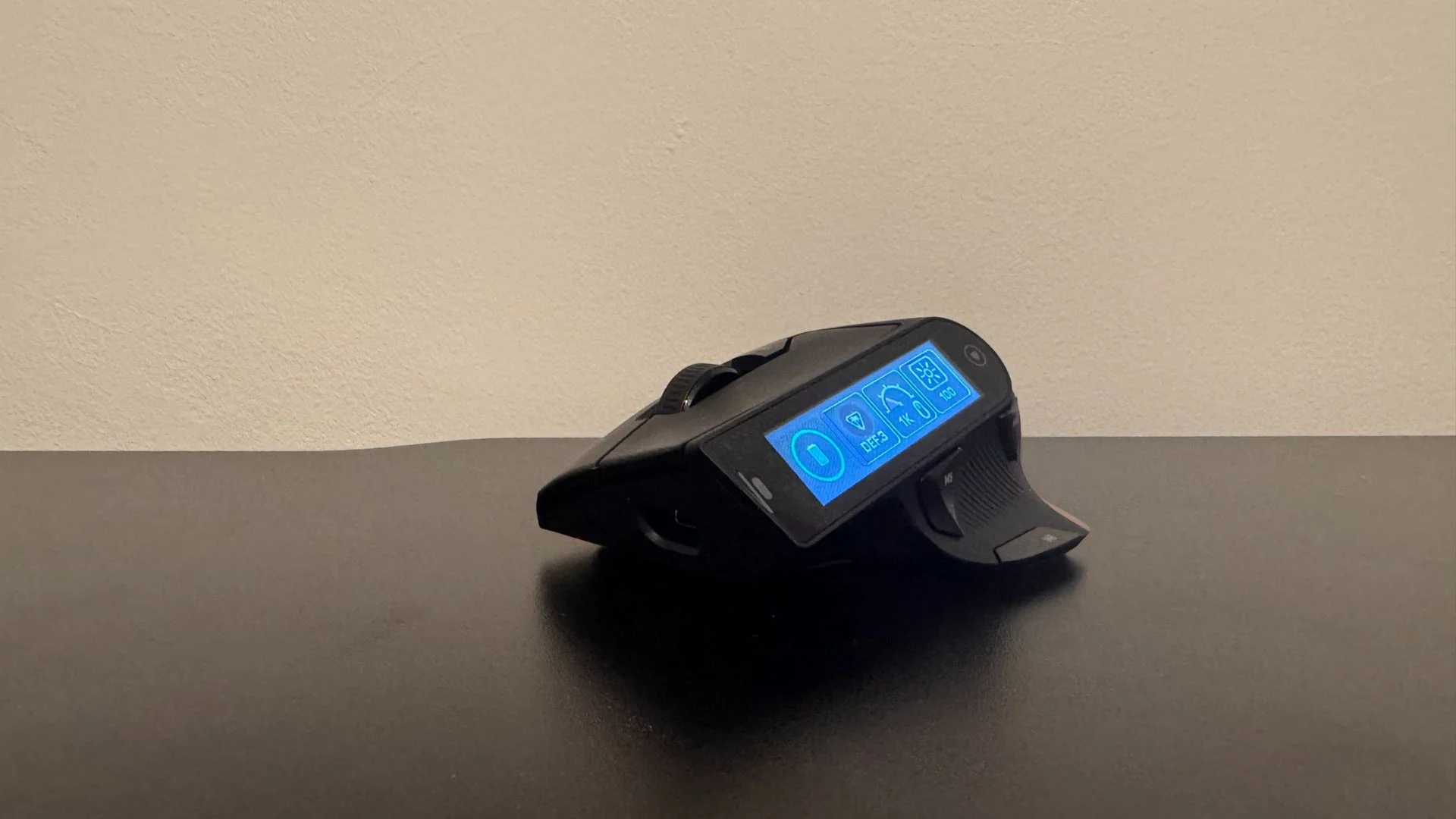
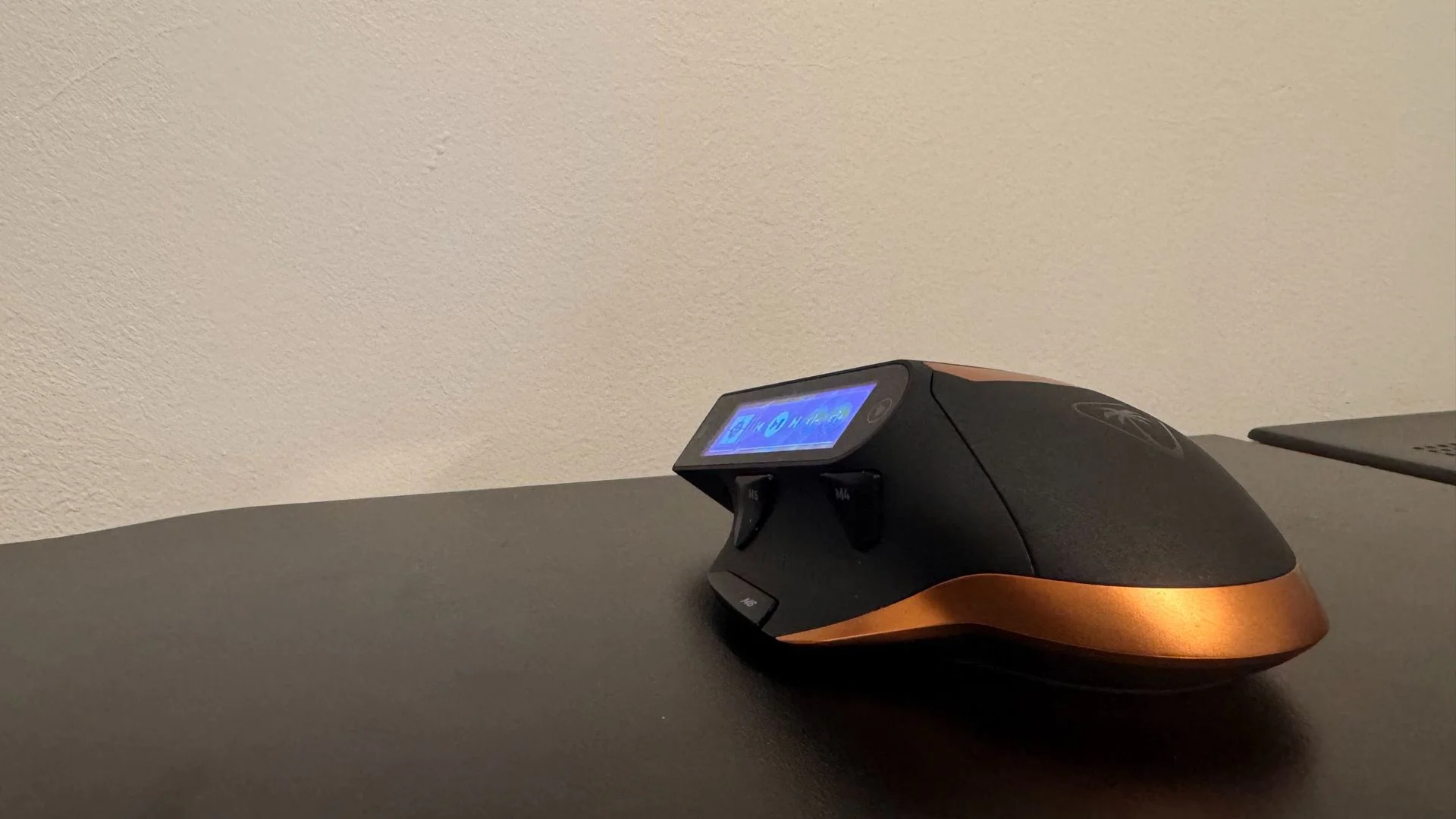
The RGB is a smarter touch. A customizable strip glows beneath the mouse and turns red when the battery is low; the screen gives you a low-battery alert as well. The display’s colour is welcome, but its poor viewing angles are harder to overlook. From my usual gaming position, it can look washed out. I could still make out the icons, and learned where they were with use, but the screen doesn’t look as polished as the black-and-copper finish suggests.
Software
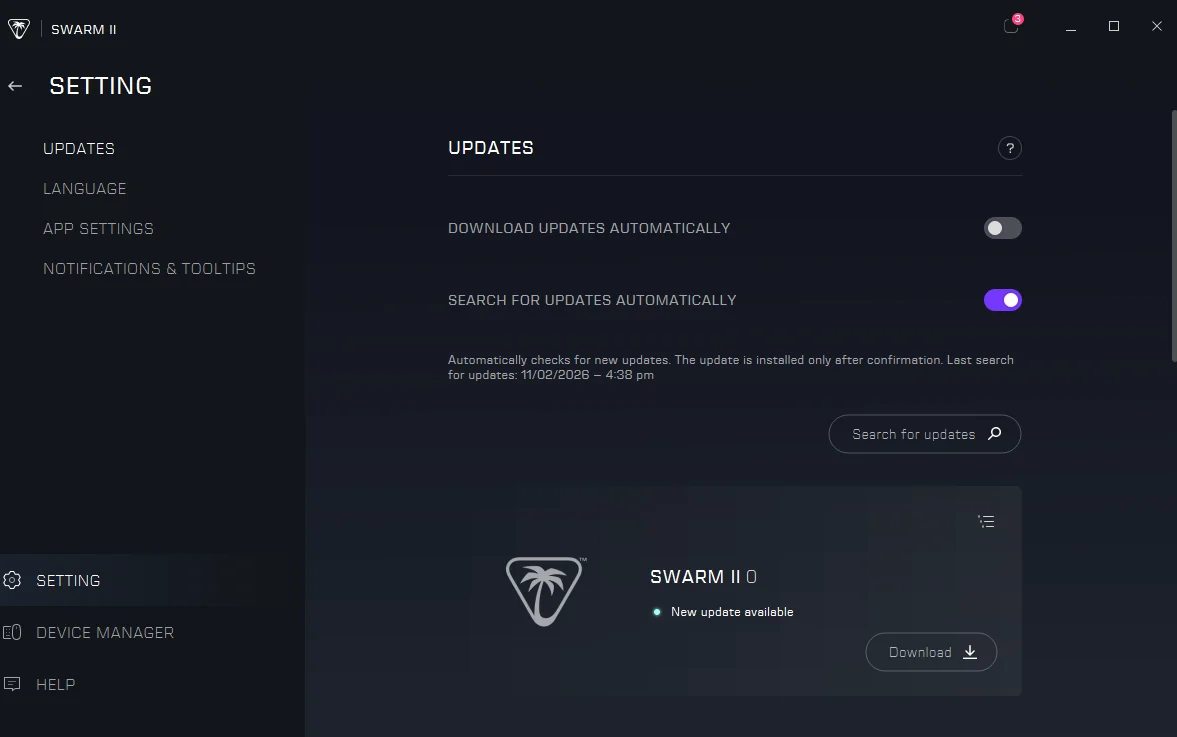
Swarm II worked well enough during my first few weeks with the MC7, although it could be slow. Then version 1.0.0.63, released November 2, stopped opening on my PC while continuing to run in Task Manager. Because the update had only just launched, the problem may be fixed quickly. Still, unreliable software is a poor companion for hardware that depends on it.
Swarm II is required to customize the screen. The app lets you add widgets from its own library, the mouse’s onboard memory or third-party apps, then arrange them as shortcuts—much like a Stream Deck. Without the software, there isn’t much to do with the display.
Customization is broad, but not as open-ended as on a Stream Deck: I couldn’t find a way to create entirely custom controls. Even so, I rarely wanted a shortcut and failed to find one.
Value
At $160, the MC7 costs as much as the best gaming mouse on our list, the Razer Viper V4 Pro. That mouse offers an excellent sensor, strong battery life and a much lighter feel. You’re choosing between a better all-round gaming mouse and the MC7’s unusually large screen.
The hot-swap system is genuinely handy, but other mice offer replaceable batteries too. The MC7 handles everyday gaming without getting in the way; I’d still rather see a lower polling-rate option that brought the price down. Its 8,000 Hz ceiling is impressive, but this mouse’s weight and handling don’t make it a competitive specialist.
You can see where the money went: a large touchscreen, good-feeling materials and the engineering needed to fit a touch interface onto a mouse. But at this price, the MC7 feels like an early experiment. The screen has promise, yet the ergonomics and awkward controls make it hard to see the finished product in it.