Havn HS 360 review: a smaller case with a strong eye for detail
The Havn HS 360 gets the most important thing right: it makes a gaming PC look composed without demanding a huge case. It carries over the HS 420’s retro-futurist style in a smaller frame, and the result still hides cables and connectors unusually well. I gave the HS 420 a 90% score; the HS 360 has made a similarly good impression.
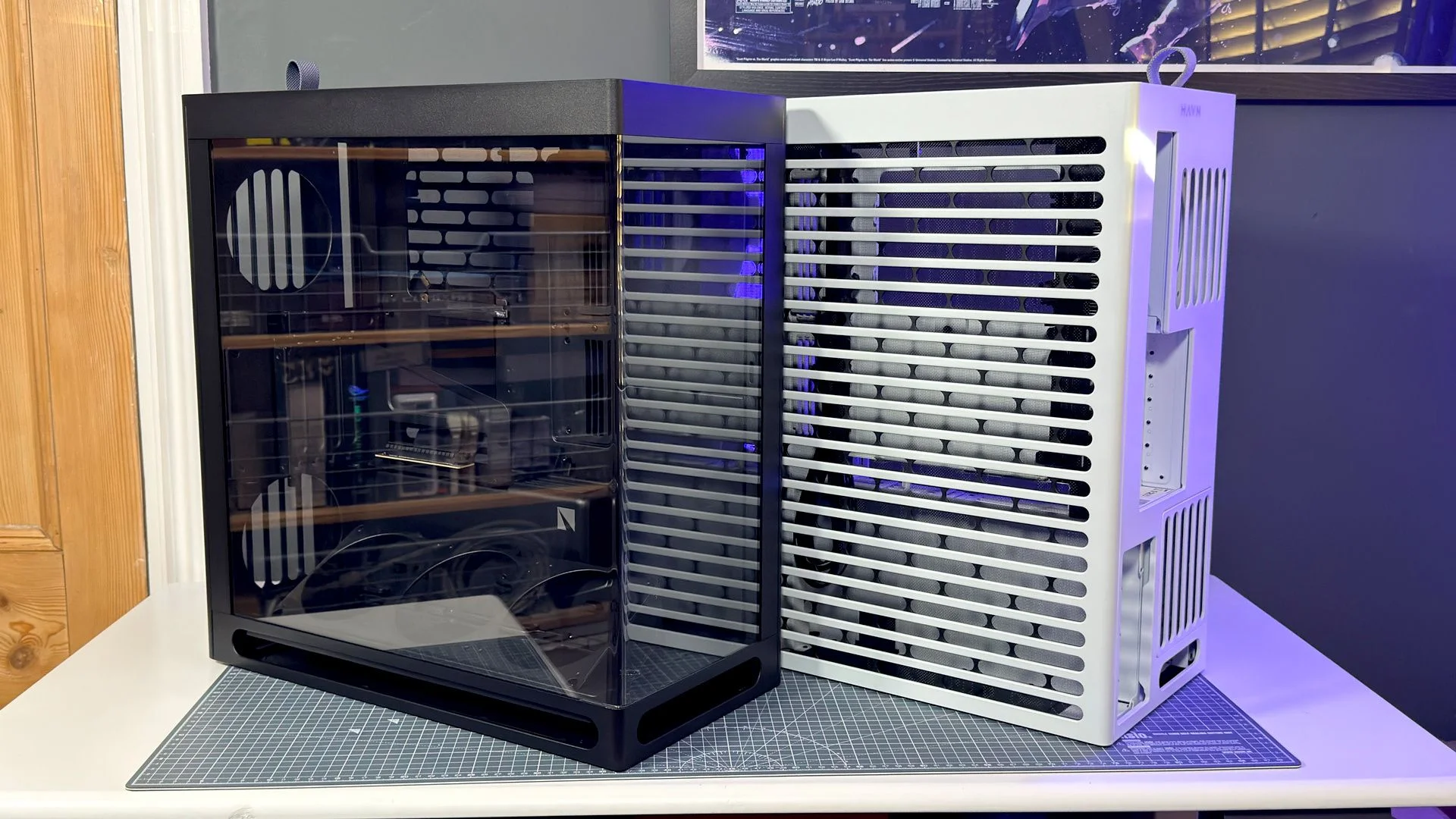
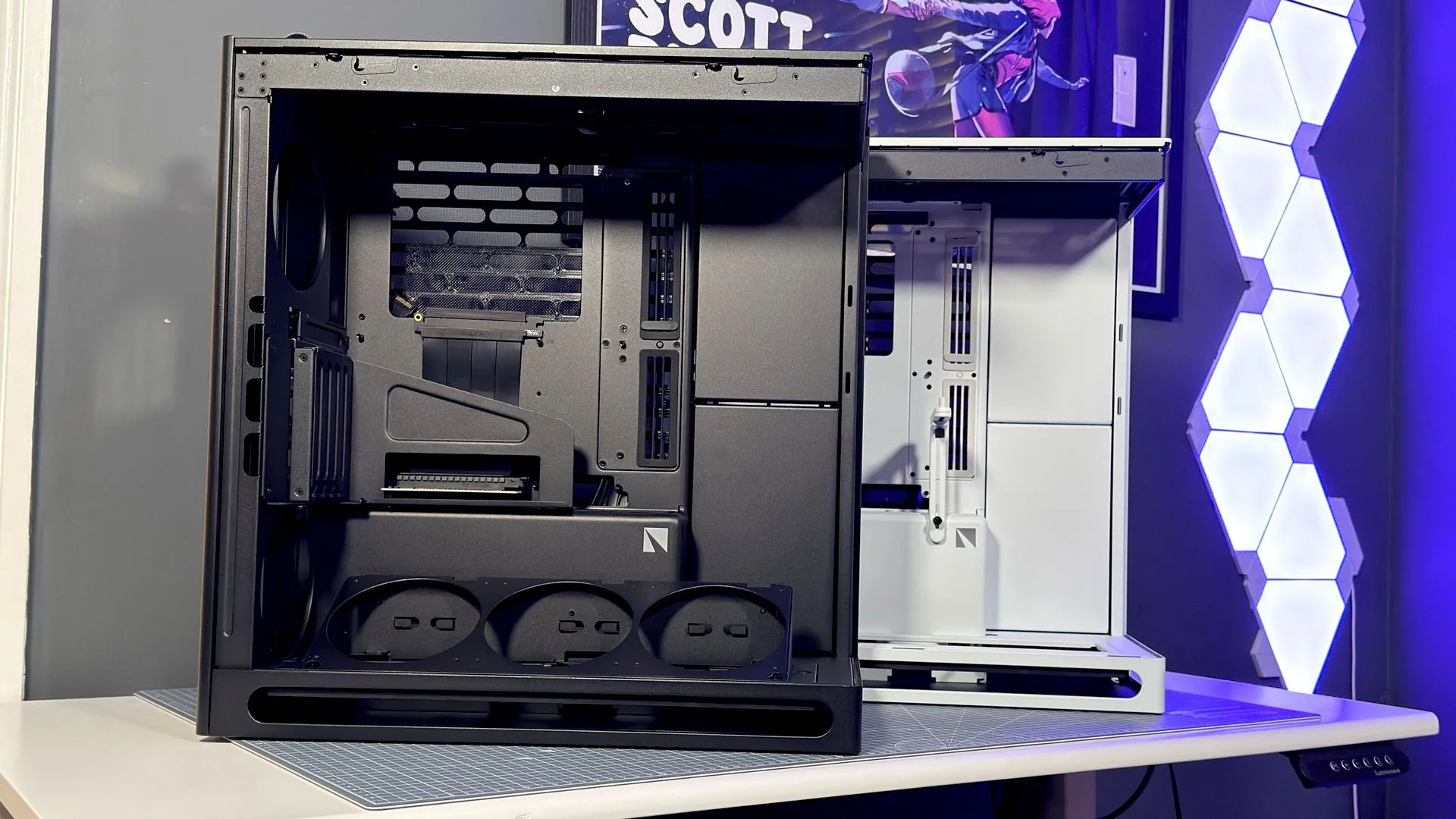
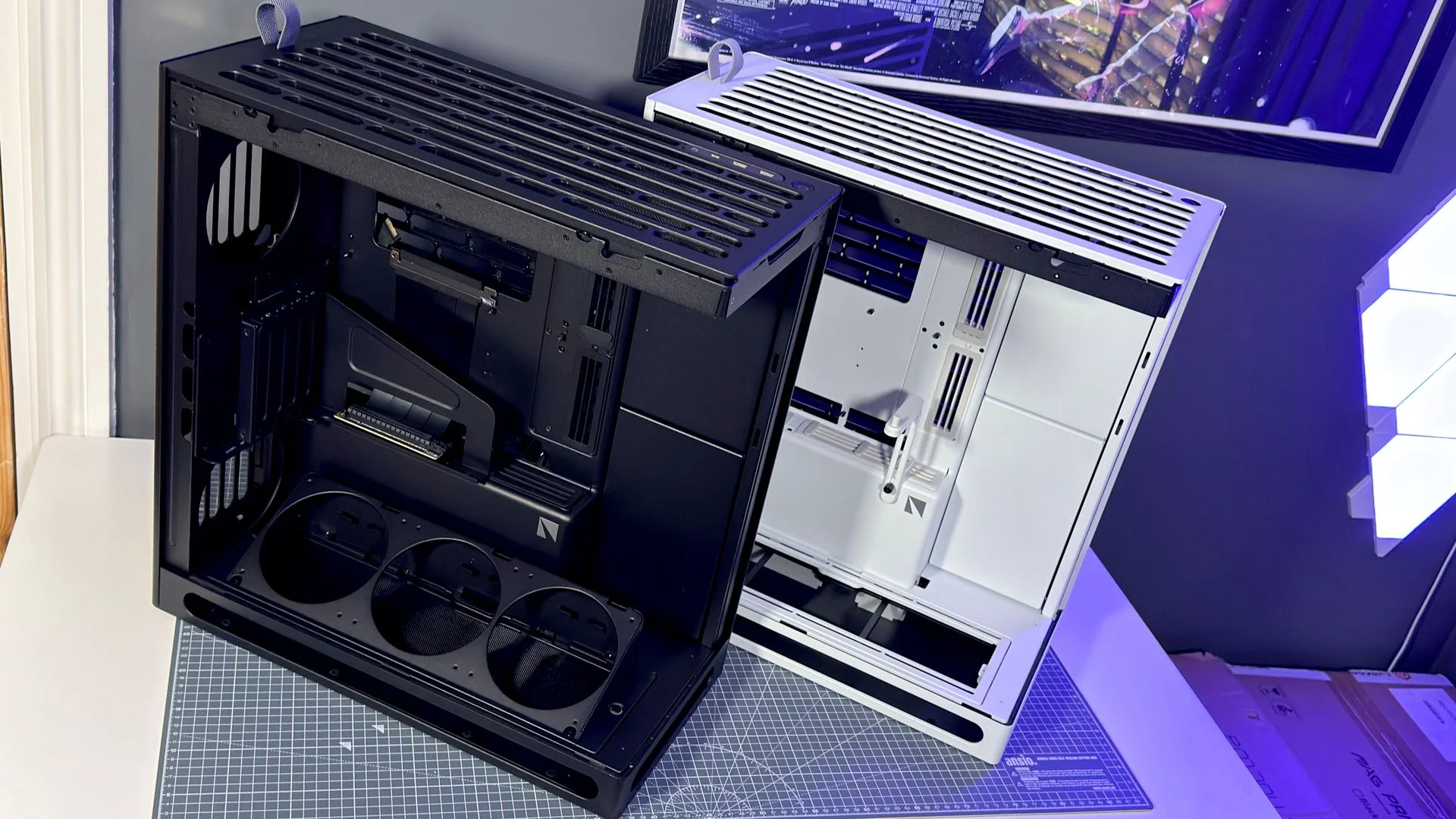
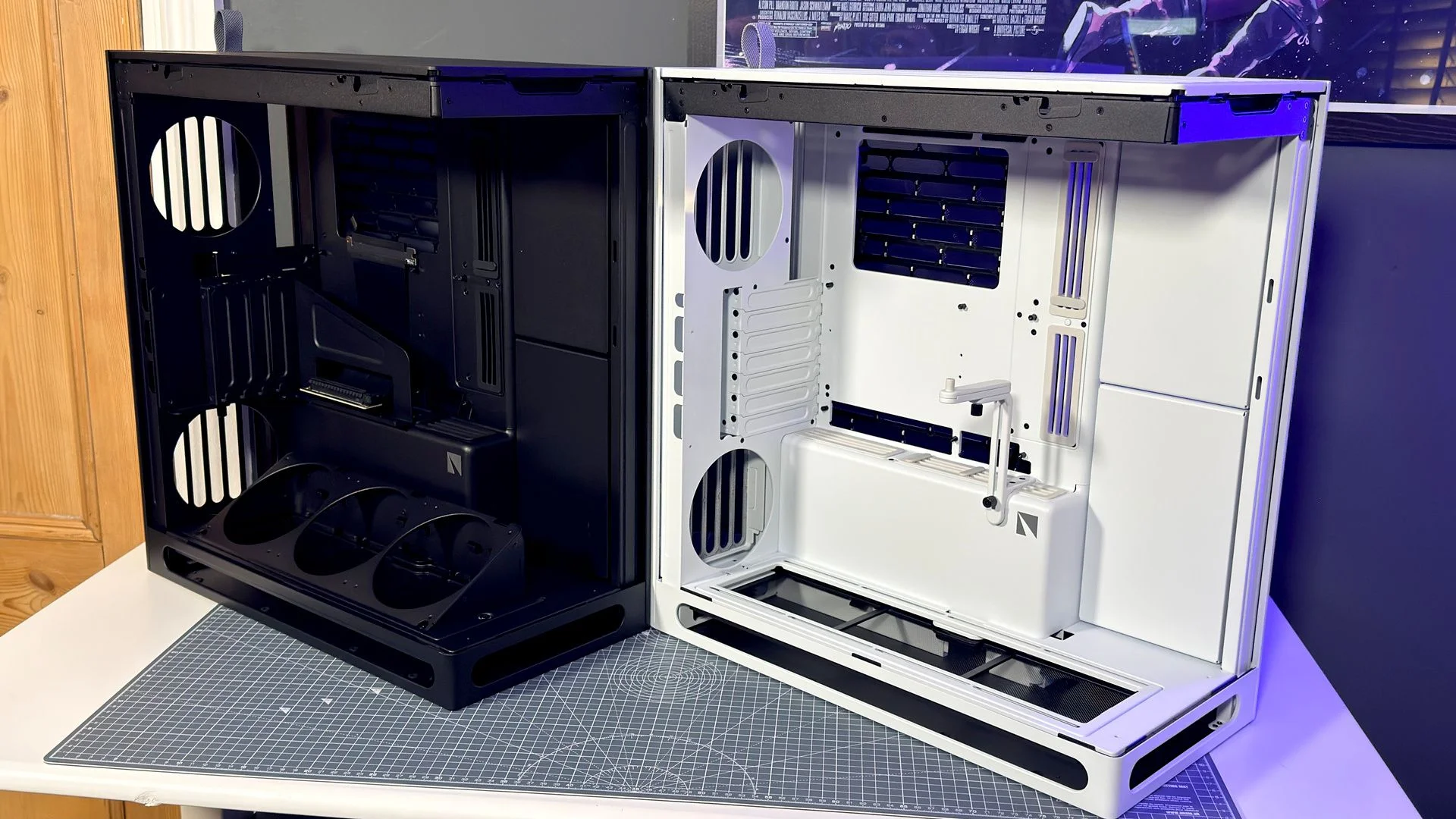
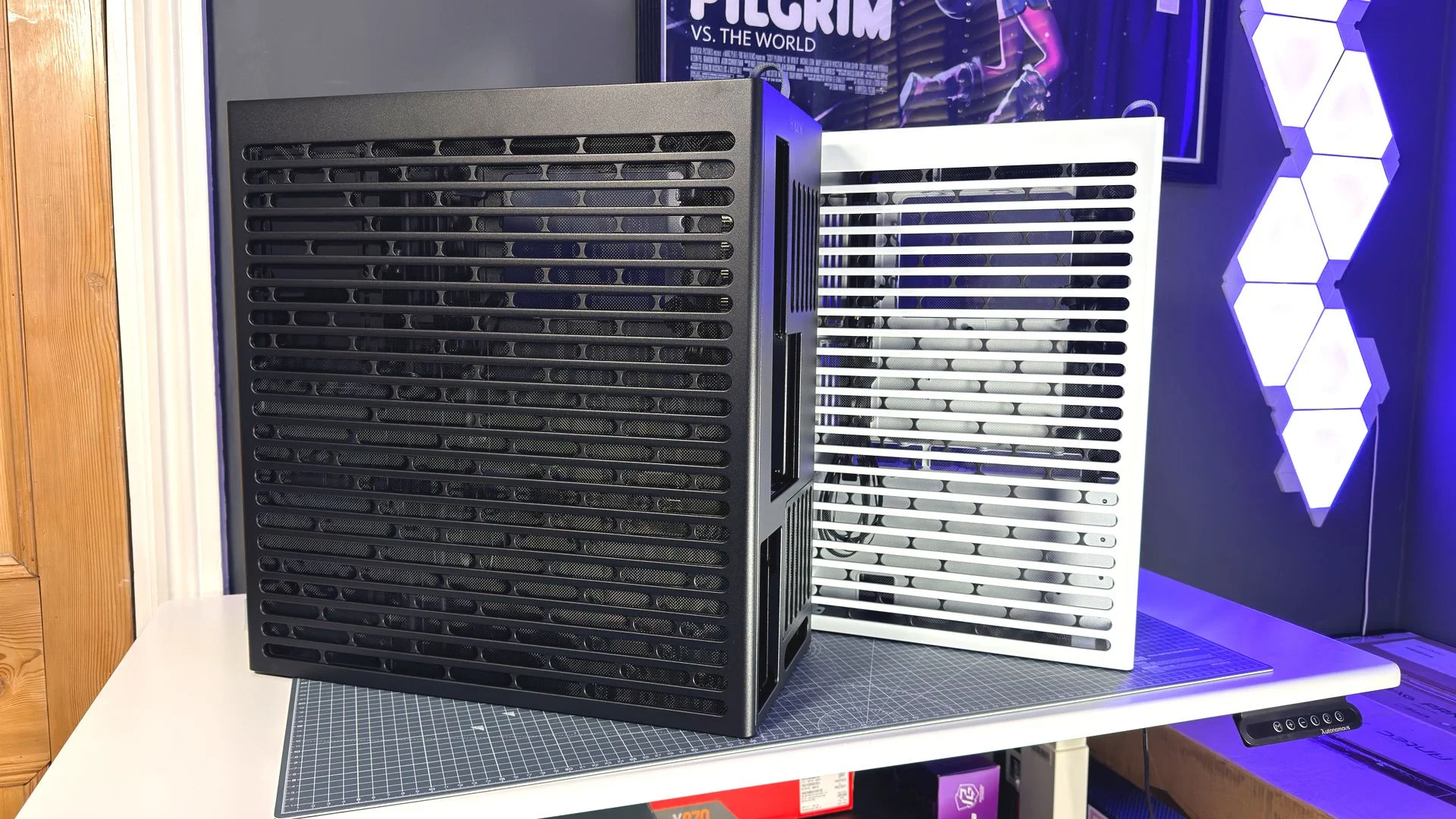
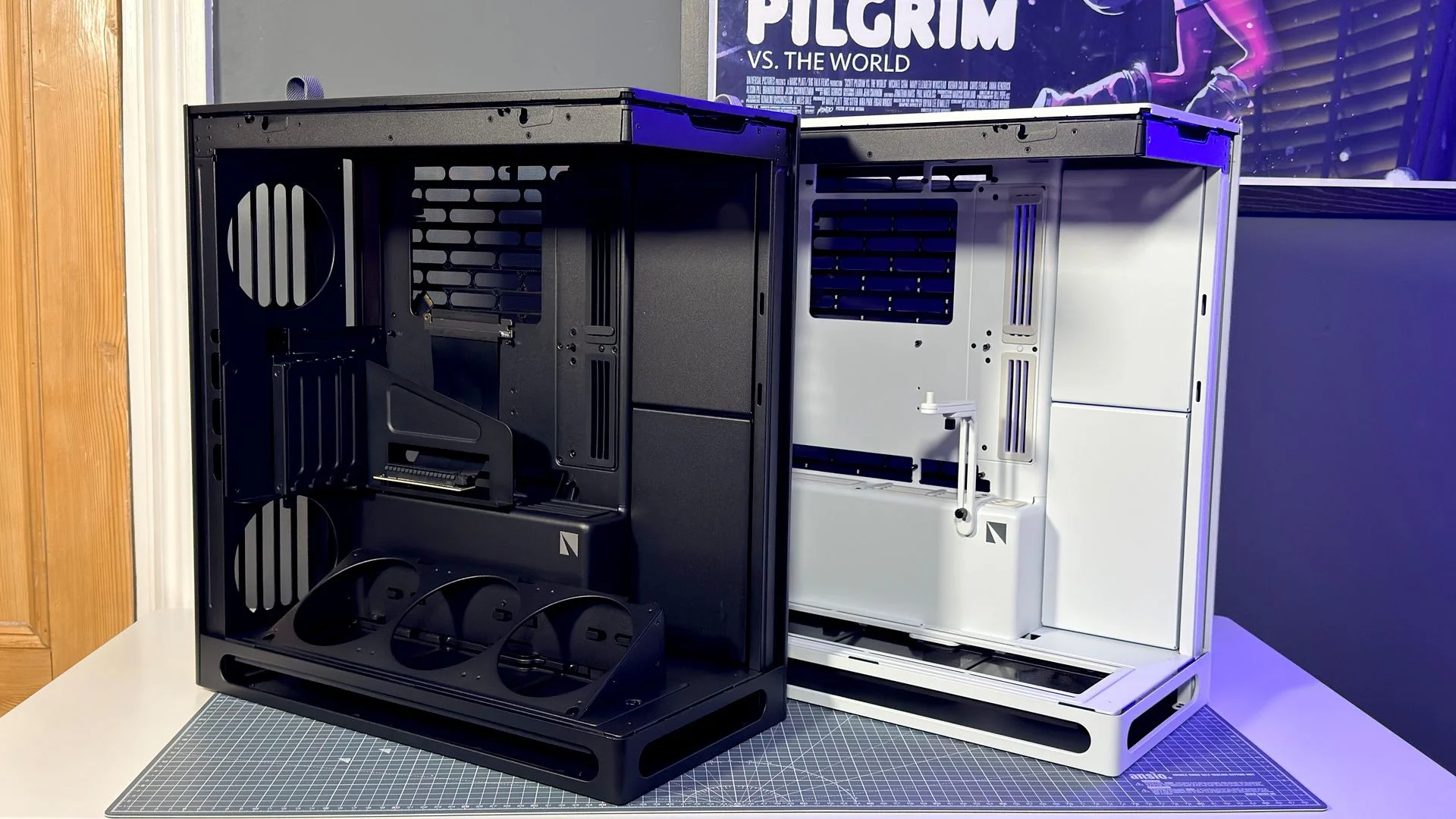
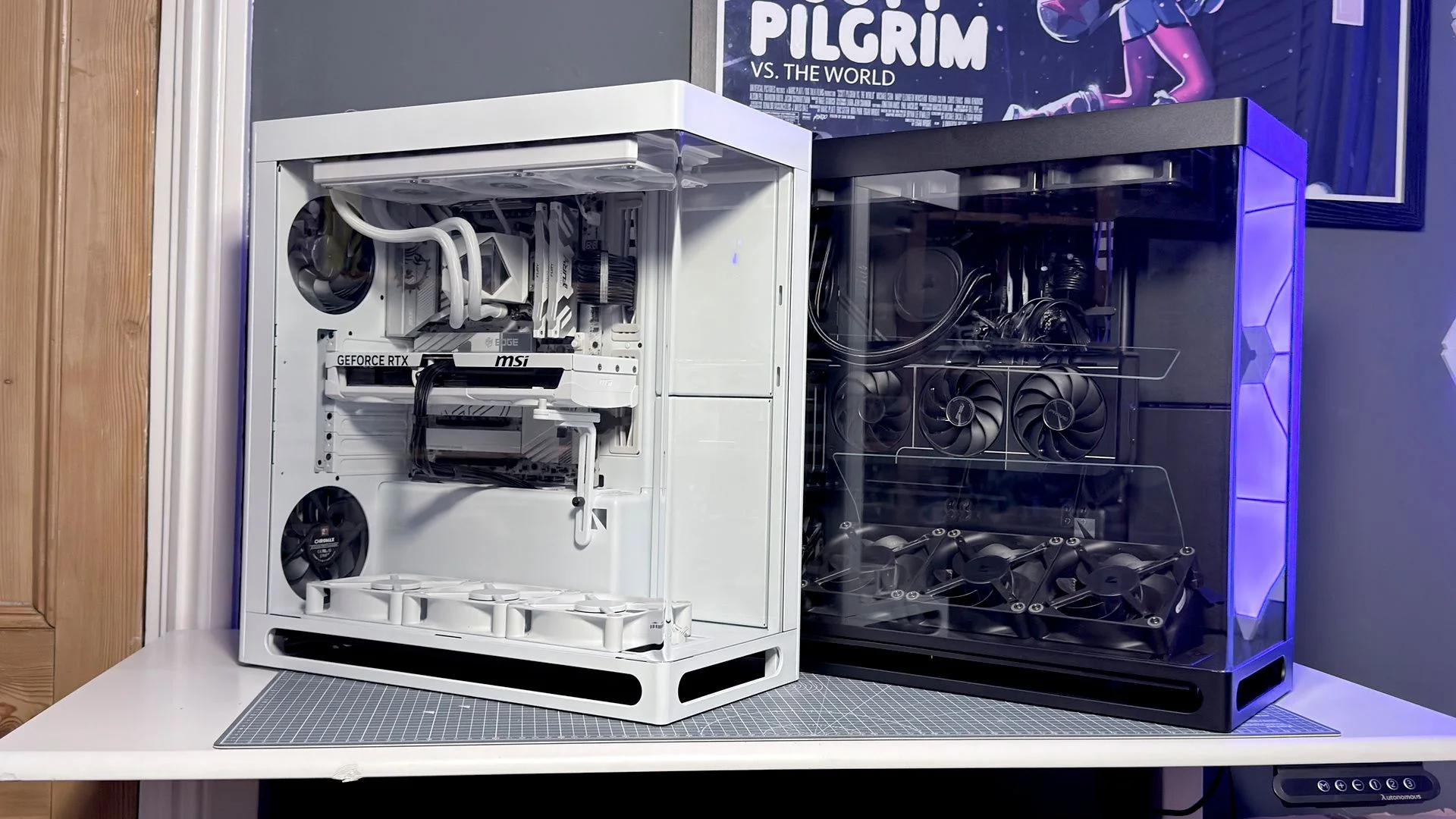
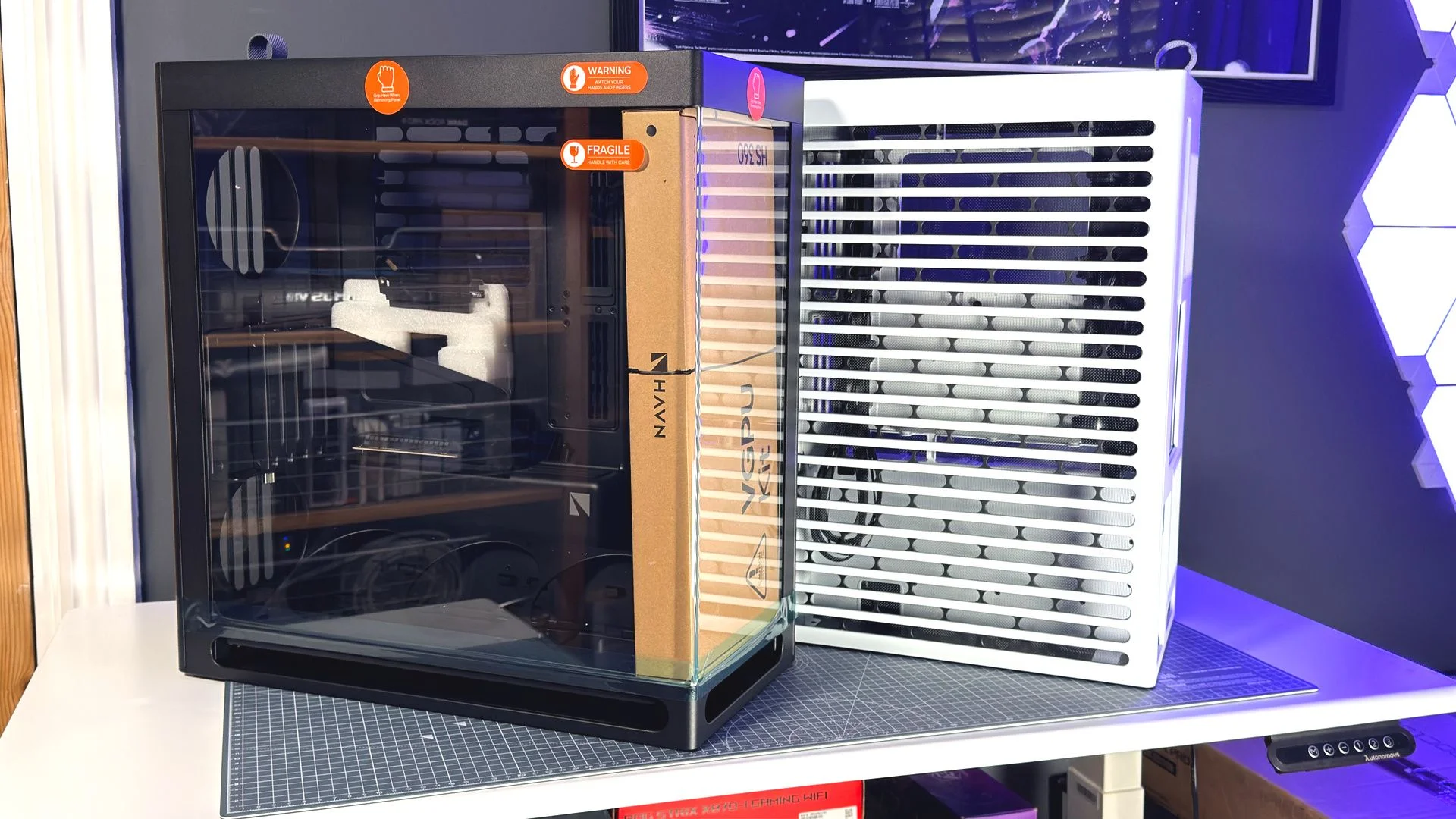
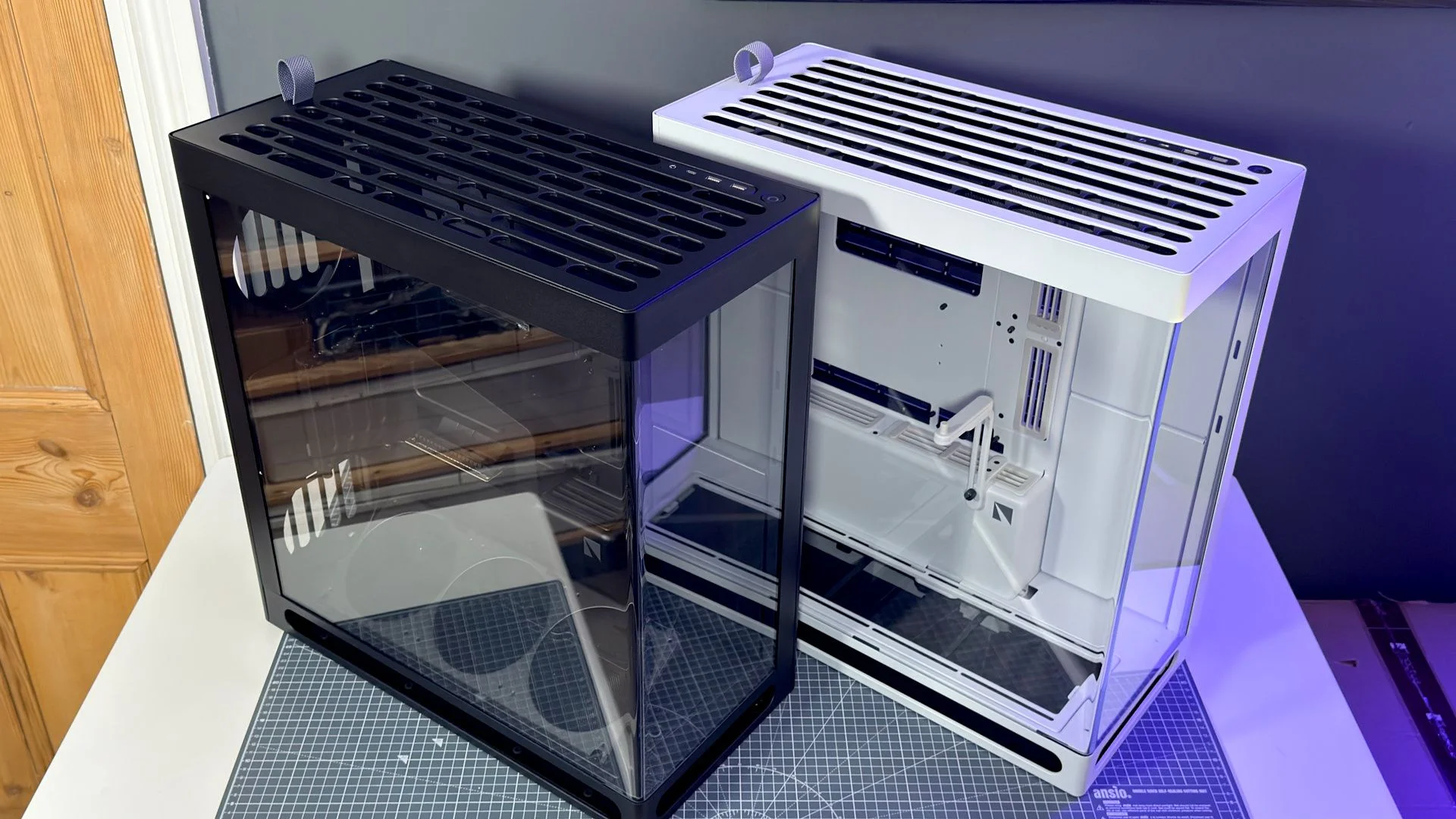
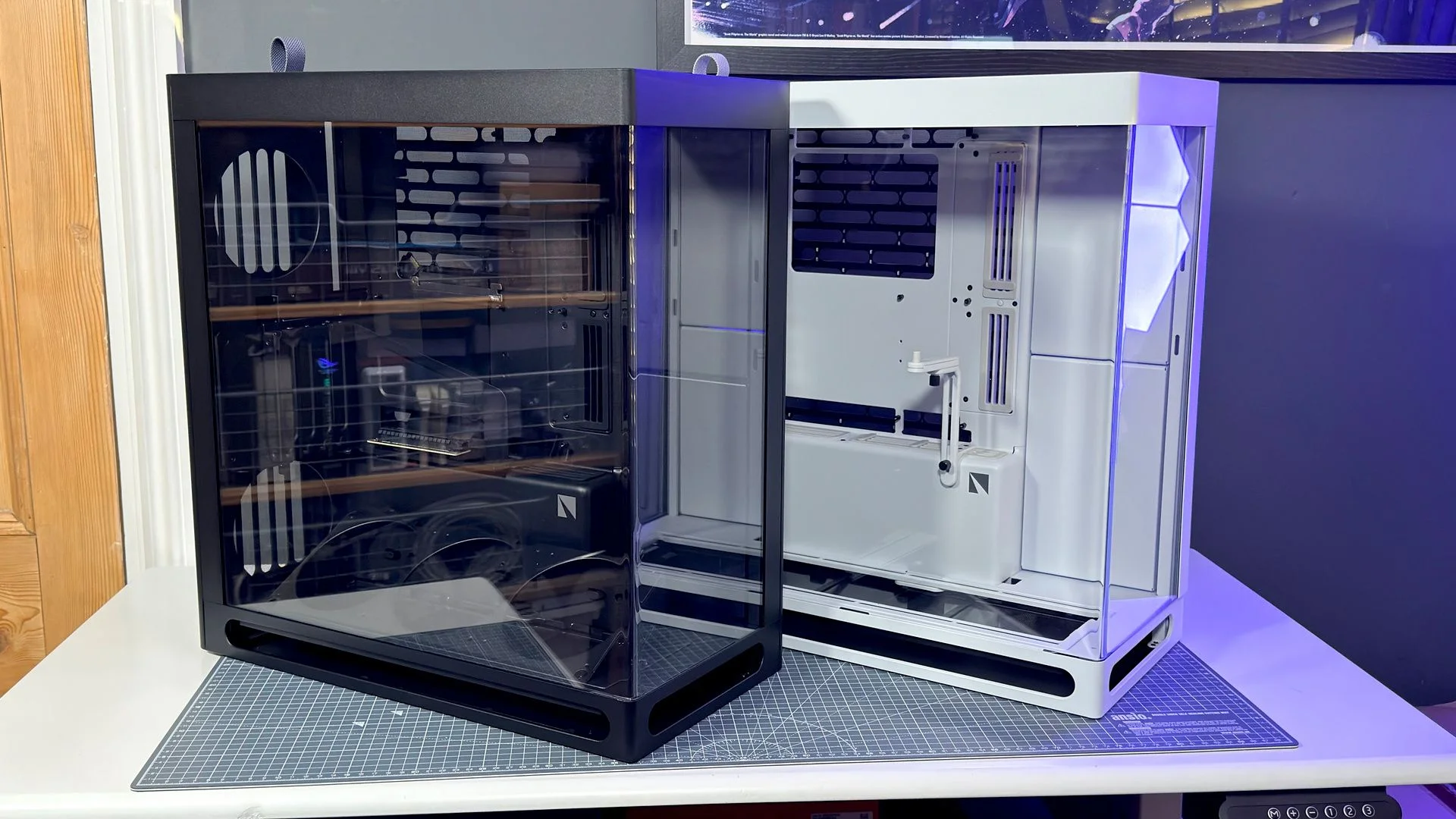
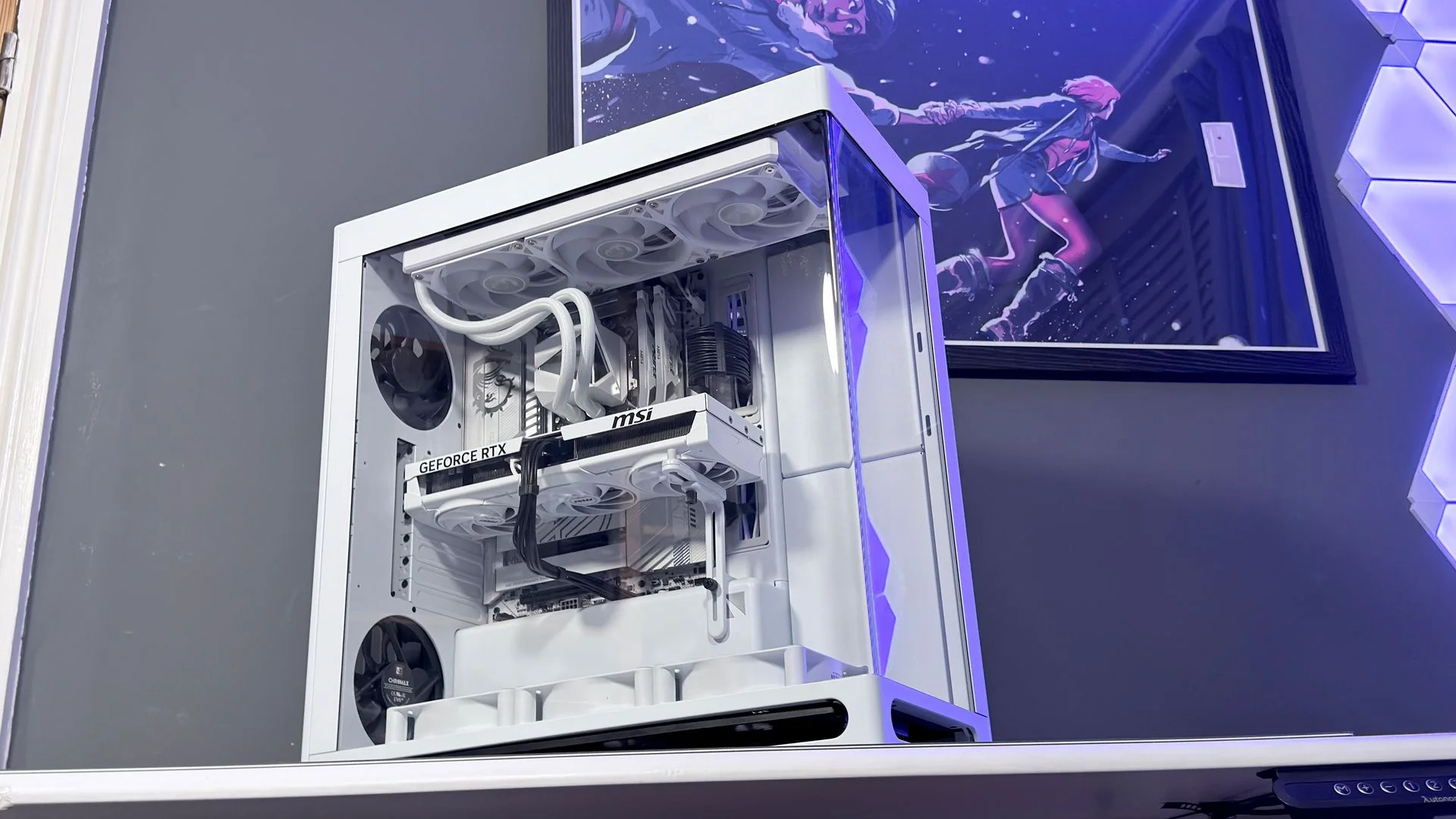
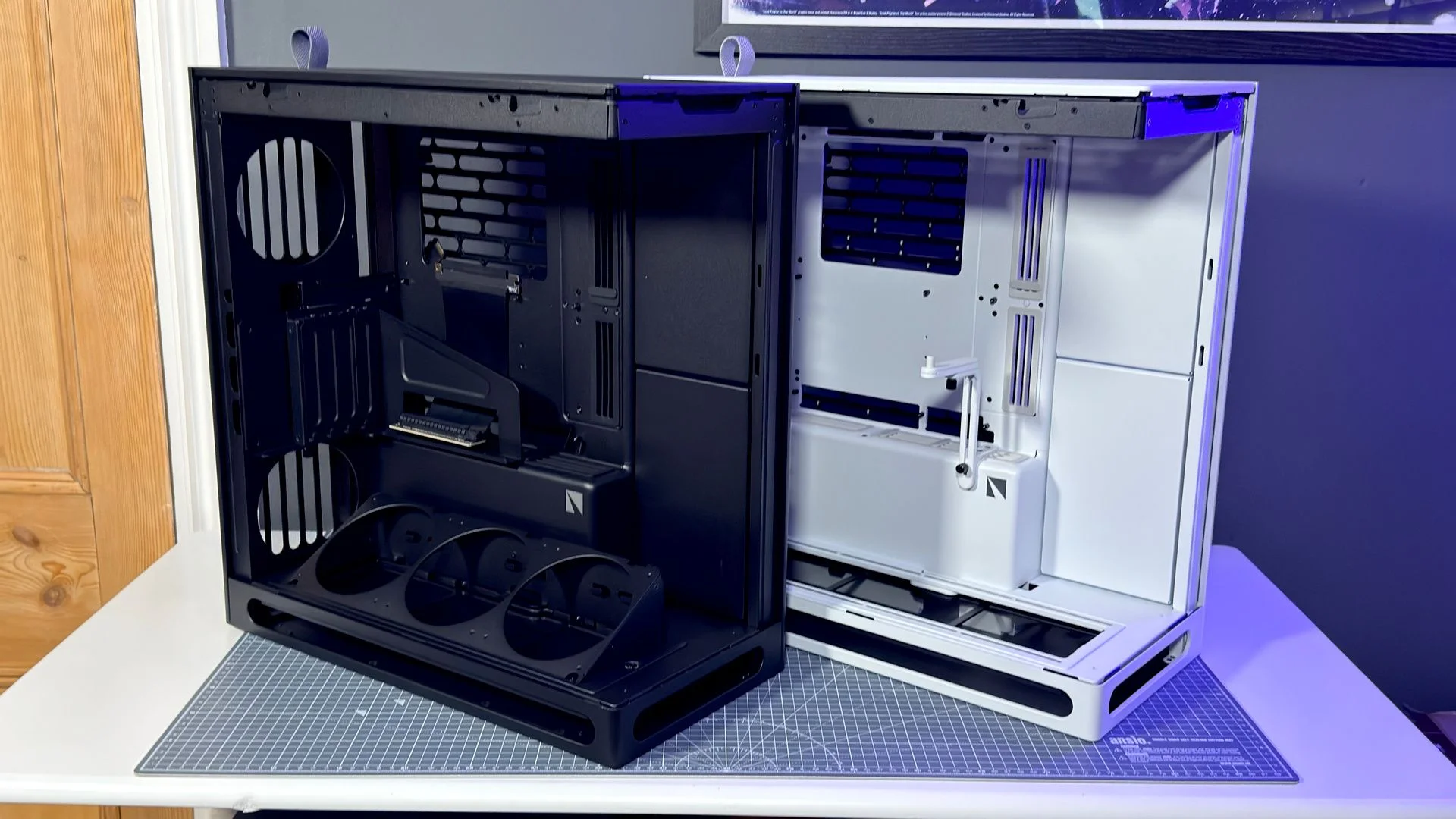
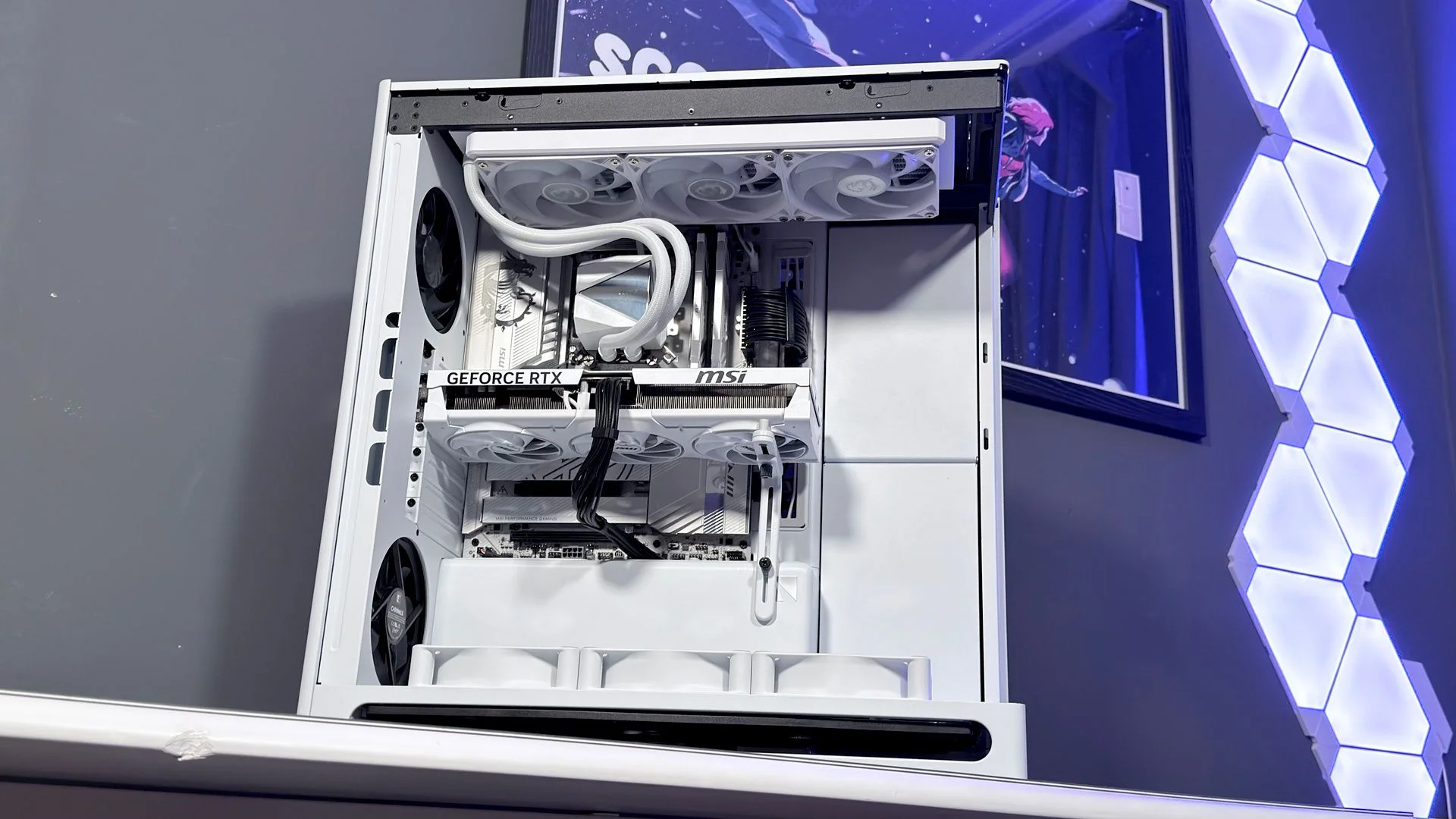
I built two systems to compare the standard and vertical GPU (VGPU) versions, using black and white cases for a yin-and-yang pairing: AMD in one, Nvidia in the other. Both builds came together easily and look excellent. The case deserves much of the credit. Its cable-routing options do real work, though you’ll need to budget for fans: none are included, and the case’s $200 starting price rises to $280 for the VGPU model.
Buy it if your PC will sit somewhere visible. The HS 360 looks polished and takes up less room than the HS 420.
Skip it if your budget can’t stretch to a set of fans. That extra cost makes an already expensive case pricier still.
Features
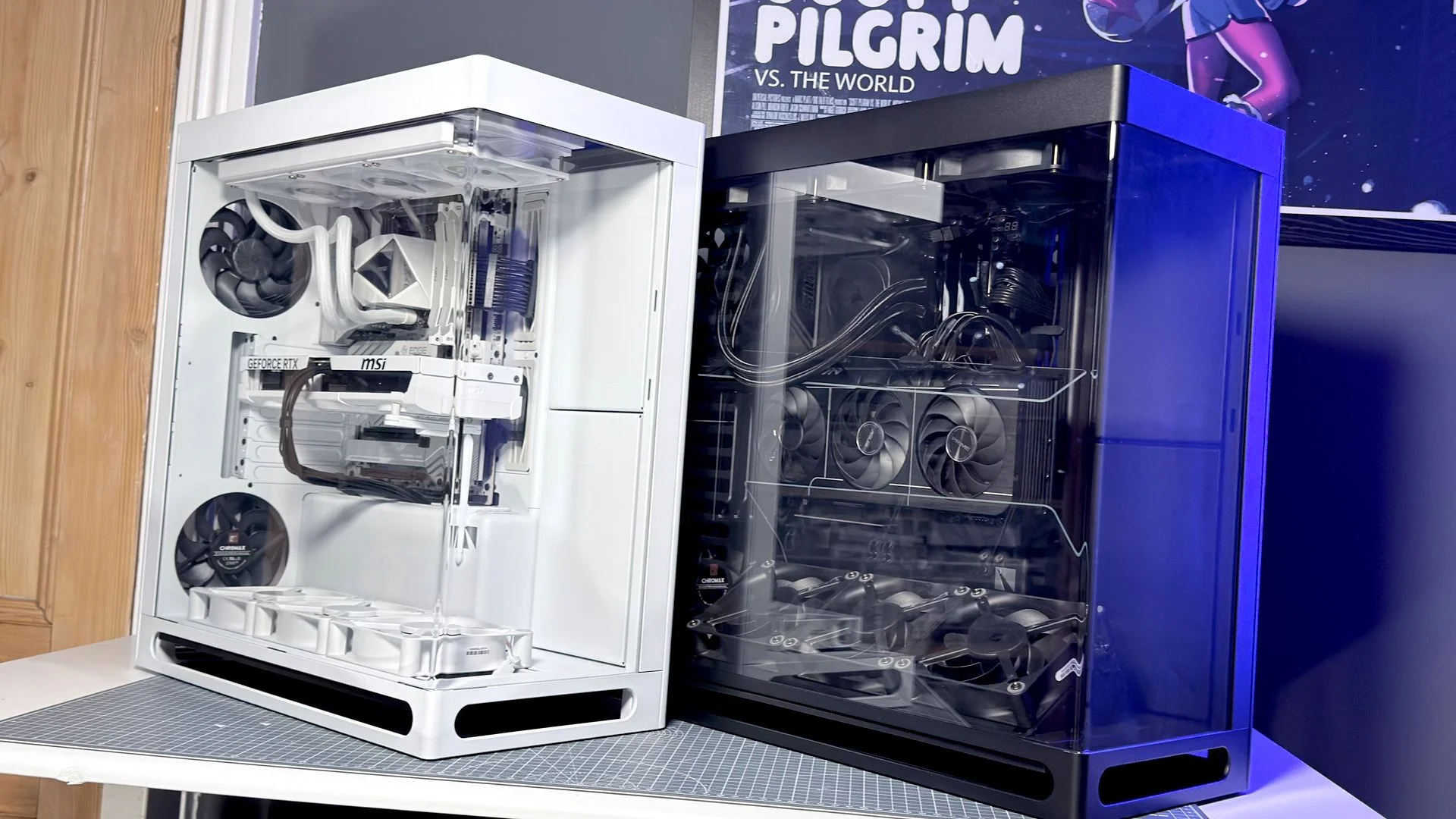
At 491 x 242 x 521 mm, the HS 360 is smaller than the HS 420, which measures 541 x 259.5 x 547 mm. Havn says the new case is 14.9% smaller overall, yet it supports a broad range of builds: ATX, BTF ATX, Micro-ATX and Mini-ITX motherboards. The HS 420 supports ATX, Micro-ATX and Mini-ITX.
| Havn HS 360 | Havn HS 420 | |
| Dimensions (mm) | 491 x 242 x 521 | 541 x 259.5 x 547 |
| Motherboard support | ATX / BTF ATX / M-ATX / Mini-ITX | ATX / M-ATX / Mini-ITX |
| Radiator support | Top: up to 360 mm; right: up to 360 mm, 58 mm thick | Top: up to 420 mm; right: up to 420 mm |
| Fan support | Top: 3 x 120 mm; right: 3 x 120 mm; bottom: 3 x 120 mm; rear: 2 x 120 mm, up to 30 mm thick | Top, right, bottom and rear: 3 or 2 x 120/140 mm, as applicable; rear fans up to 30 mm thick |
| Storage bays | 2 x 3.5-inch / 4 x 2.5-inch; two bays, one can move behind the motherboard | 5 x 3.5-inch; 10 x 2.5-inch |
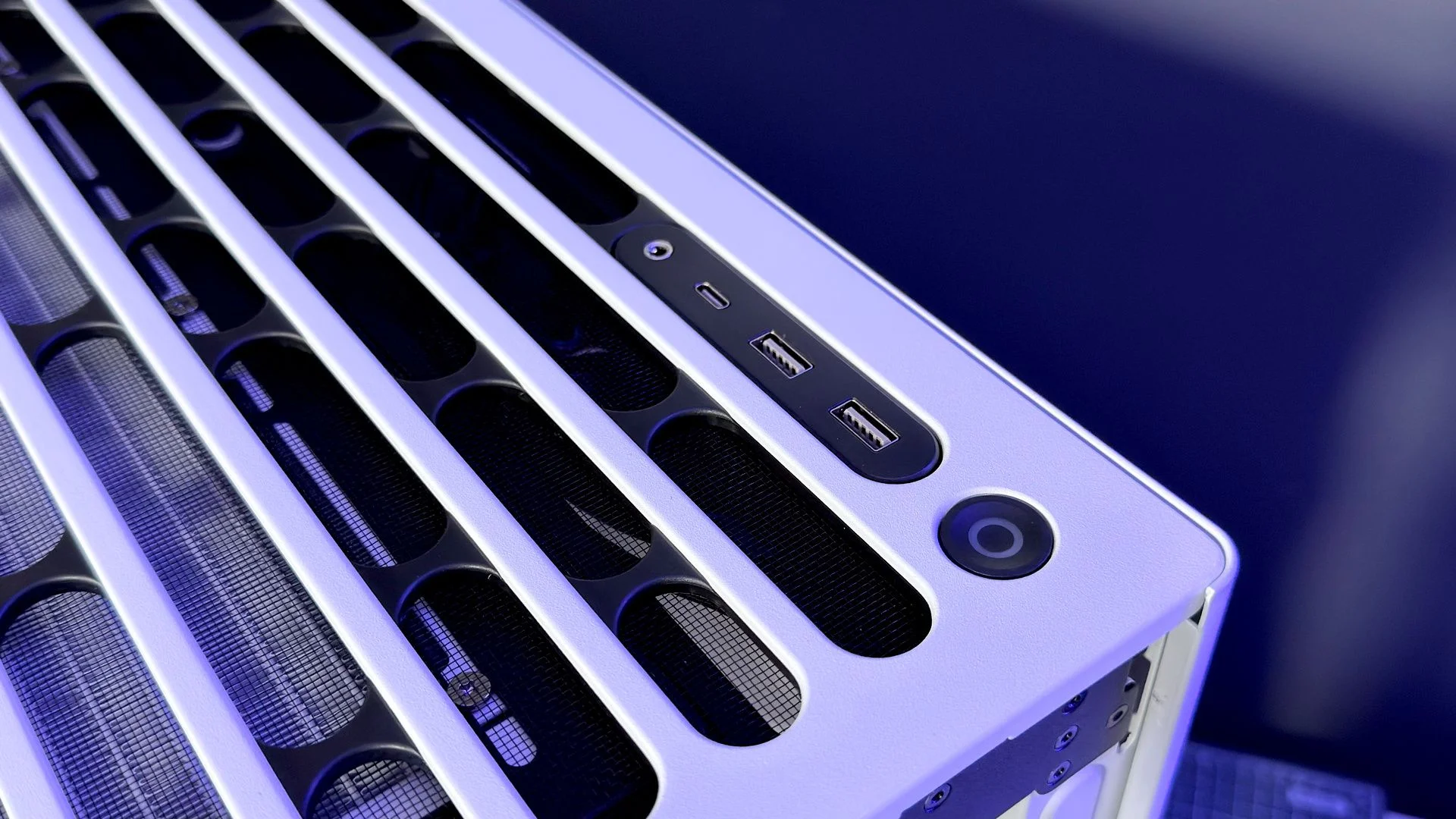
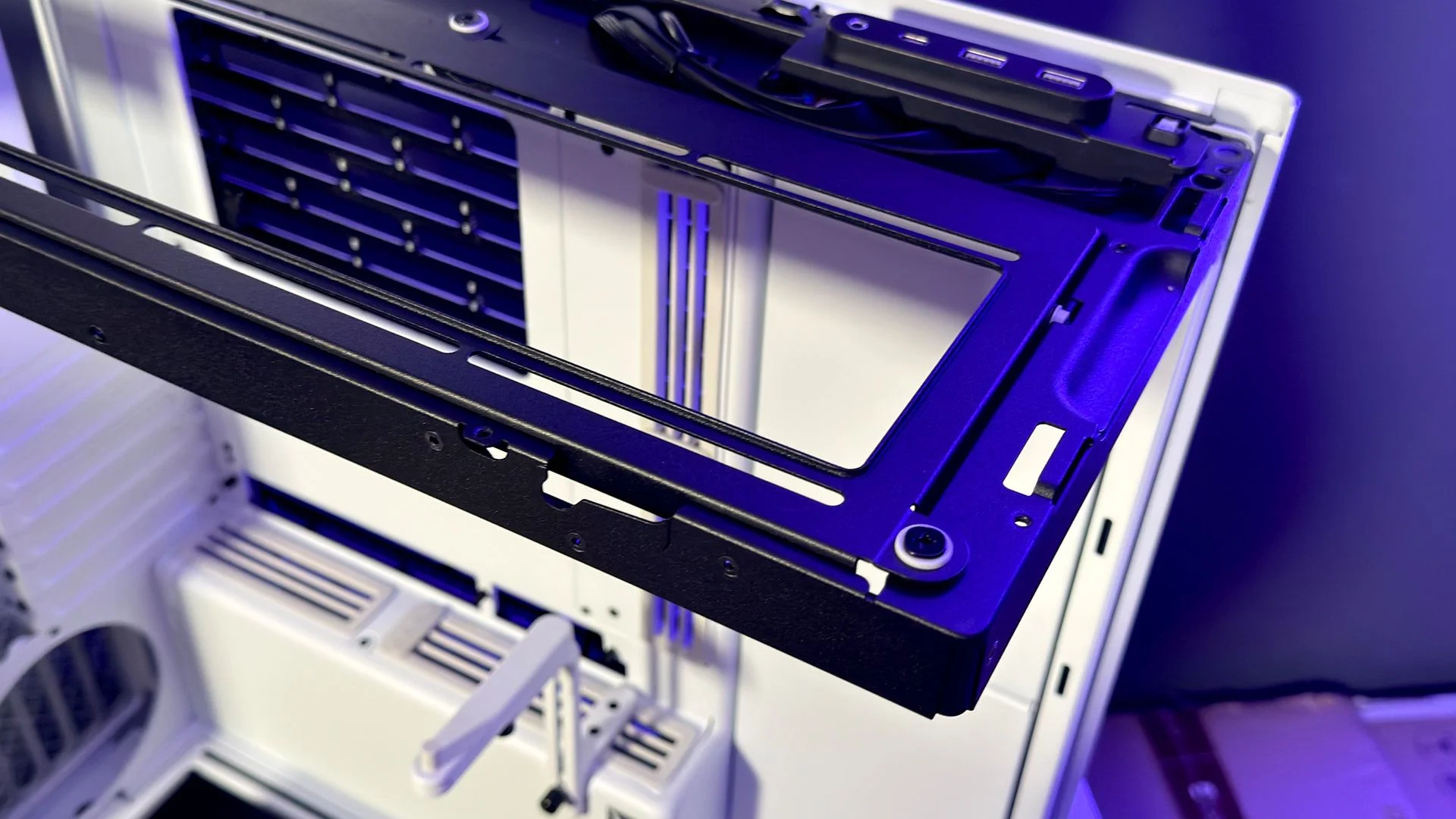
| Front I/O | 2 x USB 3.2 Type-A, 1 x USB 3.2 Gen 2 Type-C, 3.5 mm jack | 2 x USB 3.2 Type-A, 1 x USB 3.2 Gen 2 Type-C, 3.5 mm jack |
| Maximum GPU length (mm) | 430 | 470 |
| Maximum PSU length (mm) | 230 | 220 |
| US price | $200 / $280 (VGPU) | $250 / $330 (VGPU) |
| UK price | £170 / £240 (VGPU) | £200 / £270 (VGPU) |
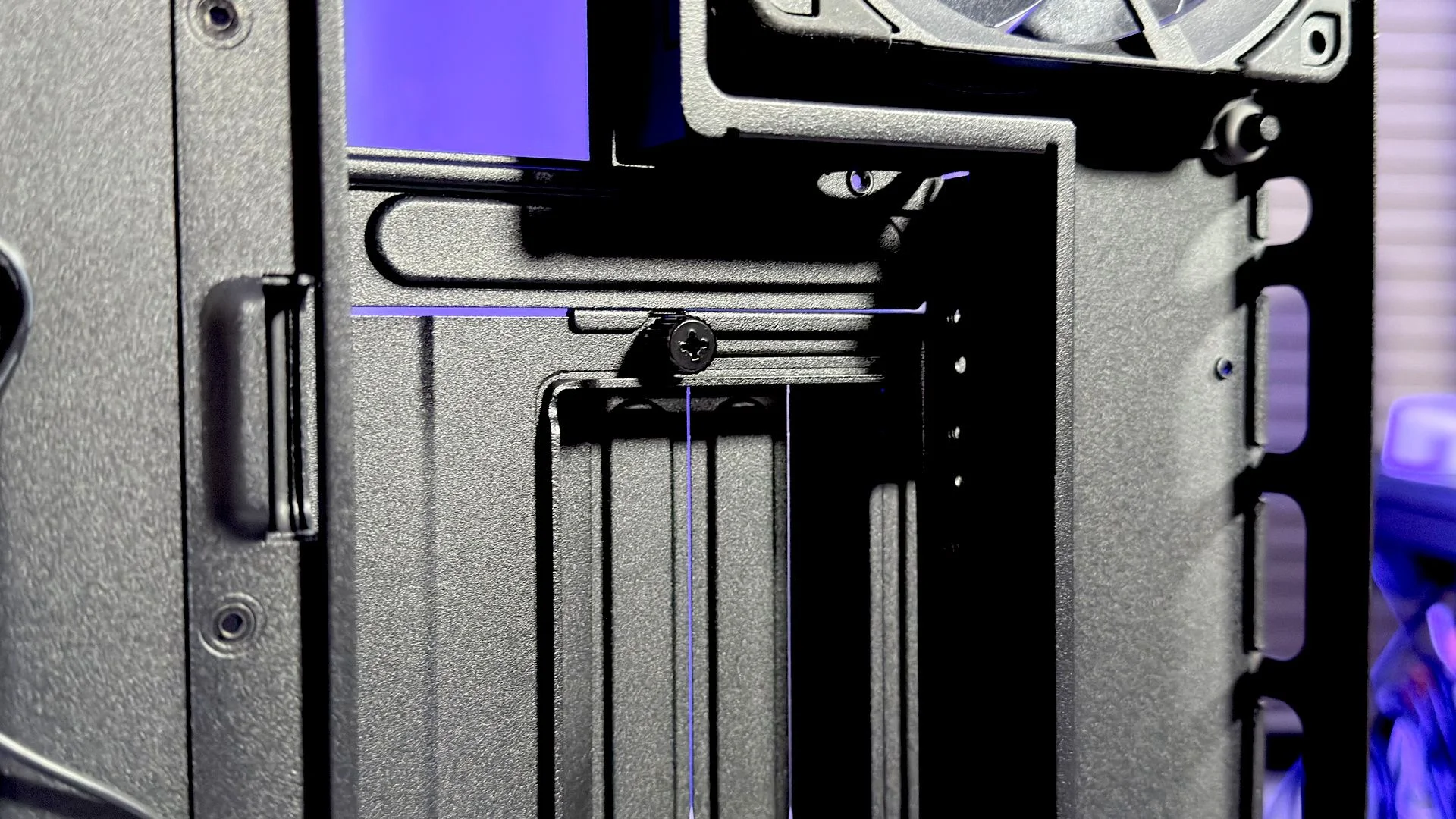
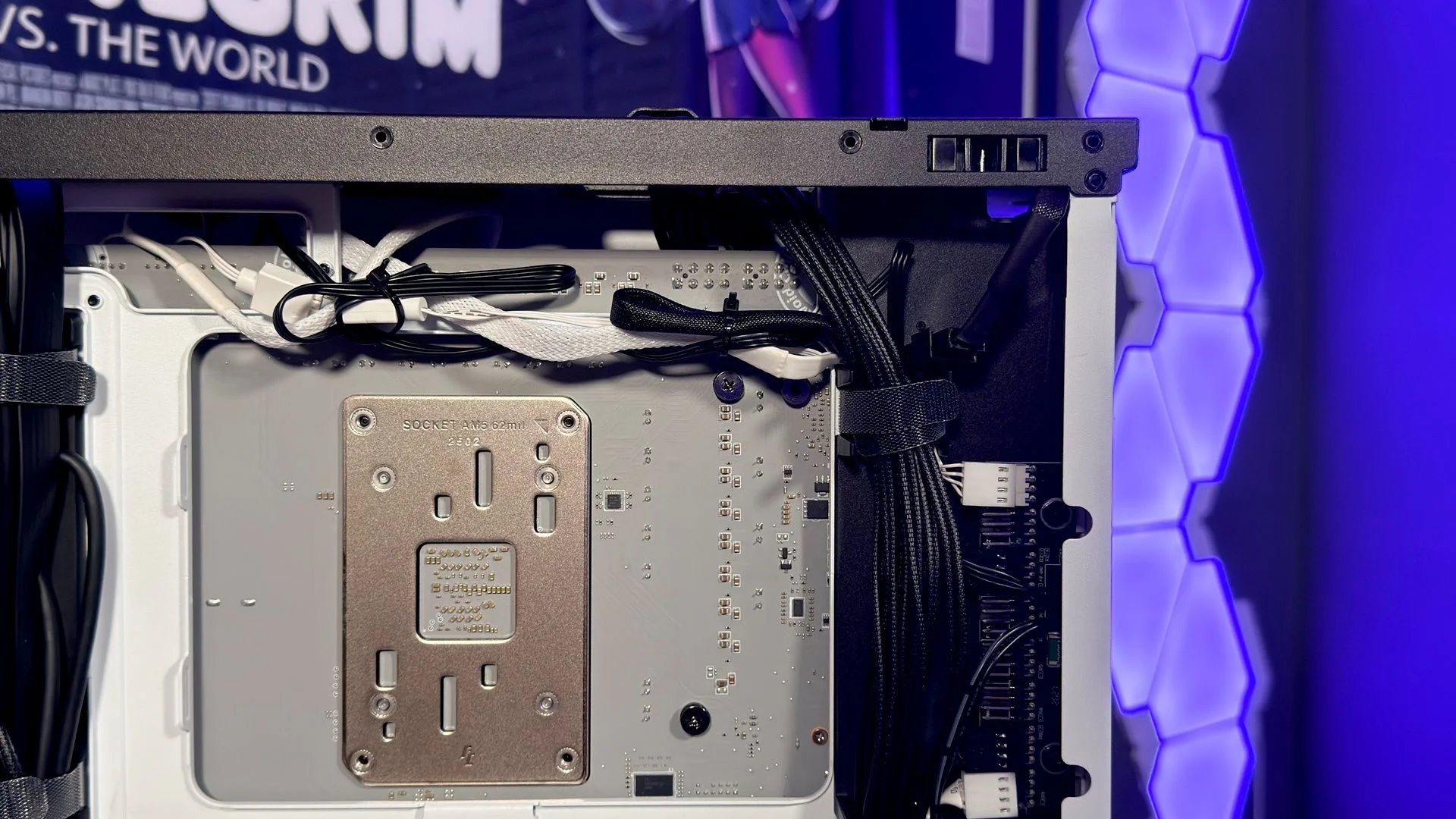
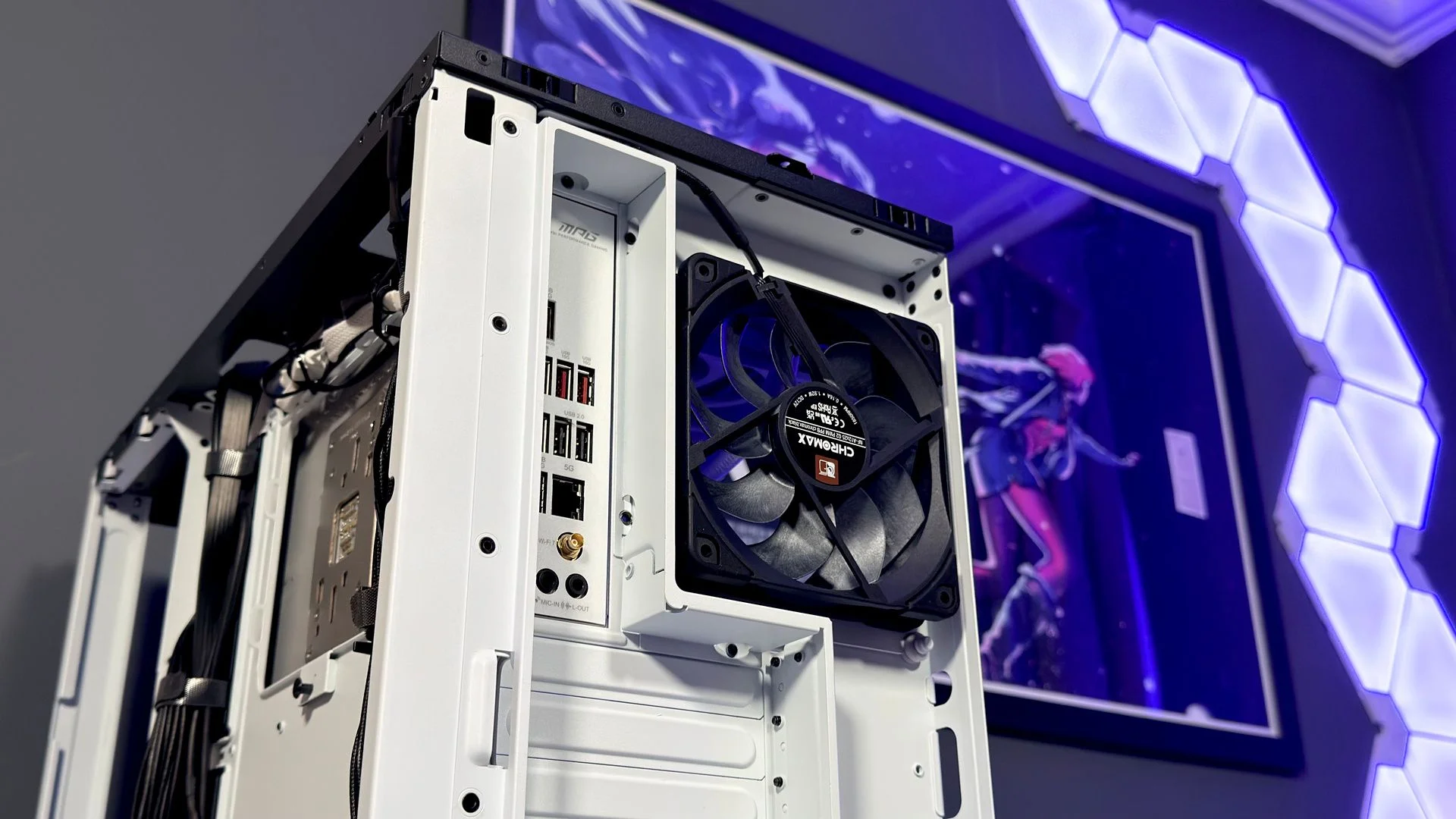
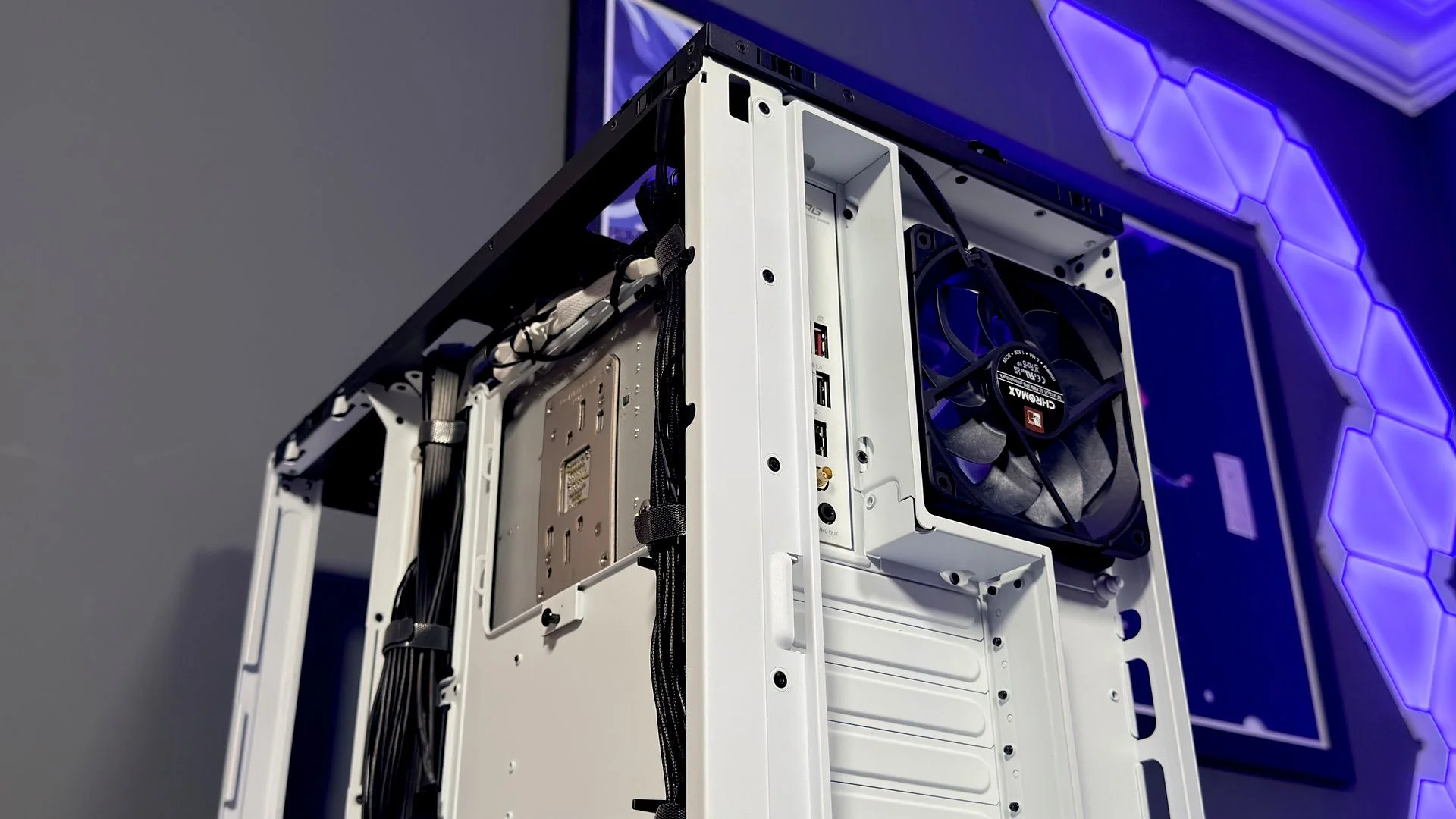
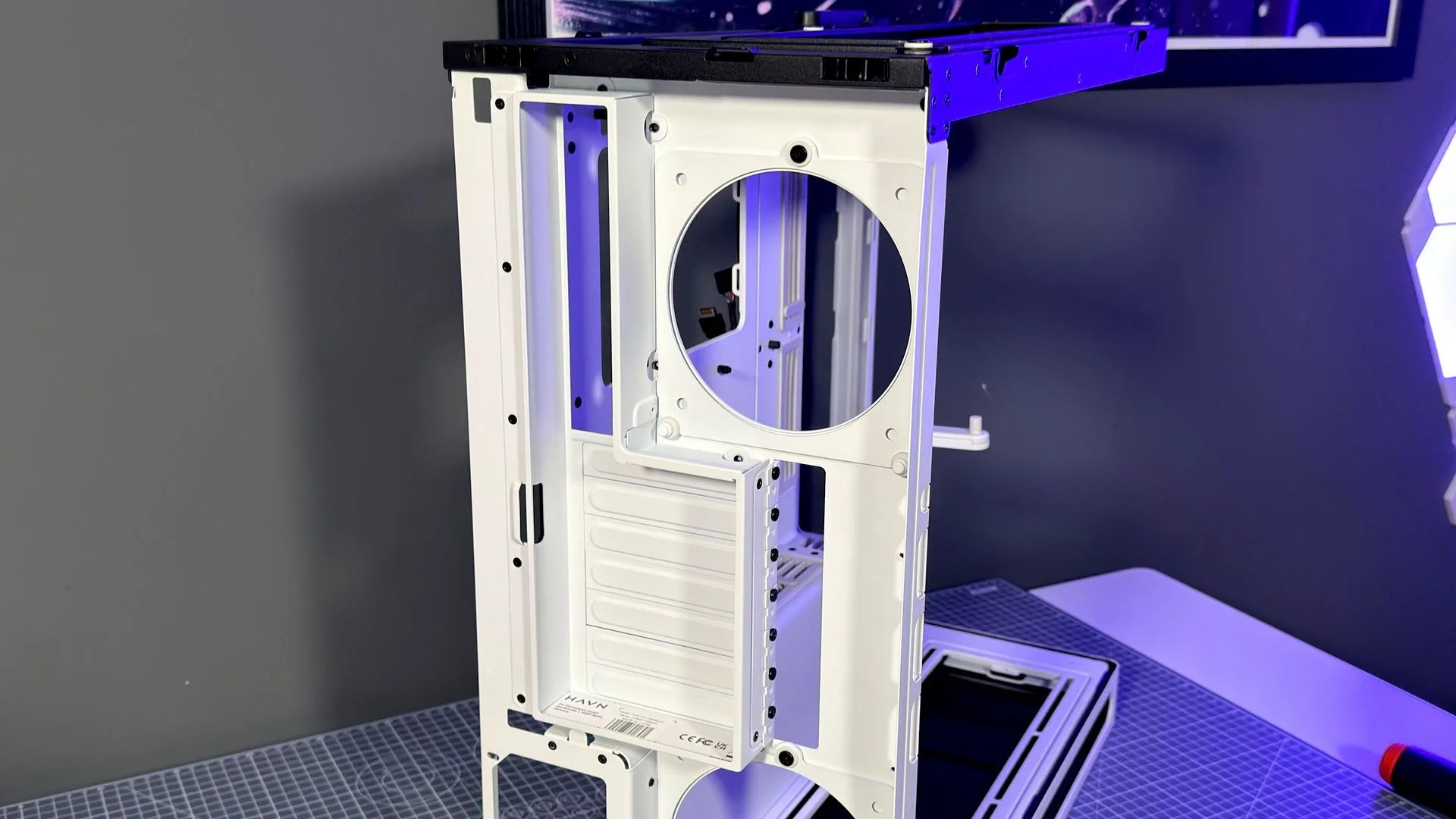
Havn has addressed several small frustrations from the HS 420. Both HS 360 versions support back-connect motherboards, have a tighter curve in the panoramic glass and provide larger openings for reaching the PCIe slot screws. The rear fan mounts are easier to work with, too: you can install or replace two fans without first removing other components. That’s a modest change, but one builders will appreciate.
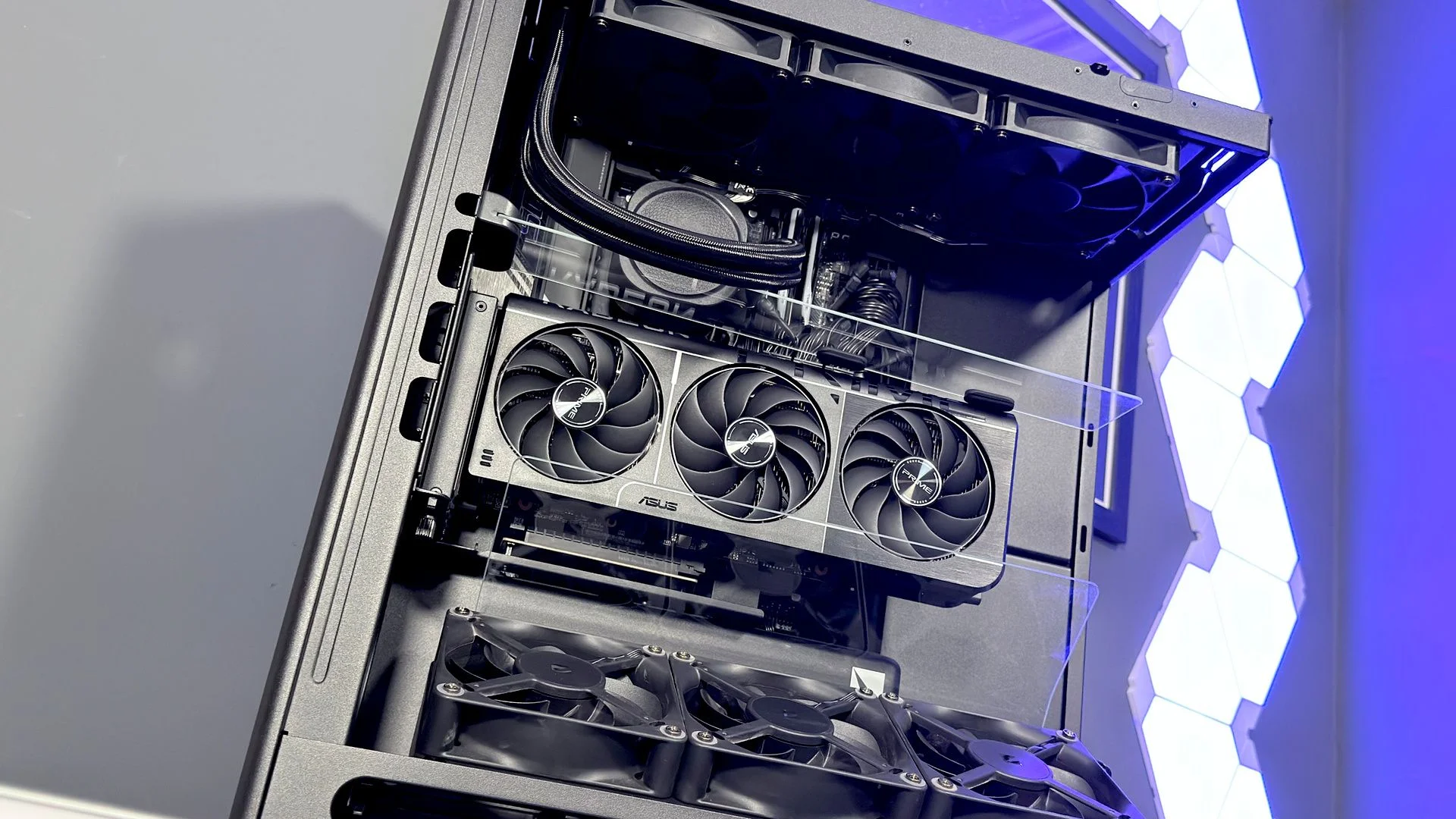
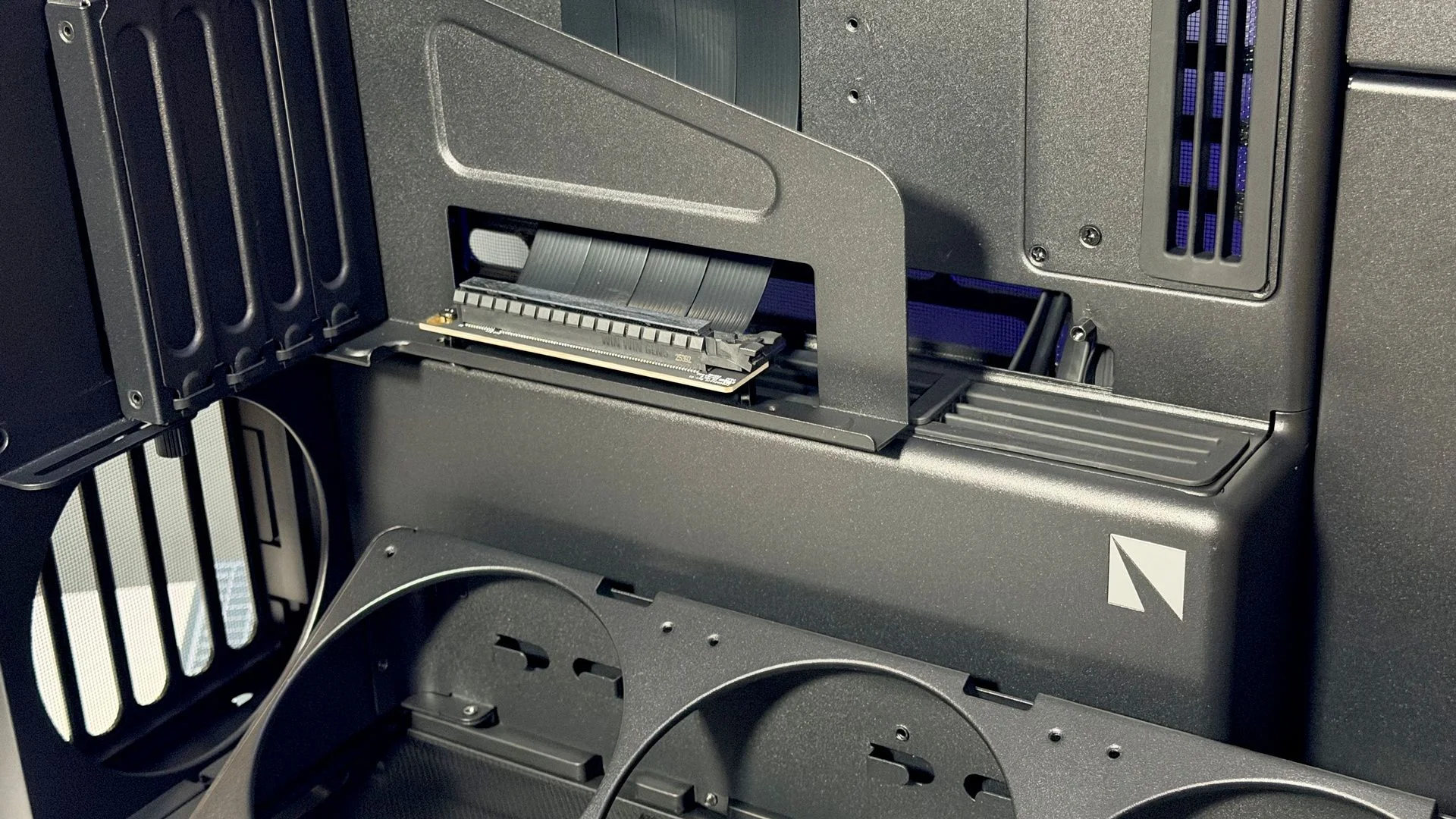
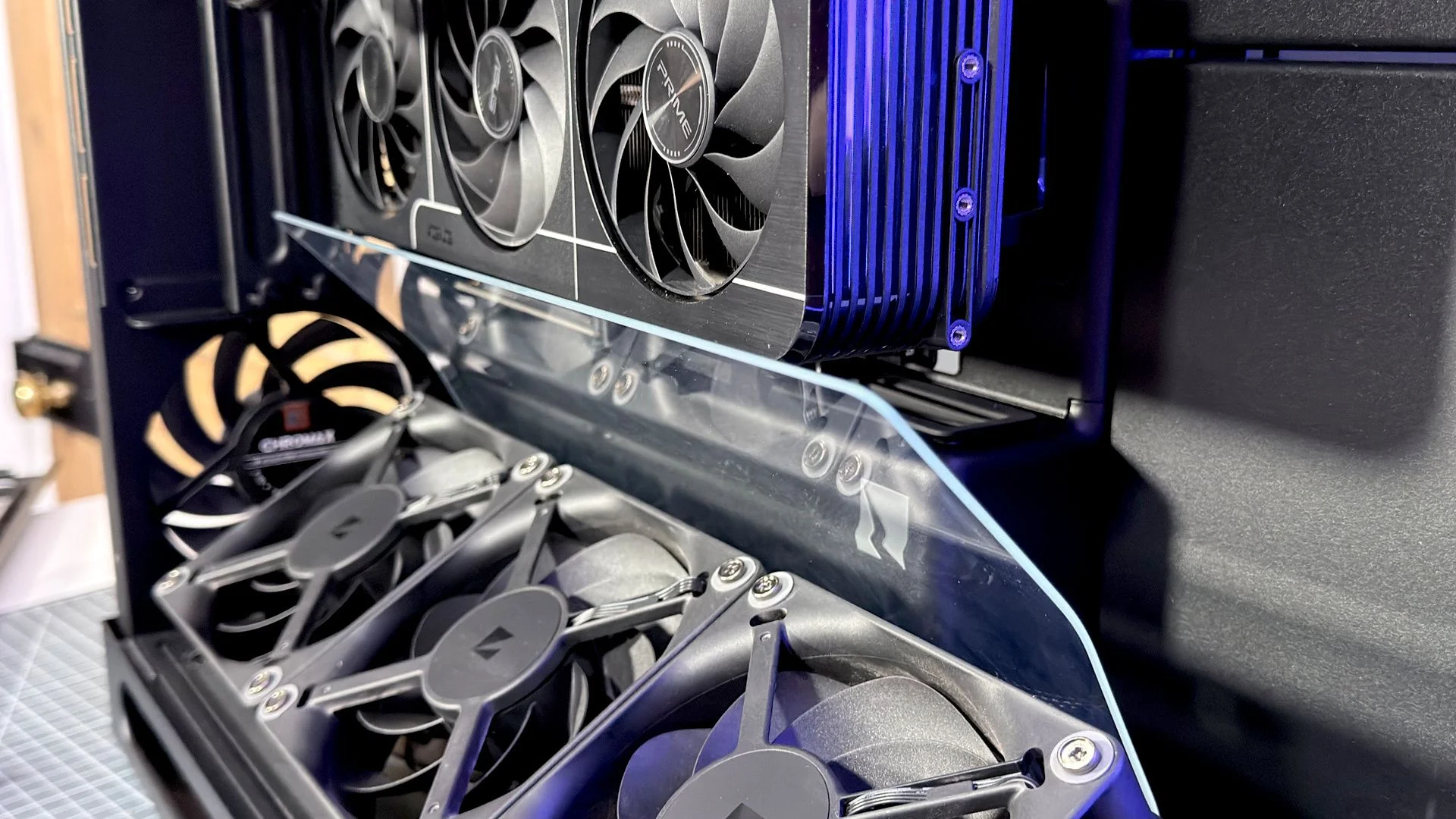
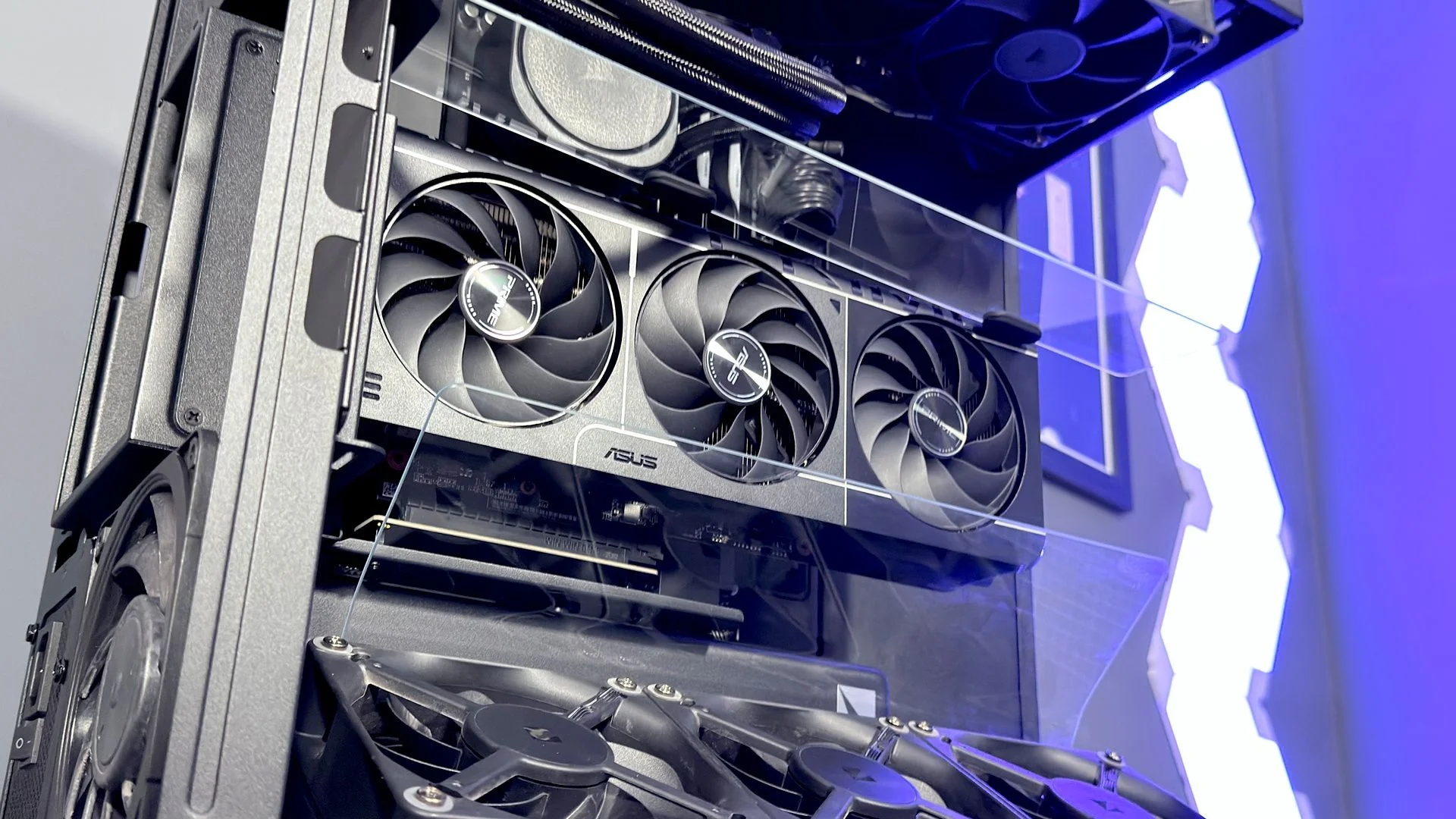
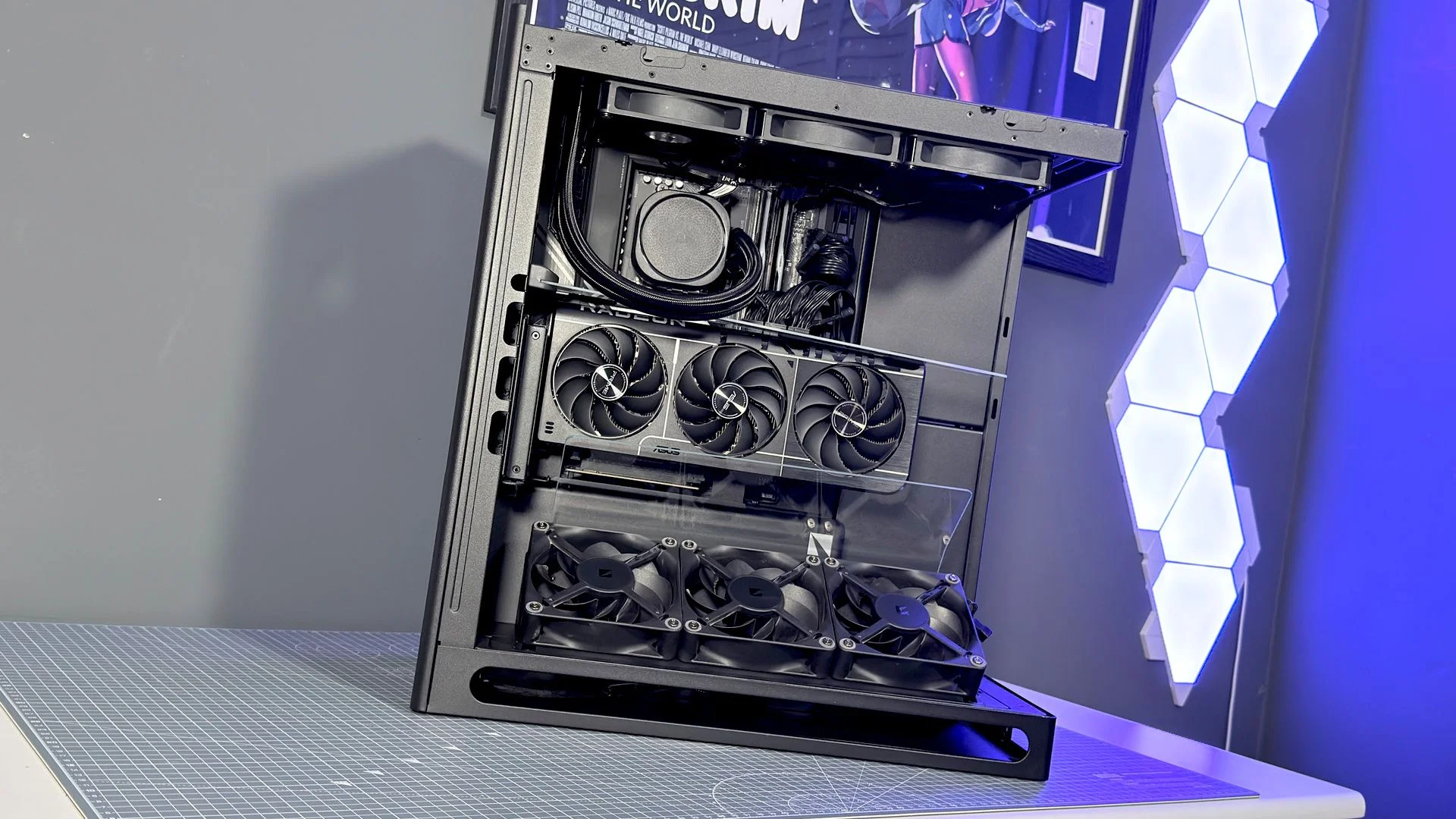
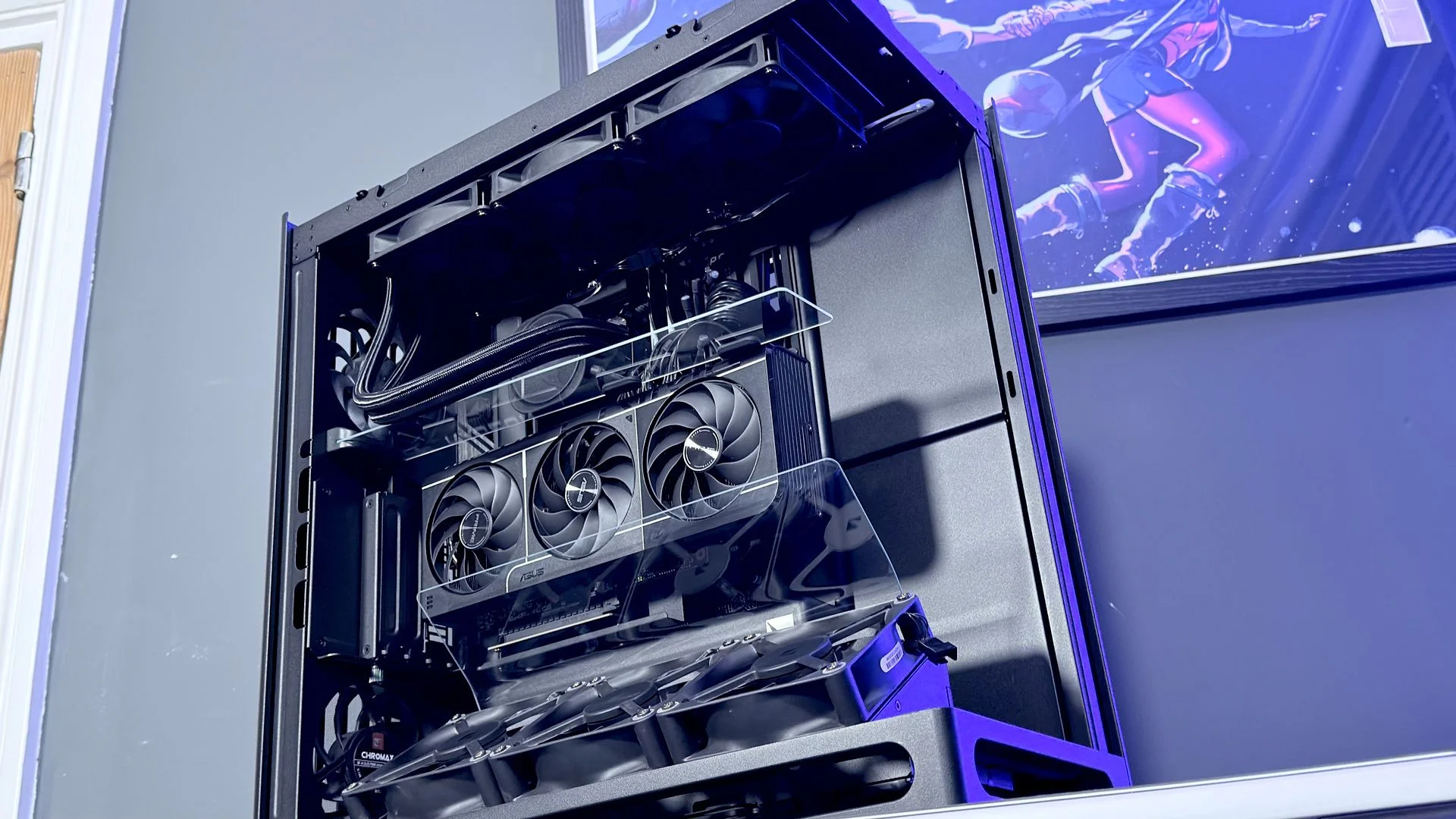
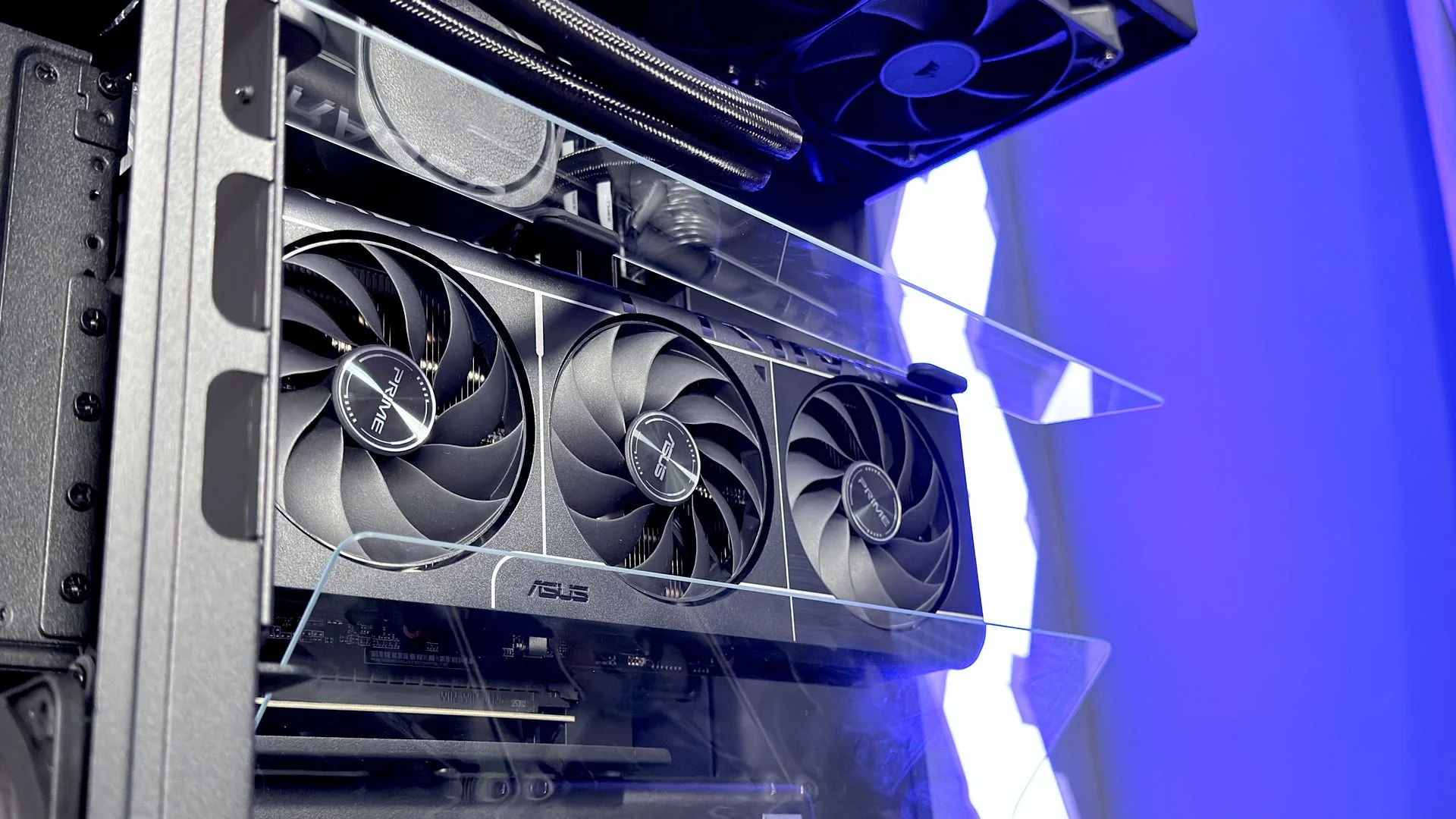
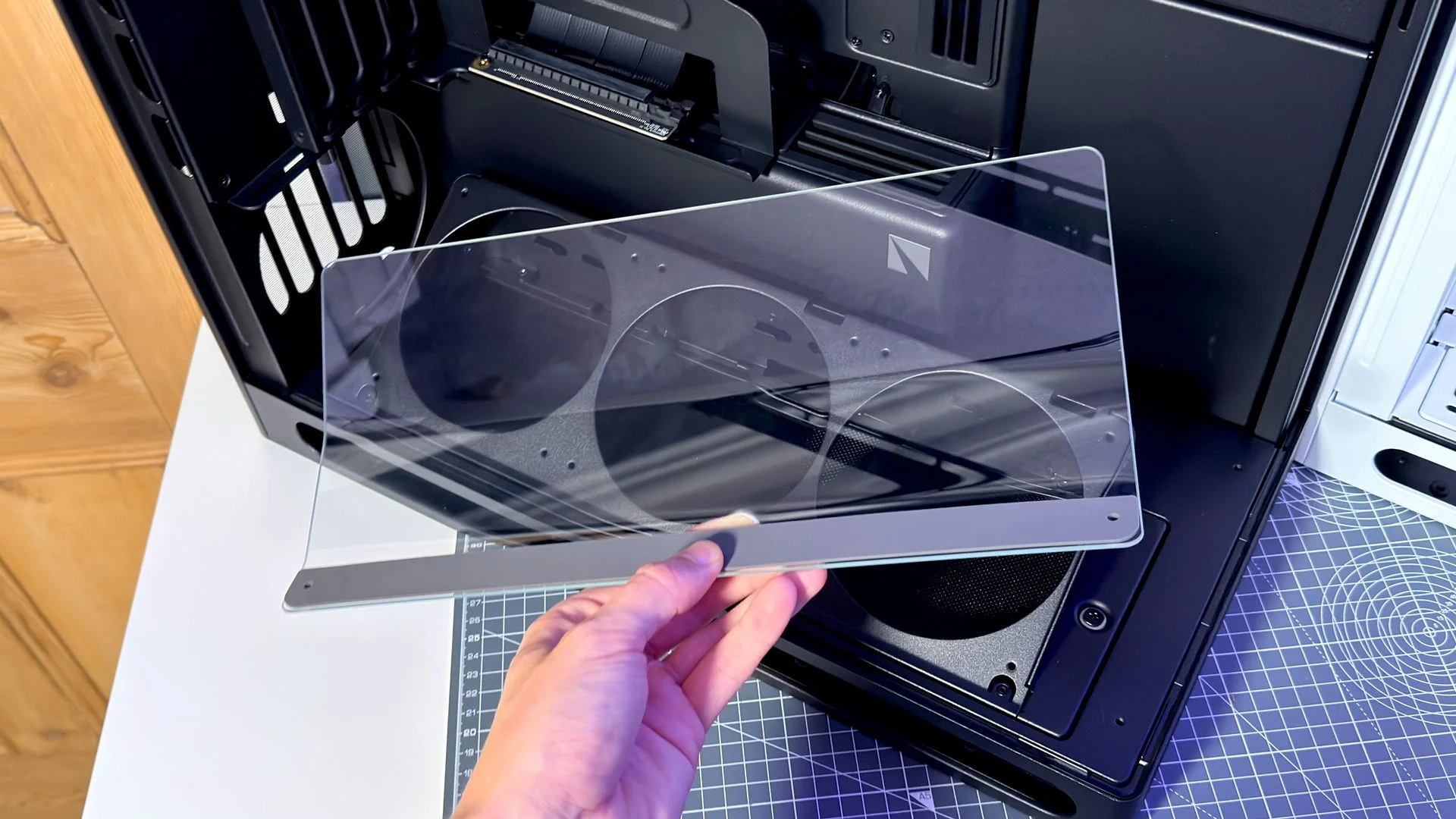
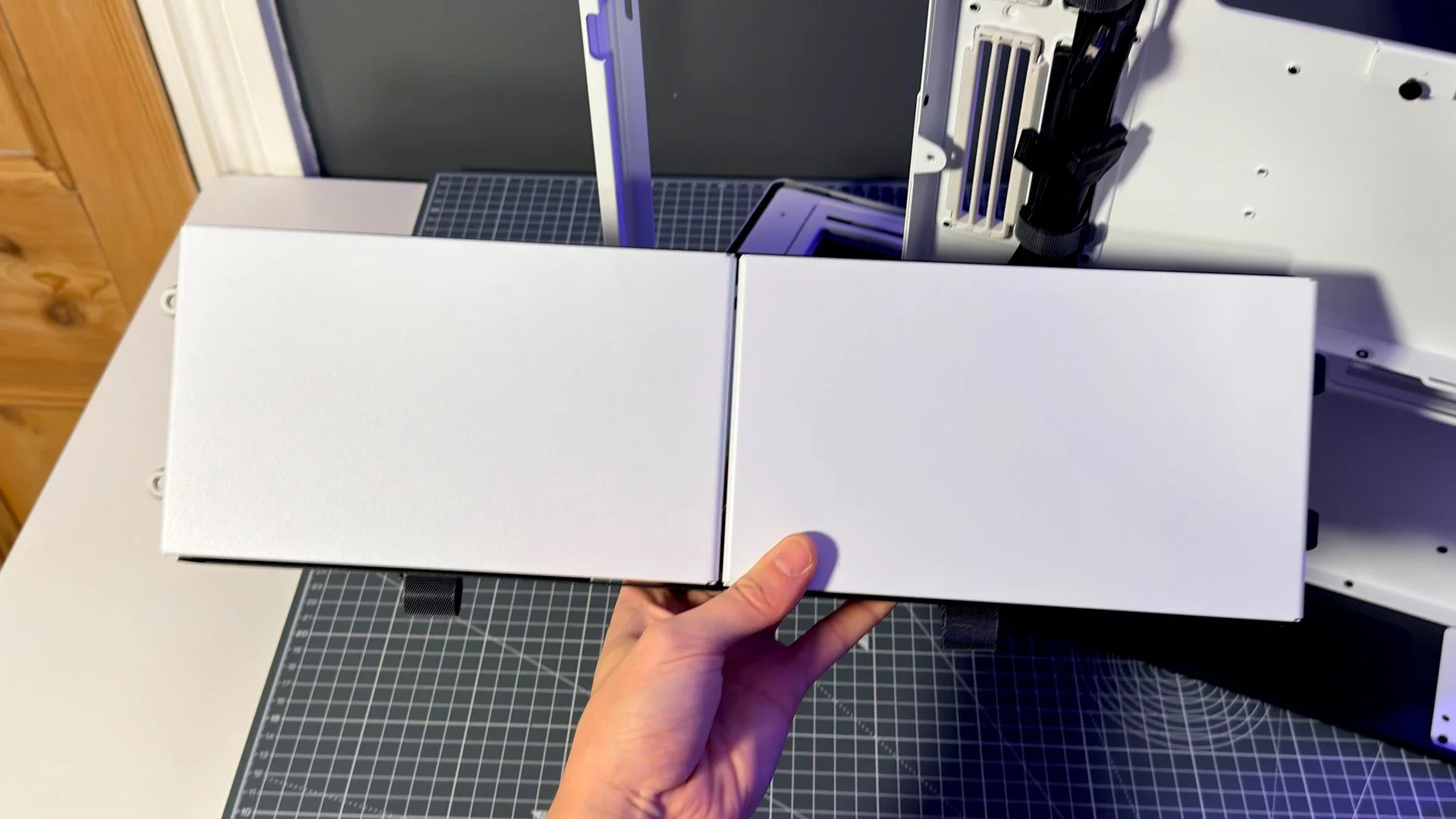
The VGPU edition adds a magnetic Airflow Divider, designed to limit hot air from circling back around the graphics card. It works alongside a glass divider fitted to the model’s angled fan bracket. There’s more hardware to manage here, and the VGPU option costs $80 more than the standard version.
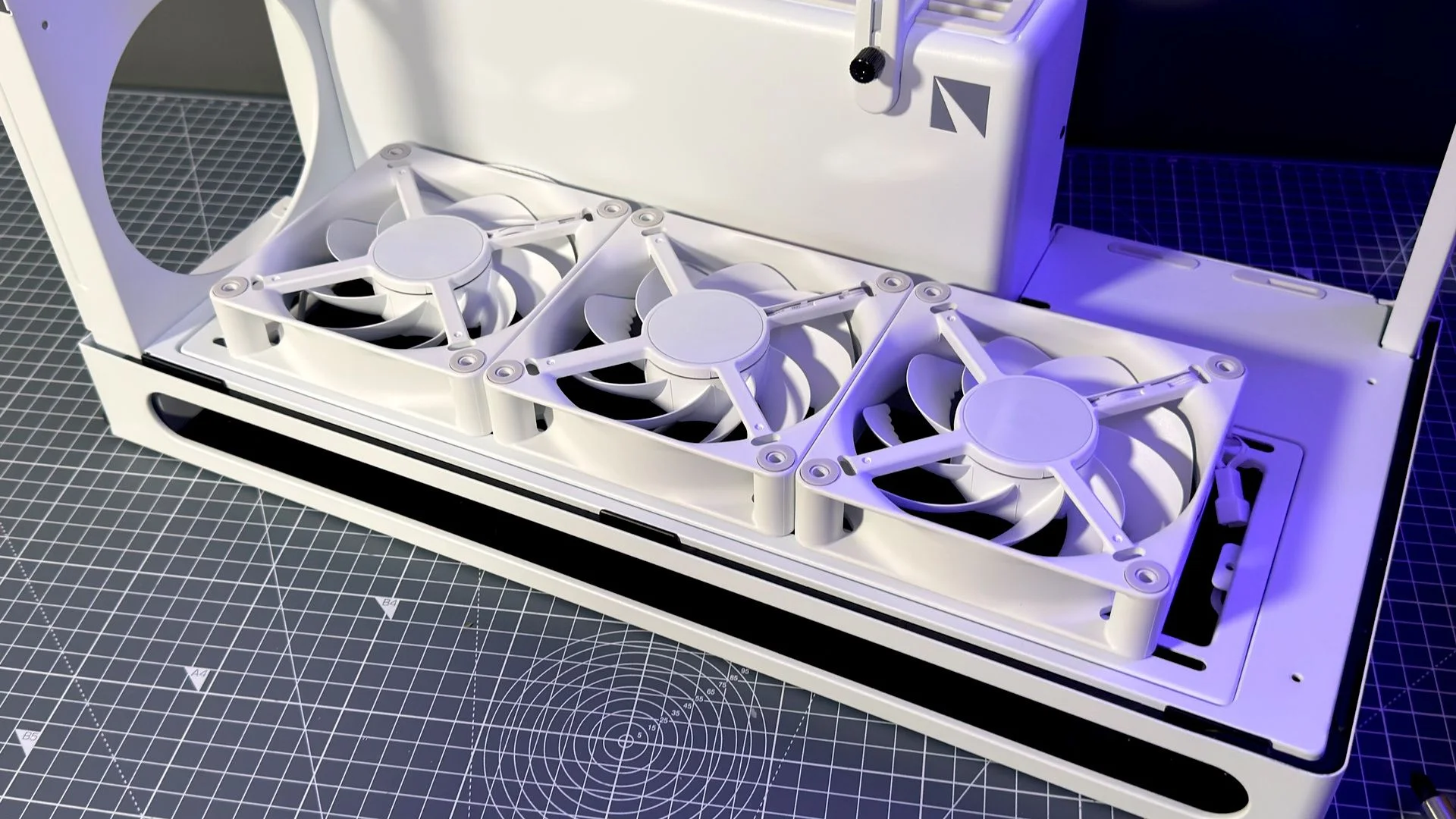
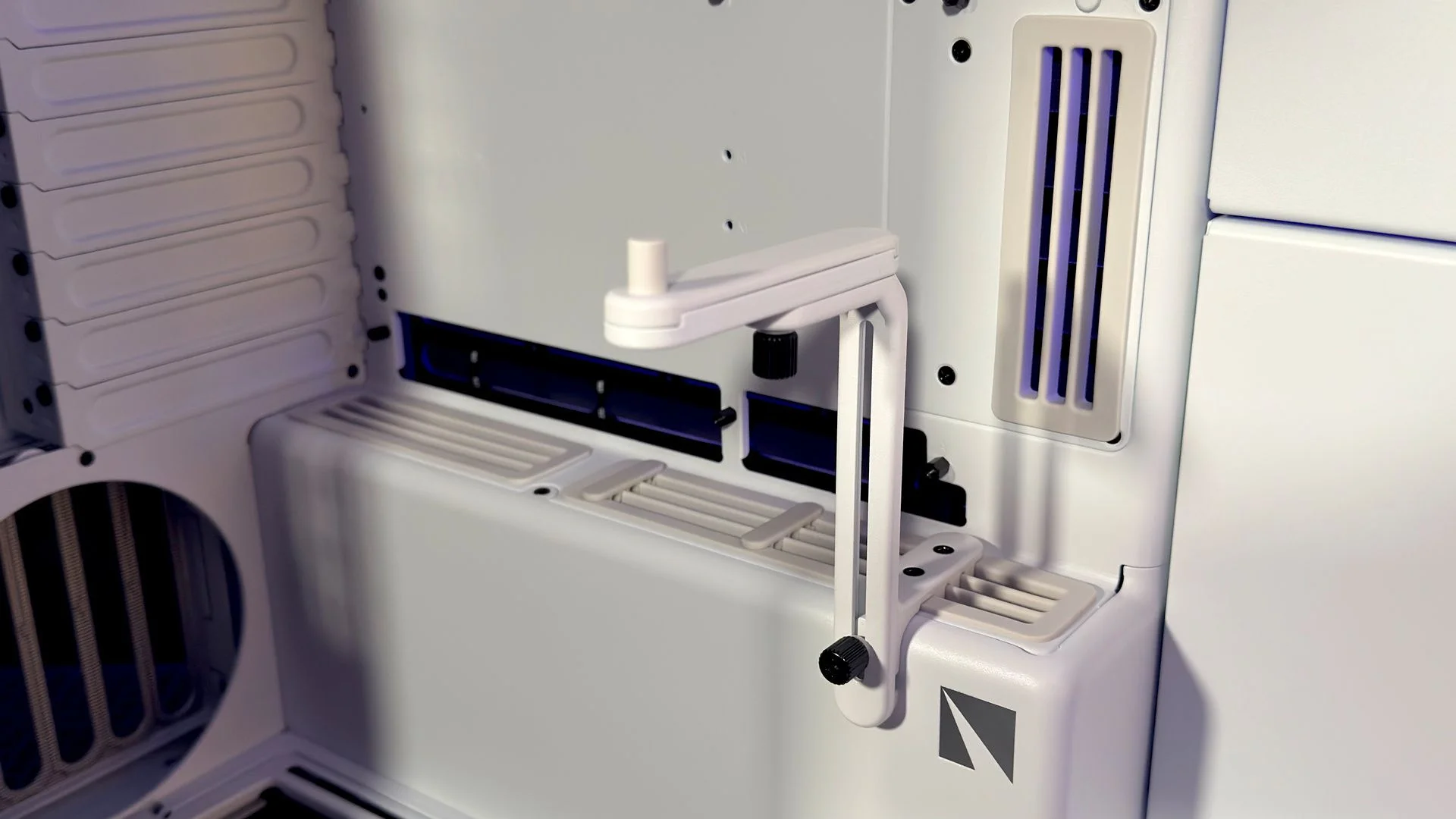
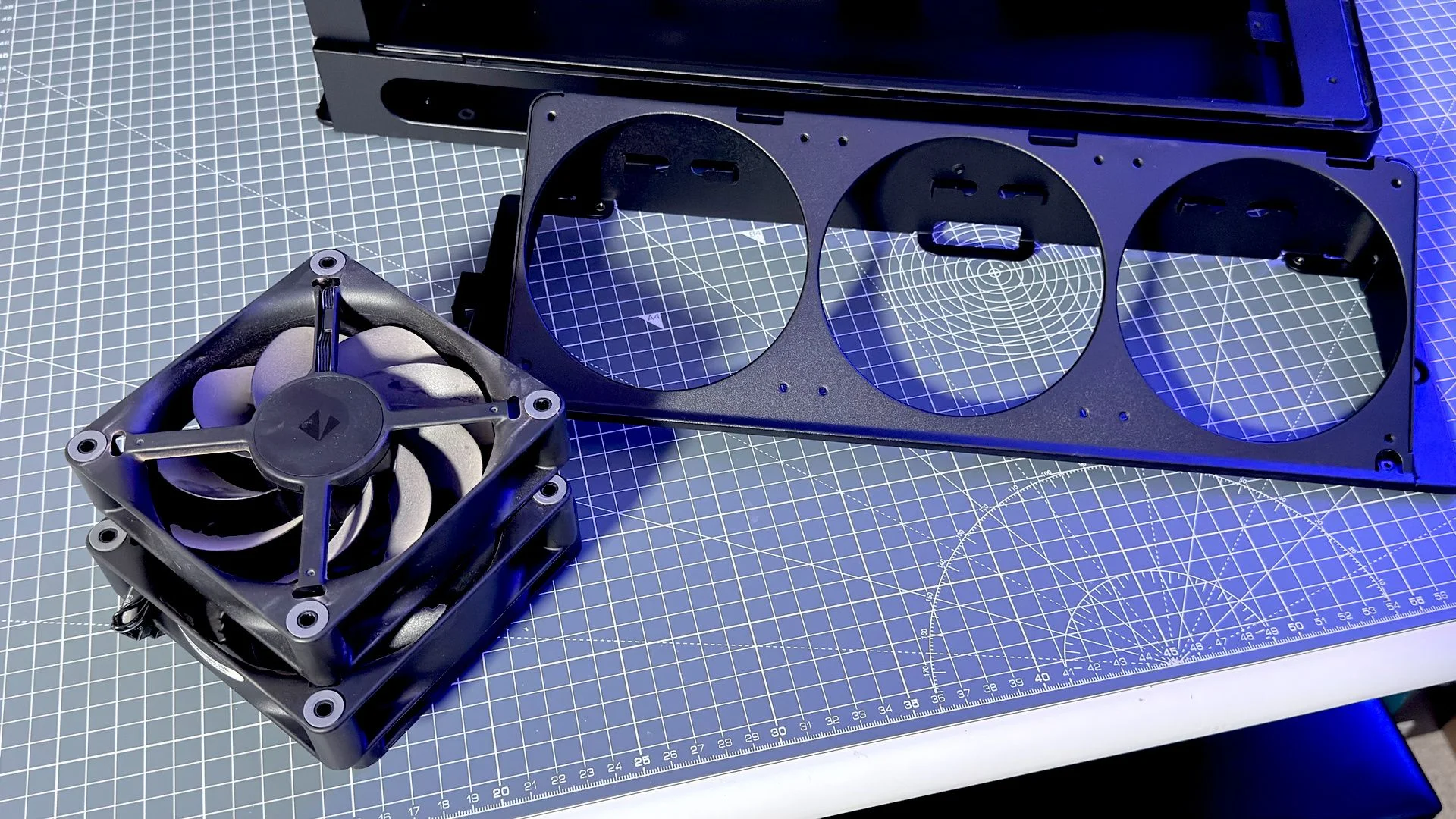
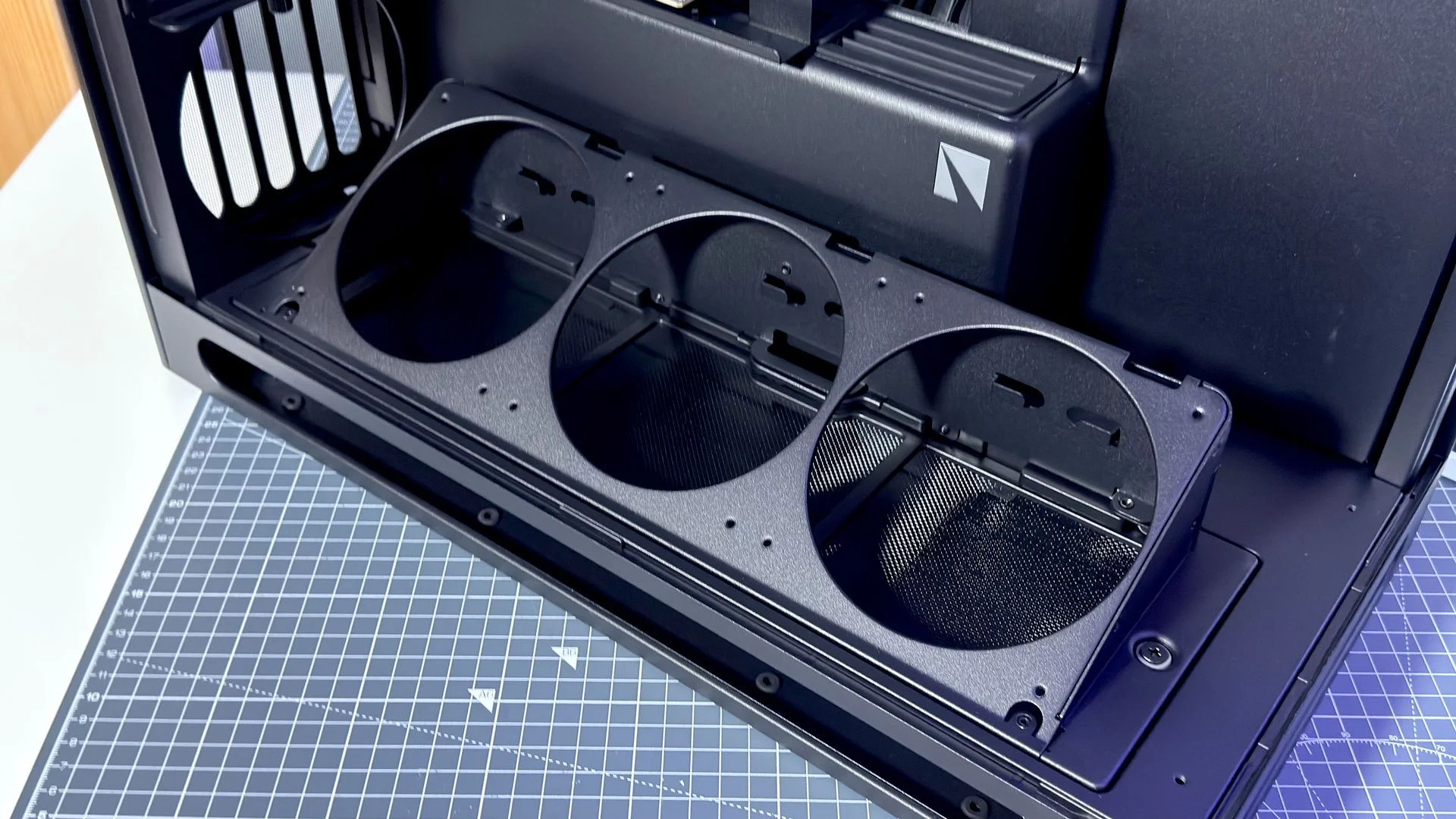
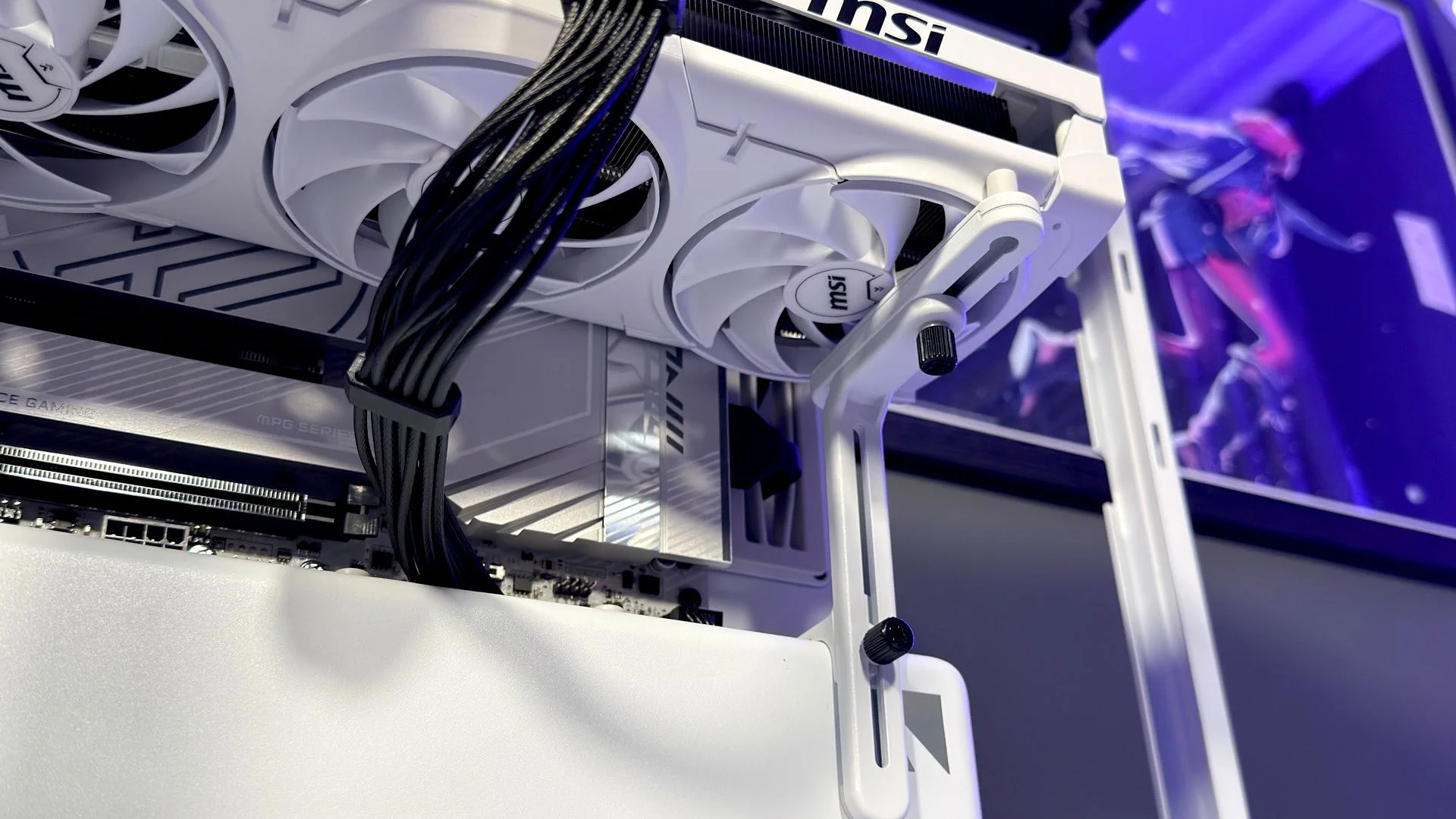
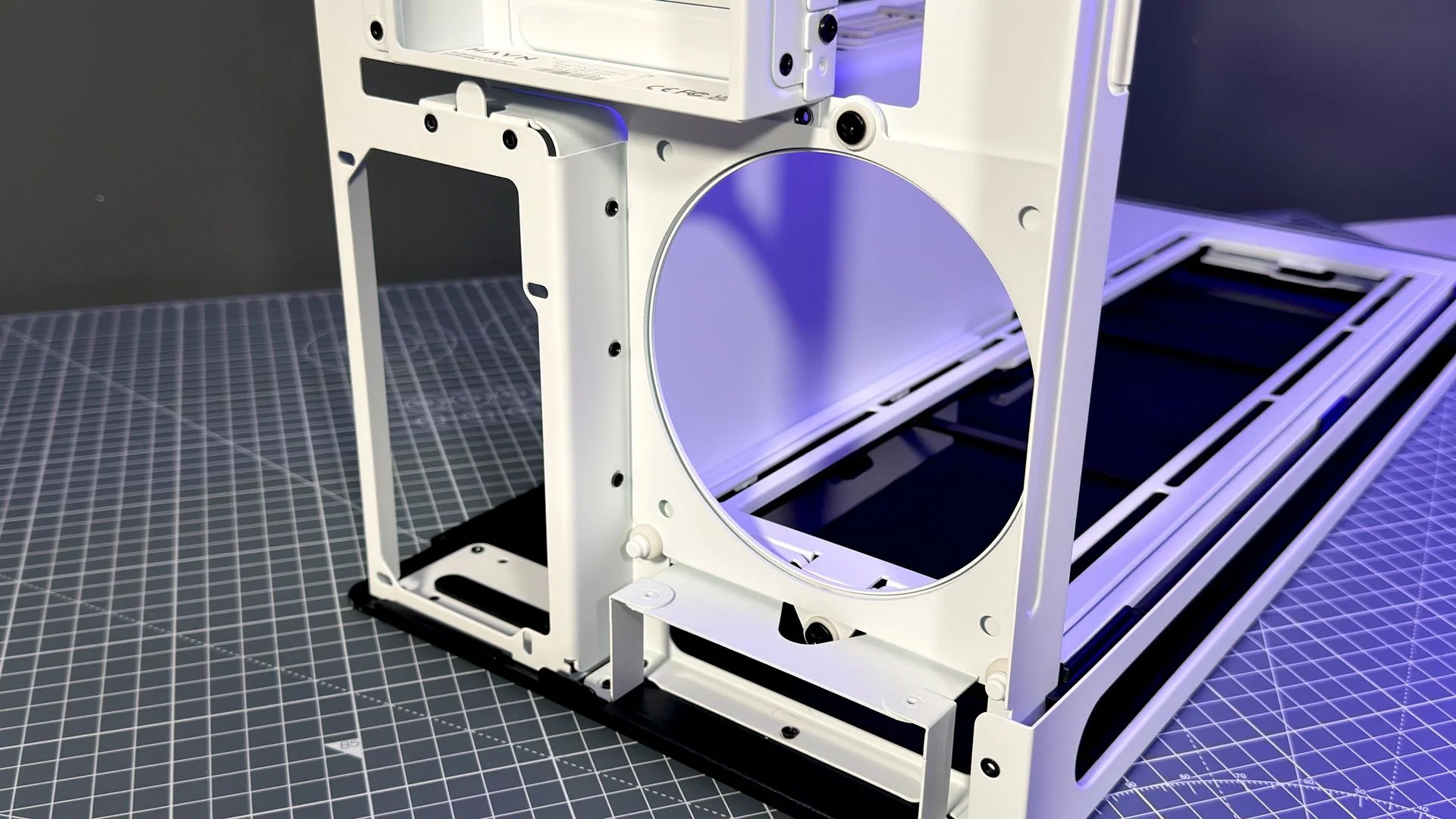
The standard model keeps things simpler. Its bottom bracket holds three fans flat, aimed directly at the graphics card, and an adjustable GPU support sits above the lower cable-routing points. You can remove that support if you don’t need it.
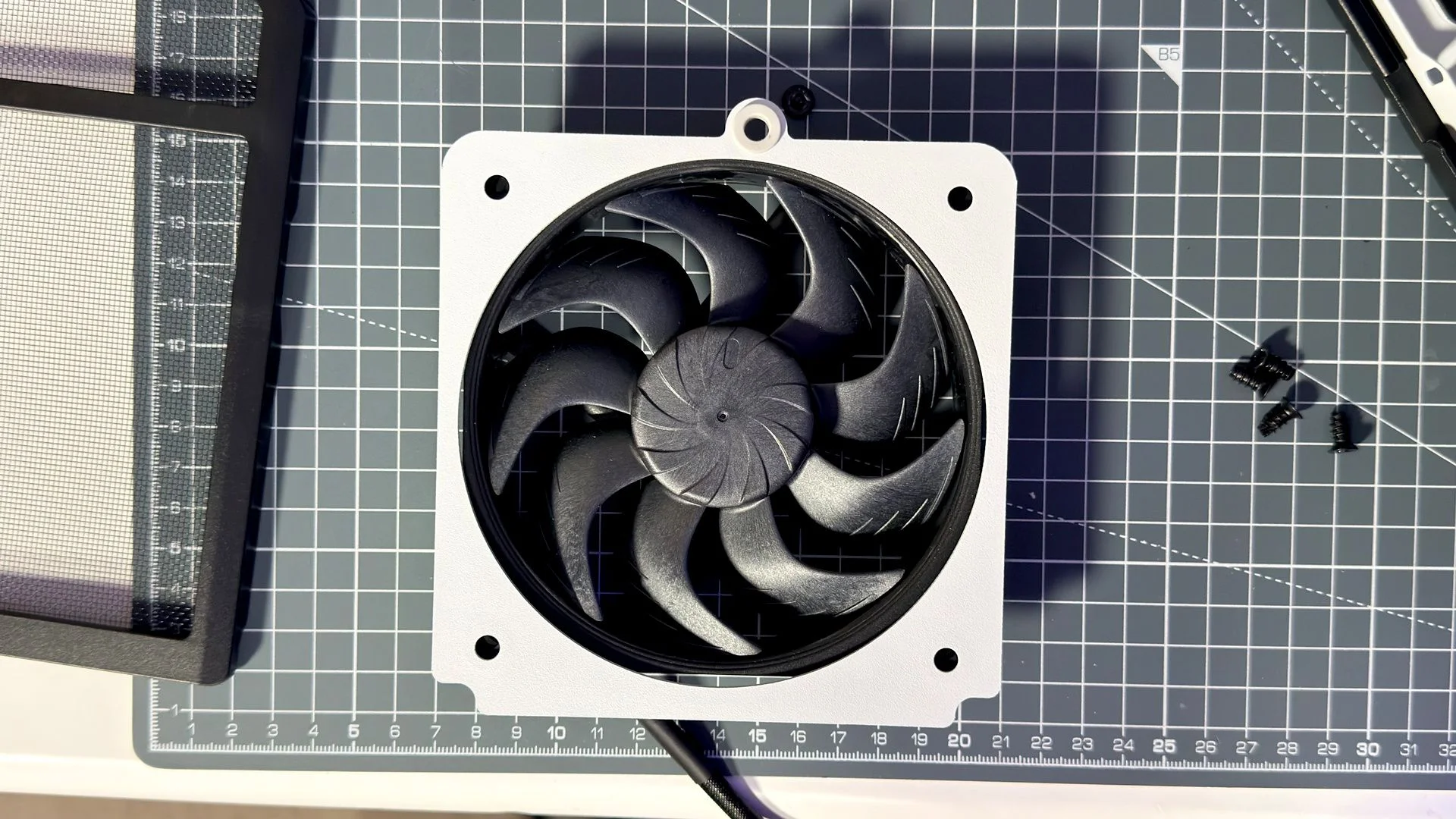
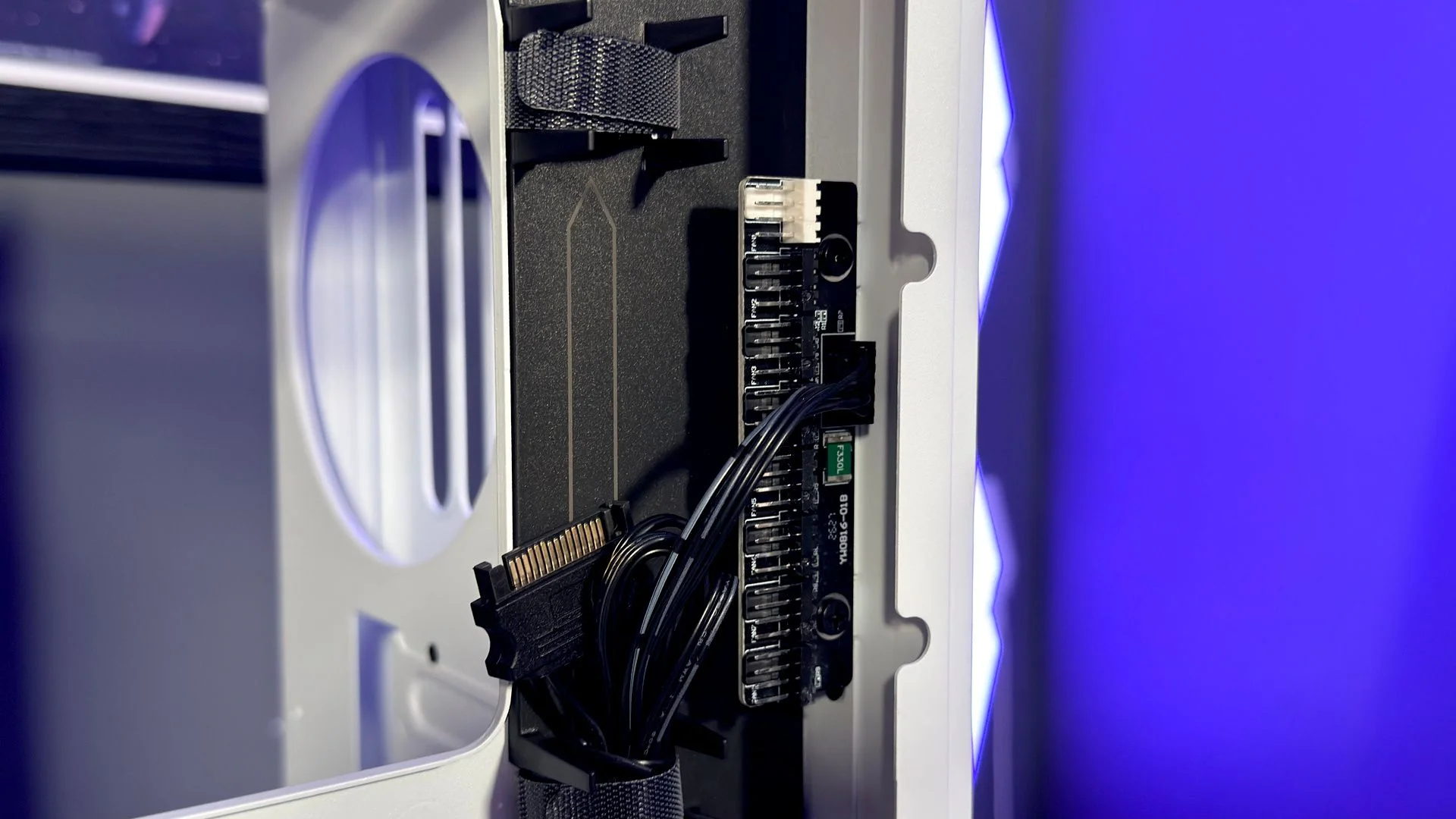
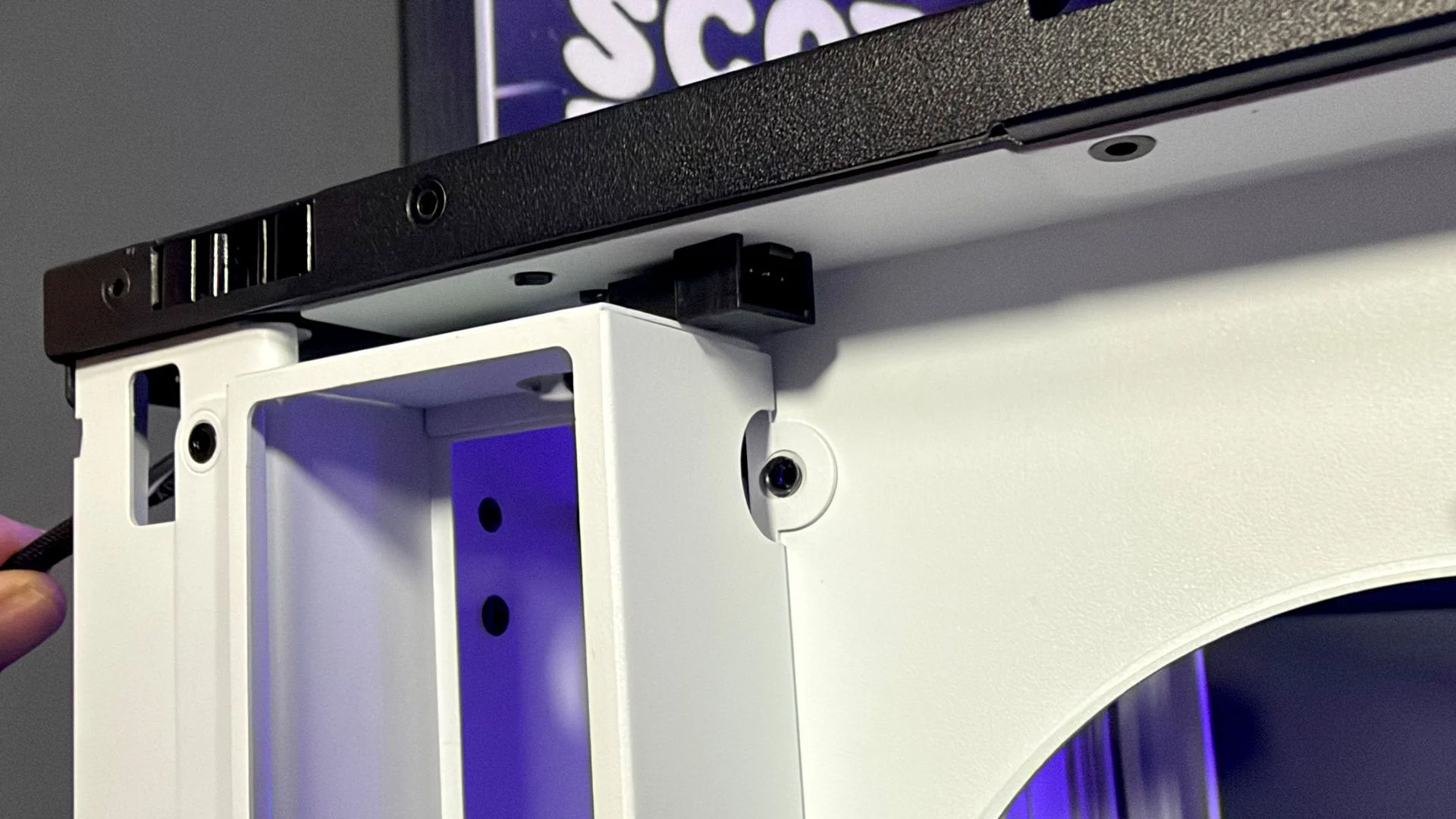
Fan flexibility is one of the HS 360’s clearest compromises. It accepts only 120 mm fans, unlike the HS 420’s support for 120 mm and 140 mm models, and its top radiator limit is 360 mm. The space is tight: even with a radiator installed, there’s little room between the motherboard and the glass. Havn does include a fan controller, tucked behind the motherboard tray, but you’ll have to supply the fans yourself.
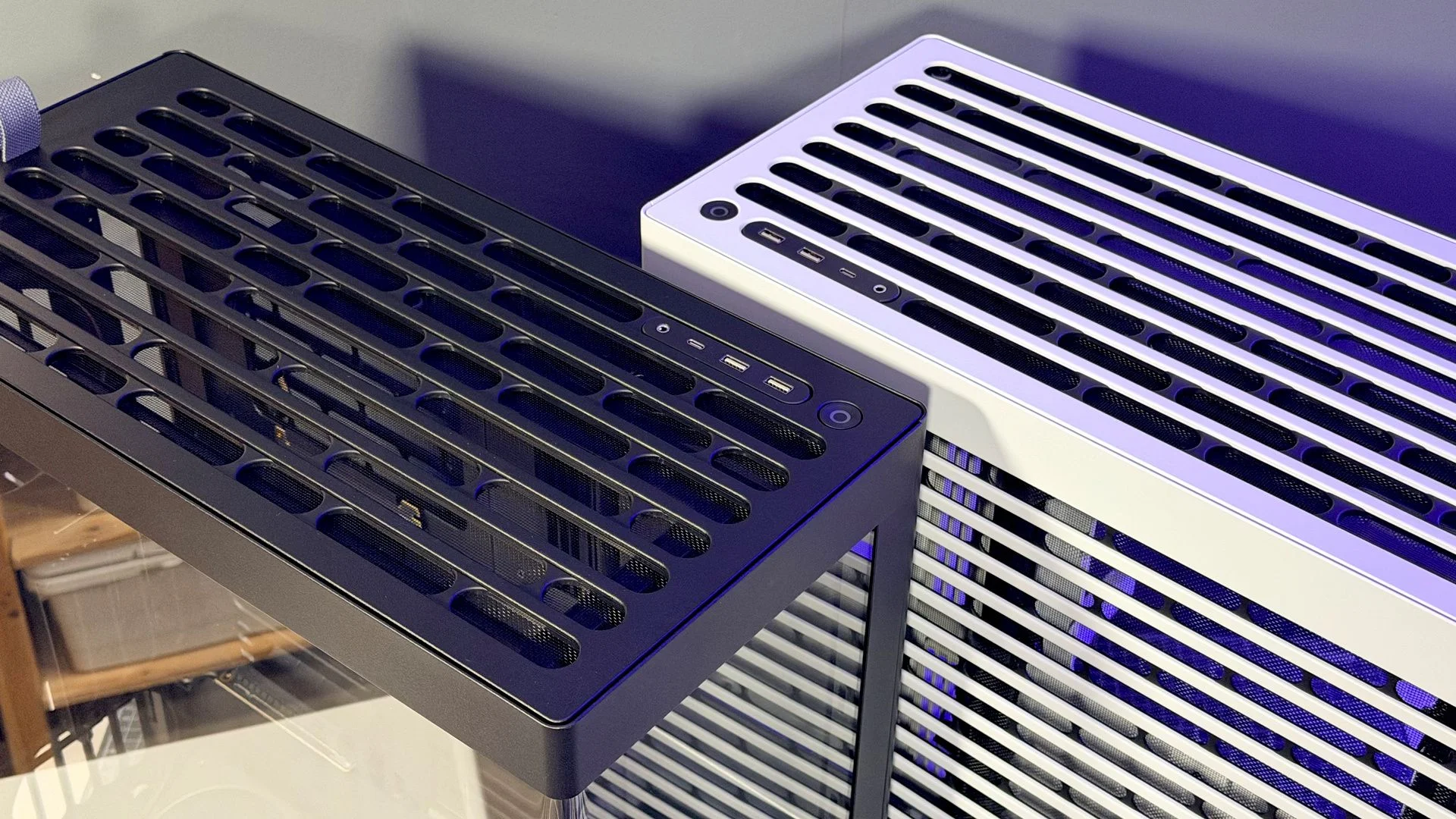
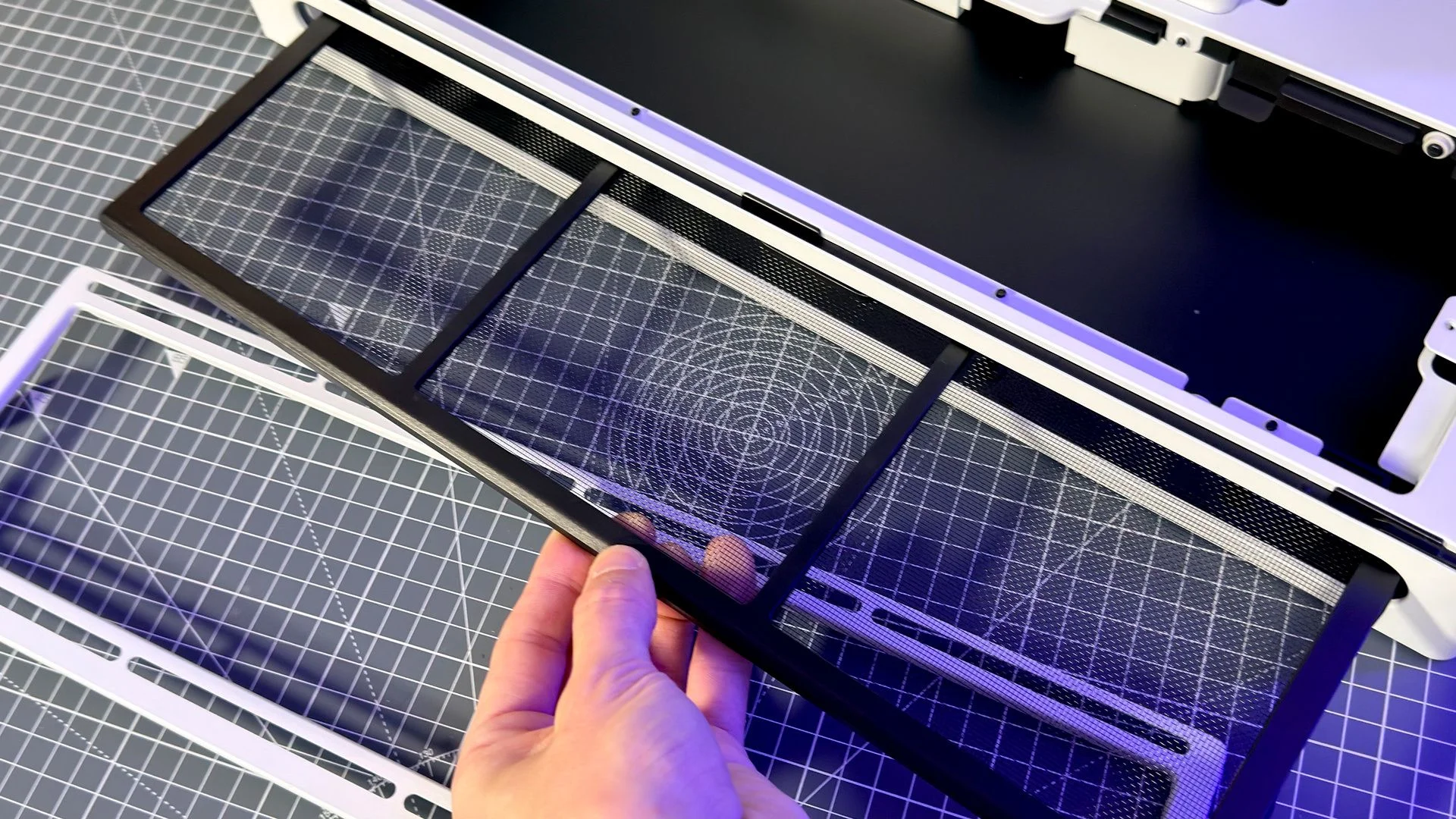
Dust protection is covered by two removable filters, one beneath the bottom intake fans and another at the lower rear. The top and rear panels also have fixed filters.
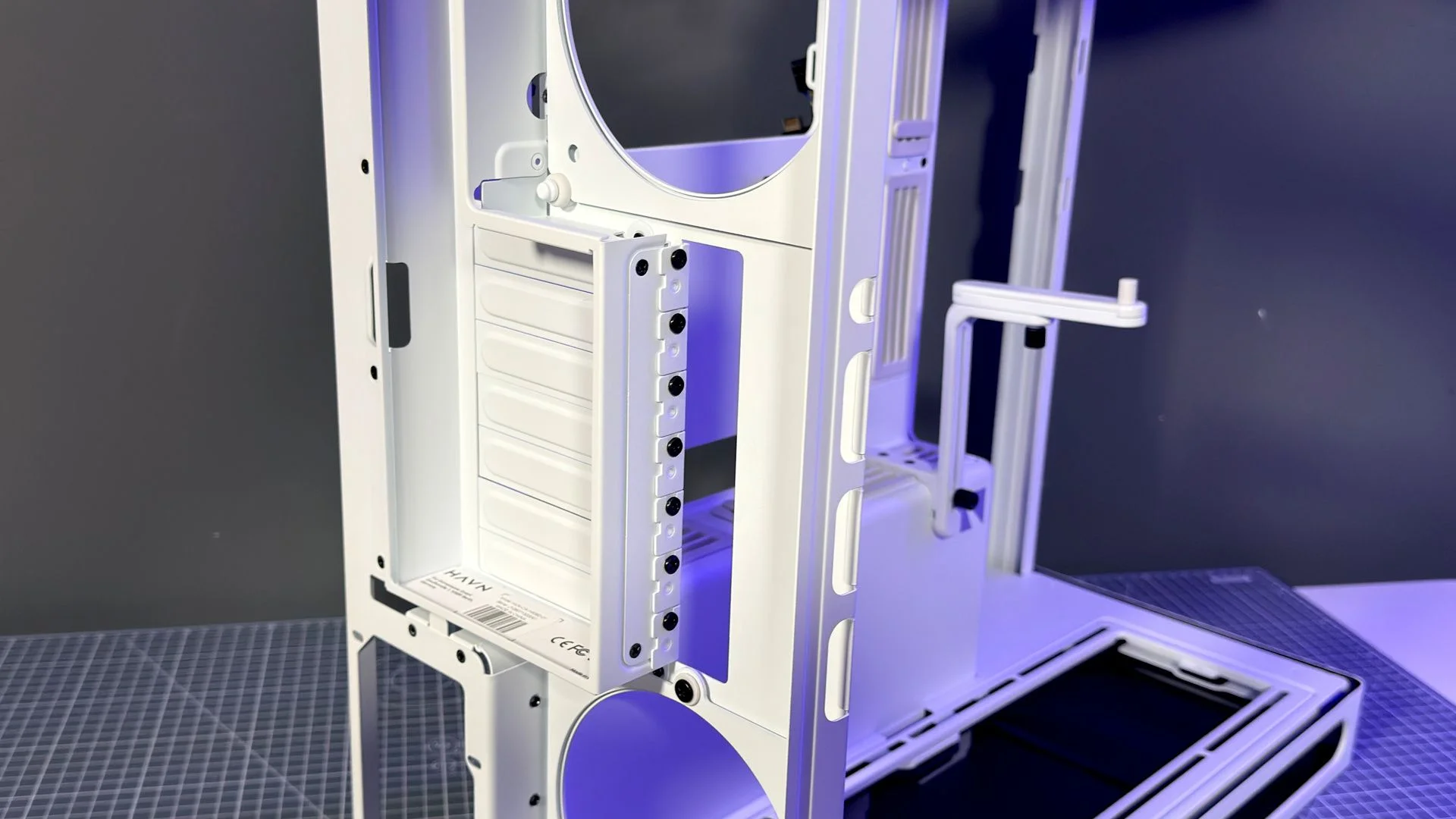
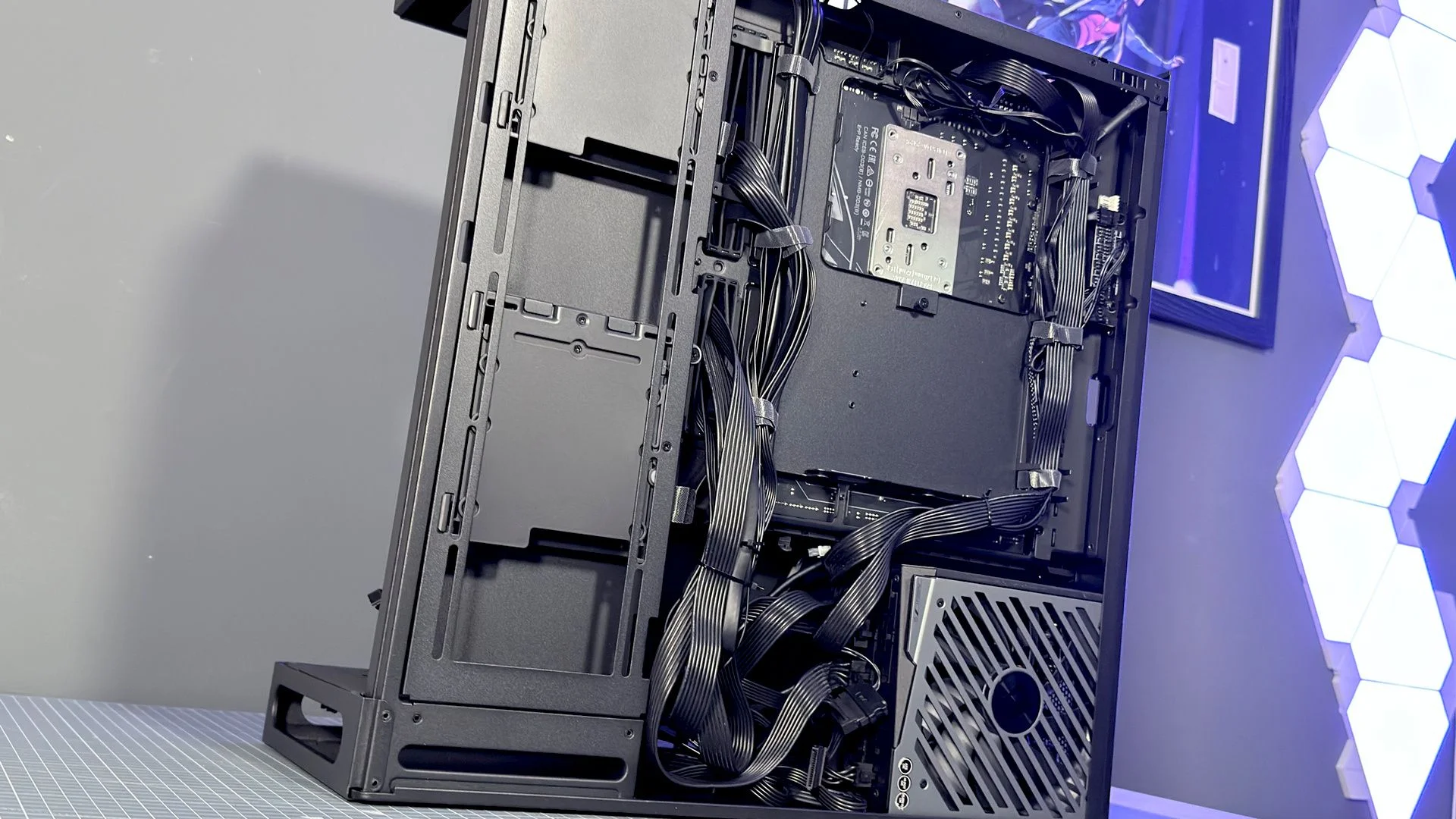
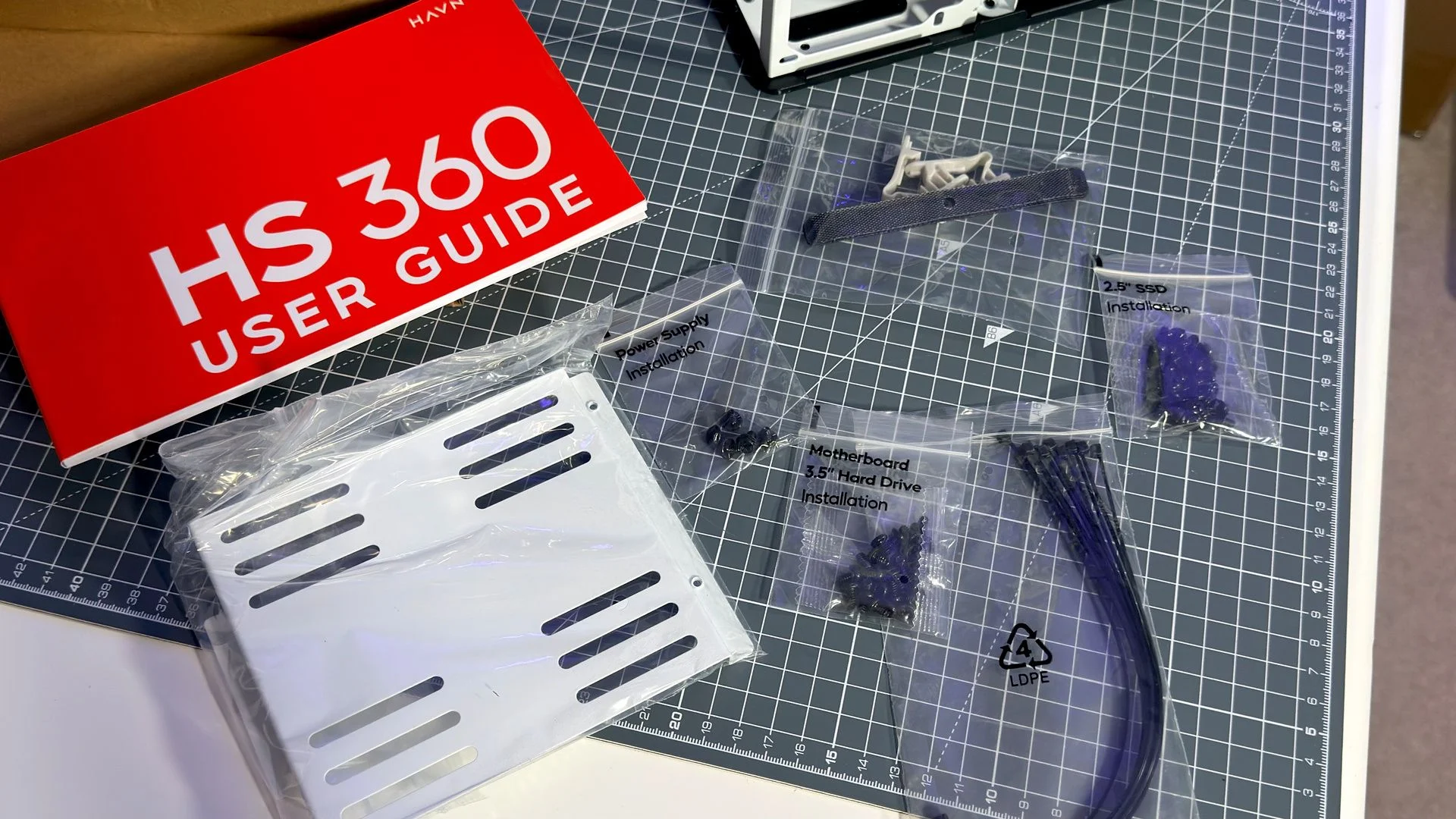
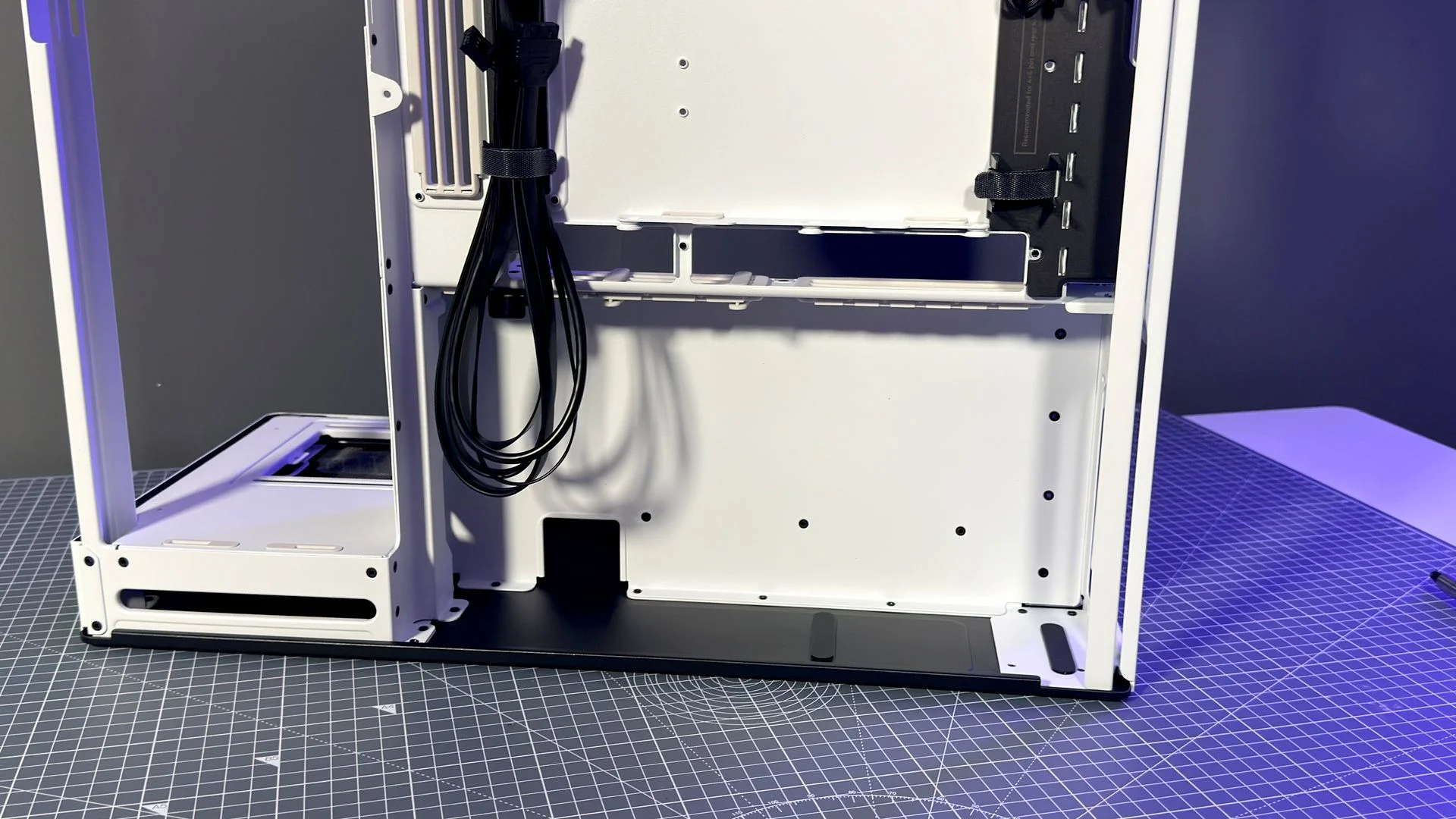
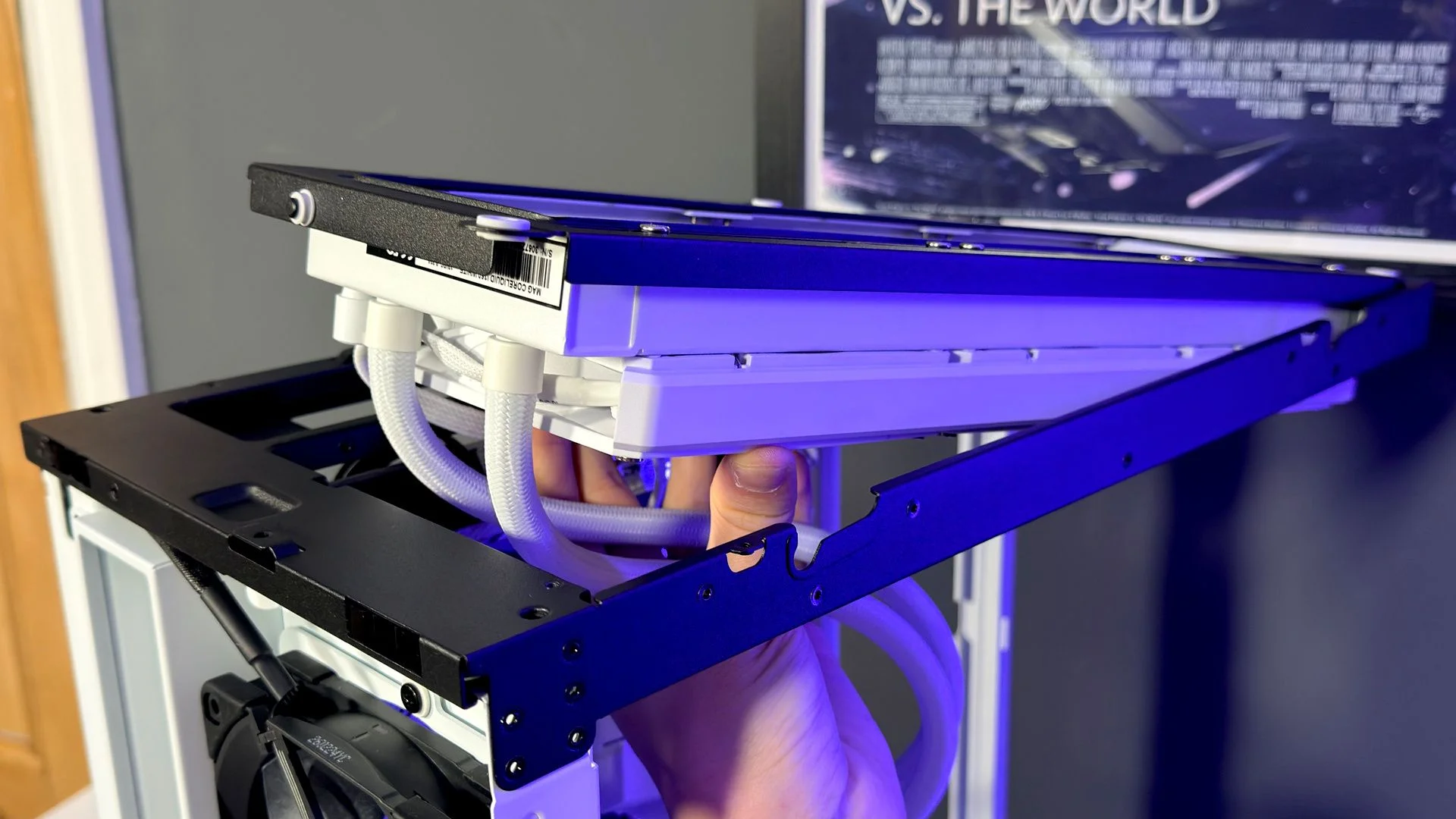
Storage is more thoughtfully handled than the compact dimensions suggest. Two modular cages each hold either two 2.5-inch SSDs or one 3.5-inch hard drive. You can dismantle them into simpler hard-drive cages, or remove both and use the space for three additional 120 mm fans. An AIO radiator can go there too, provided it’s no more than 58 mm thick.
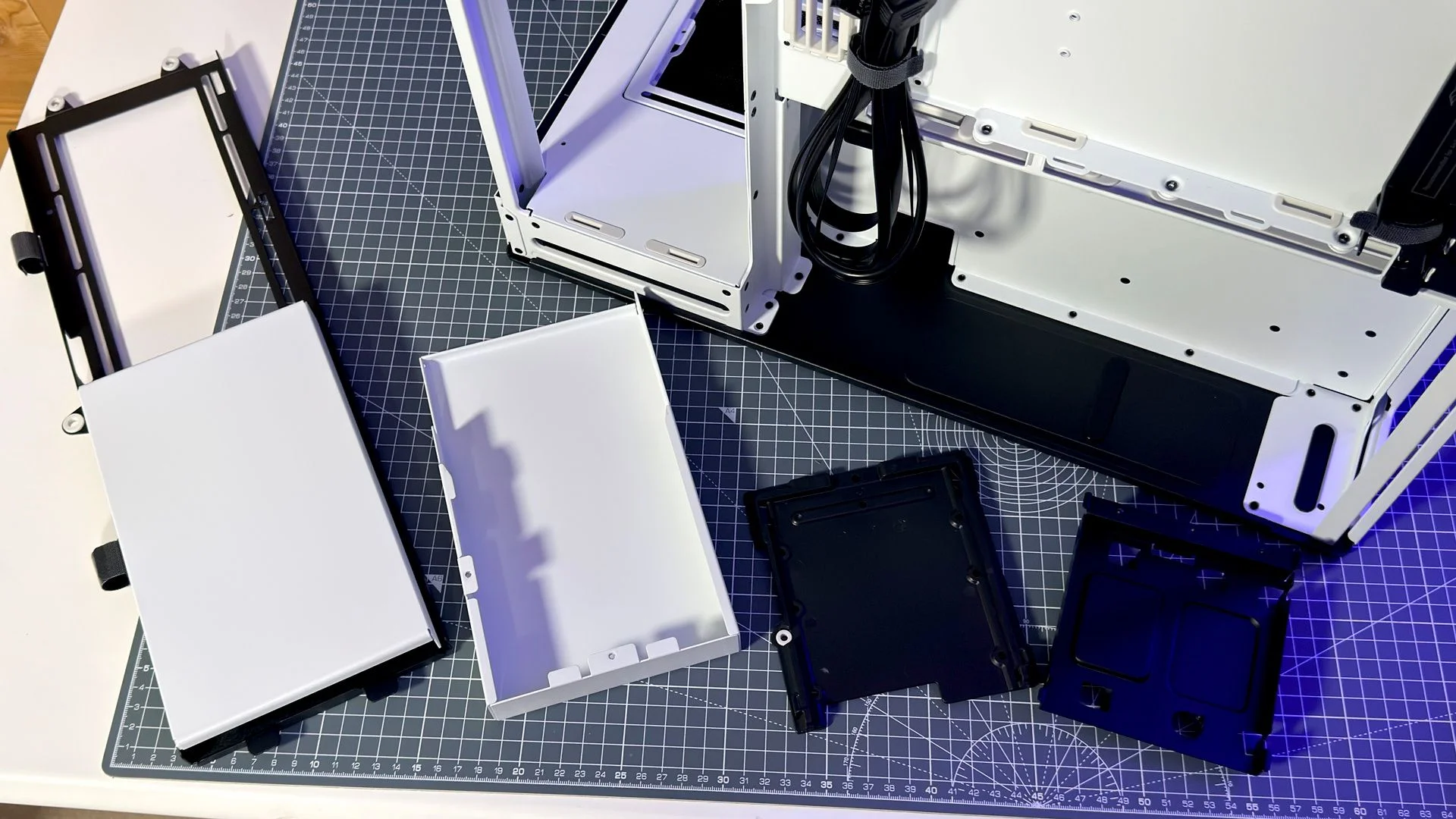
Havn lists bottom-mounted AIO support, but fitting one can block GPU slots and may shorten pump life or add noise. I’d leave that option alone. The box also includes zip ties, hook-and-loop straps, spare cable-grommet sliders, labelled screws and a VESA bracket for a small screen, reservoir or custom 3D-printed add-on.
Installation
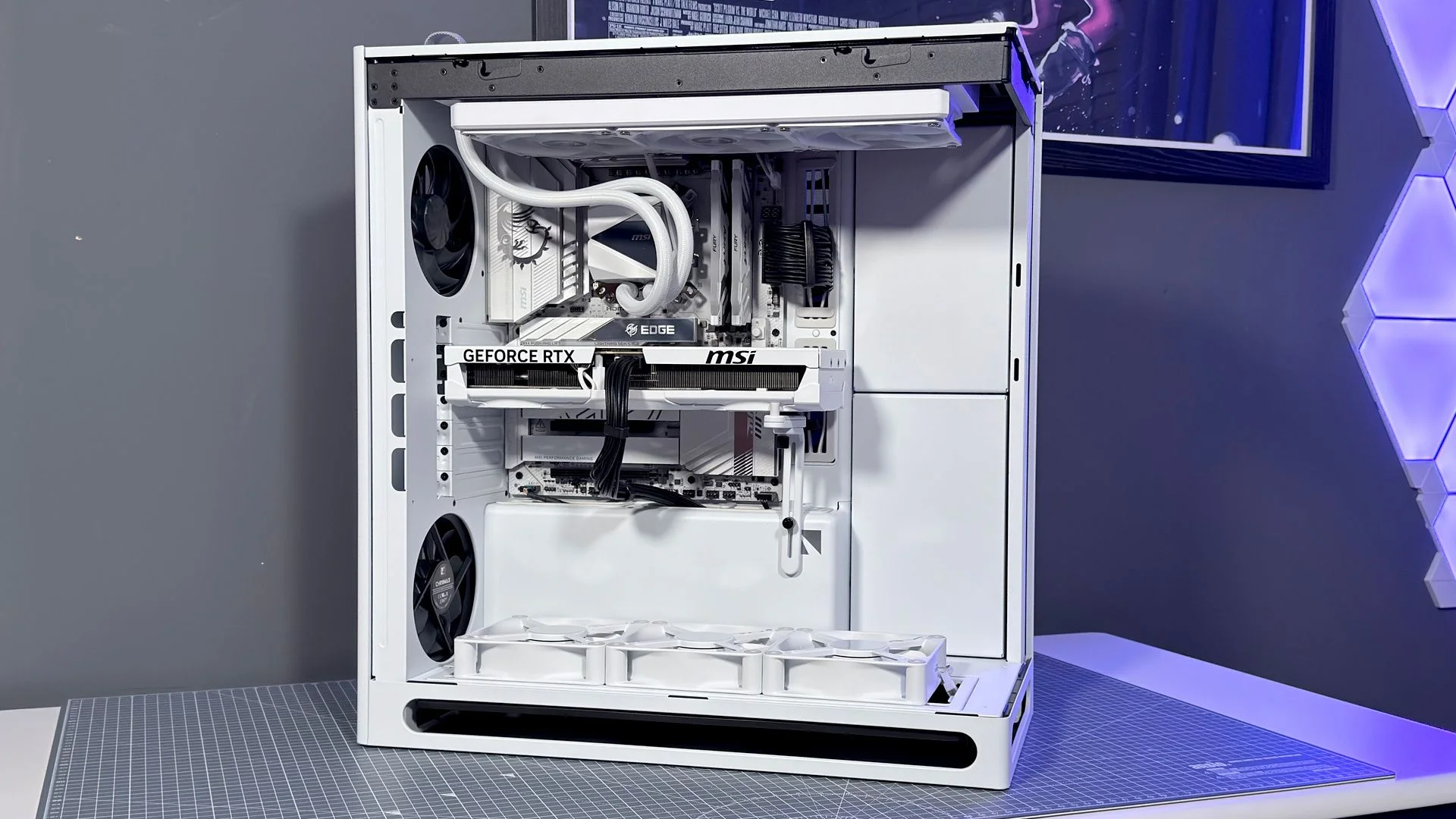
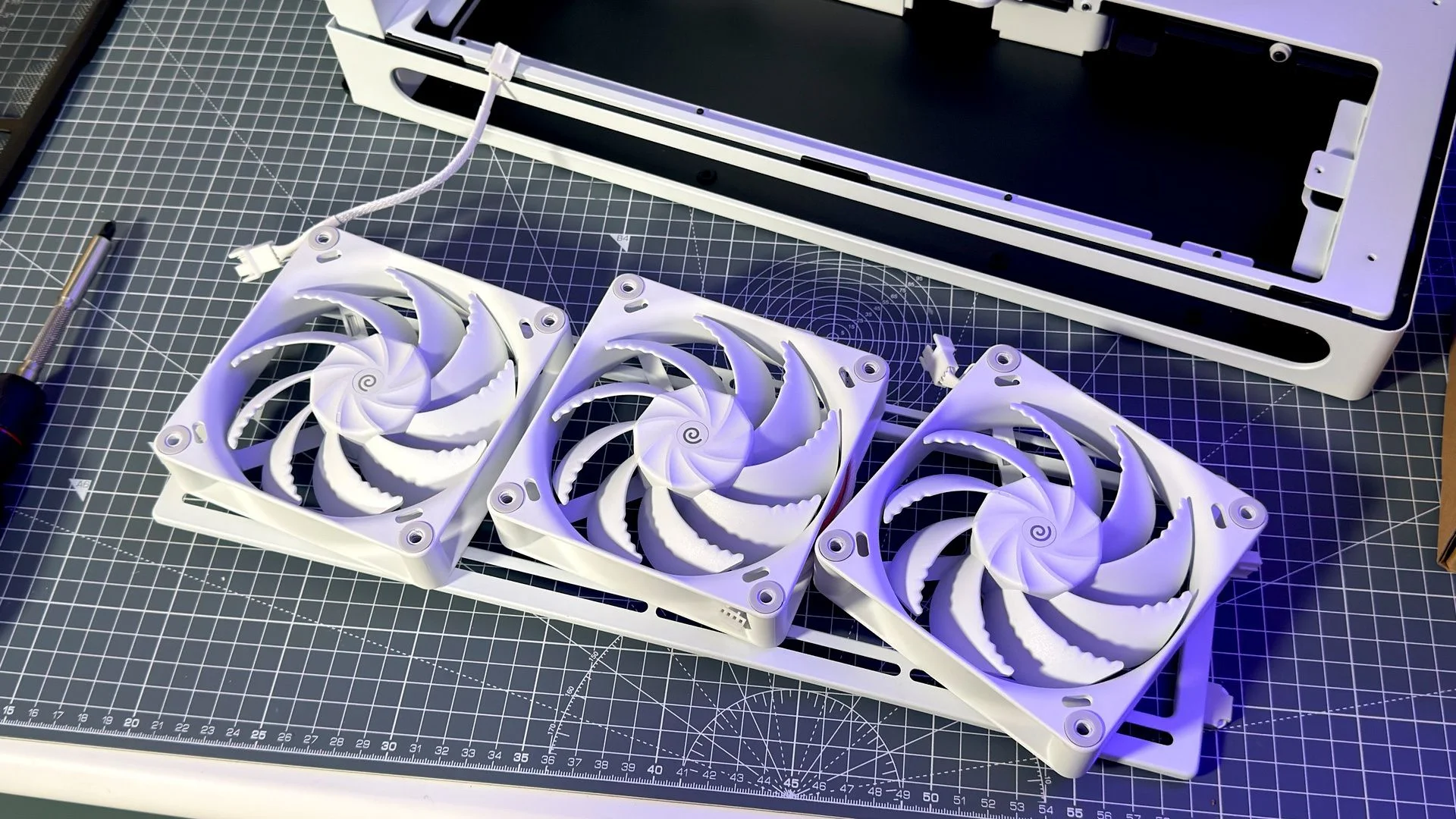
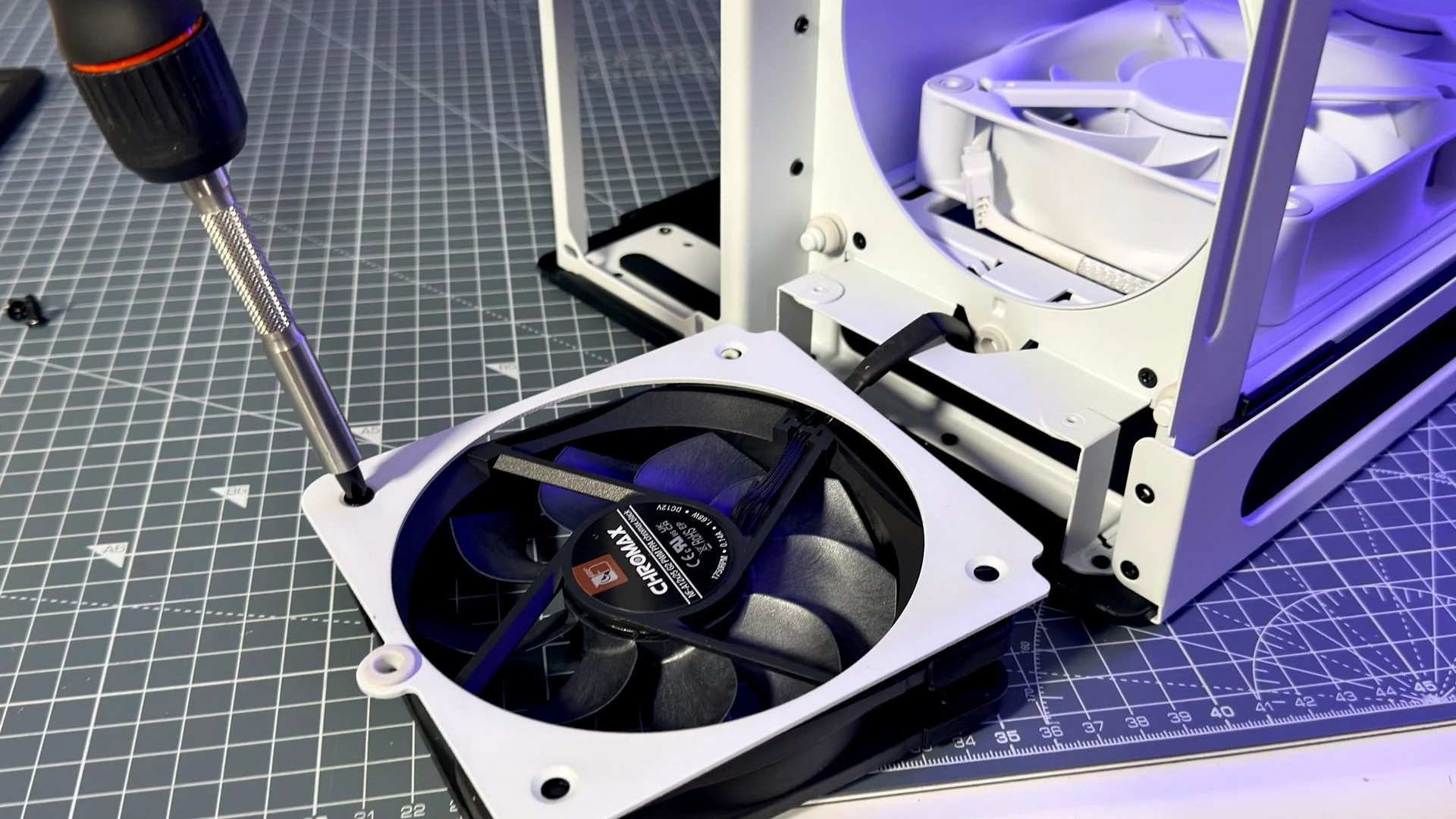
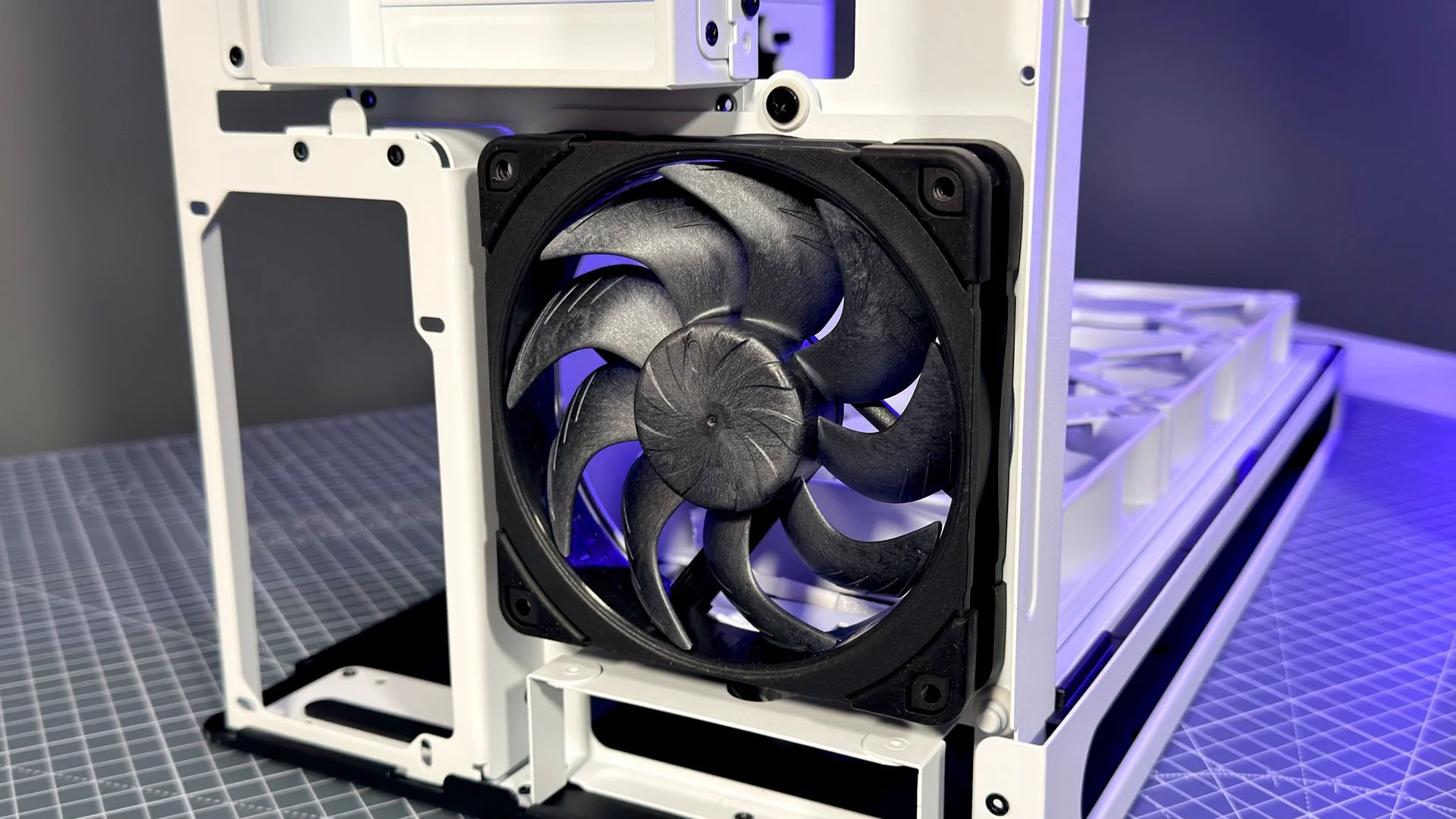
Despite being 14.9% smaller than the HS 420, the HS 360 doesn’t feel cramped to build in. Its removable brackets make fan installation straightforward, though cable routing takes some thought. The bottom fan leads have to curve around the dust filter, and the top rear fan can be awkward to connect. In my builds, a couple of extension cables were needed to reach the controller or nearby motherboard headers.
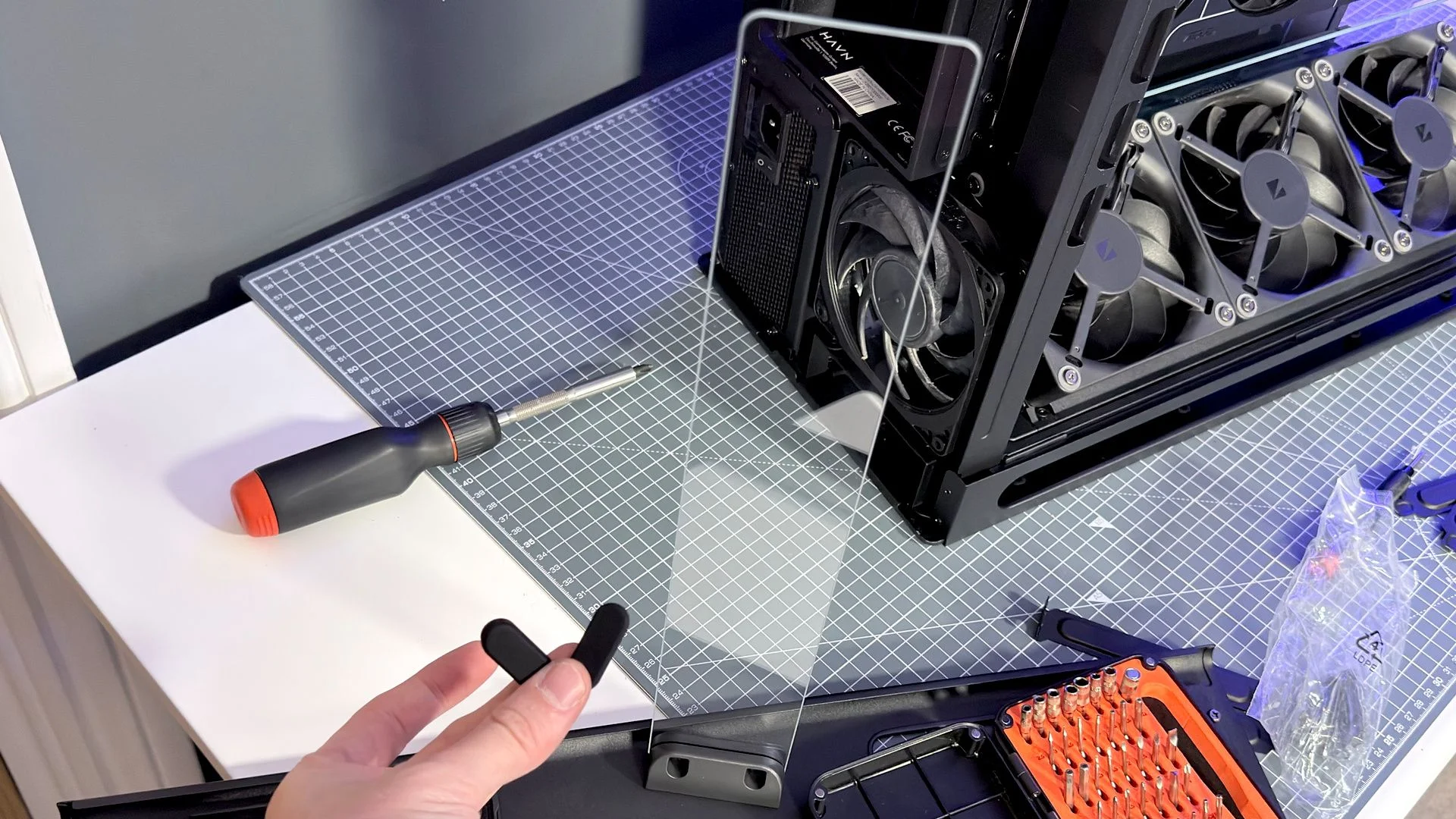
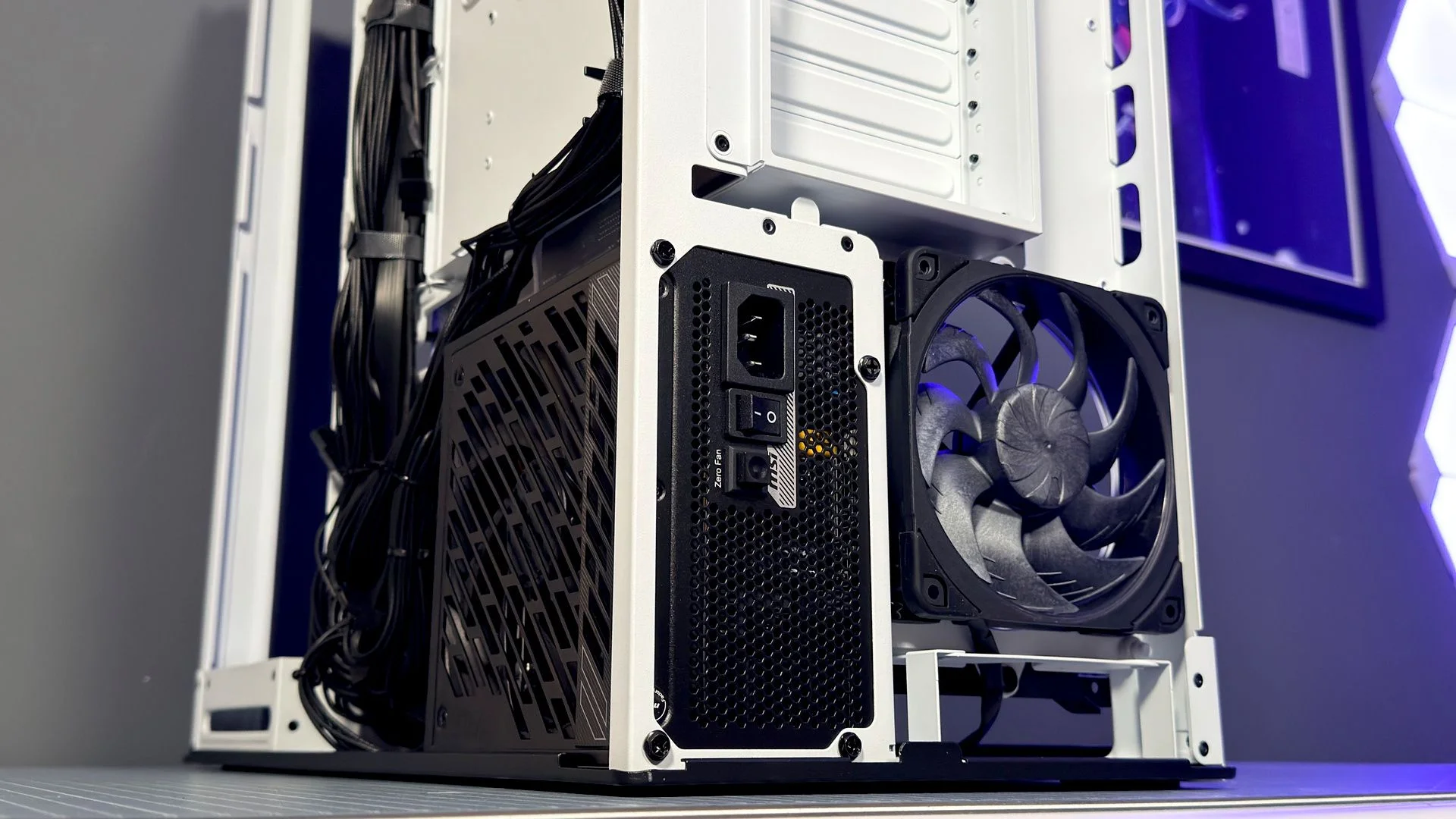
The power supply slides in easily, with room for units up to 230 mm long. There’s one notable fit issue: the side-mounted PSU position and short shroud rule out Corsair Shift models. That affected me personally—around 60% of my PSUs are Shift units—but a conventional PSU worked fine.
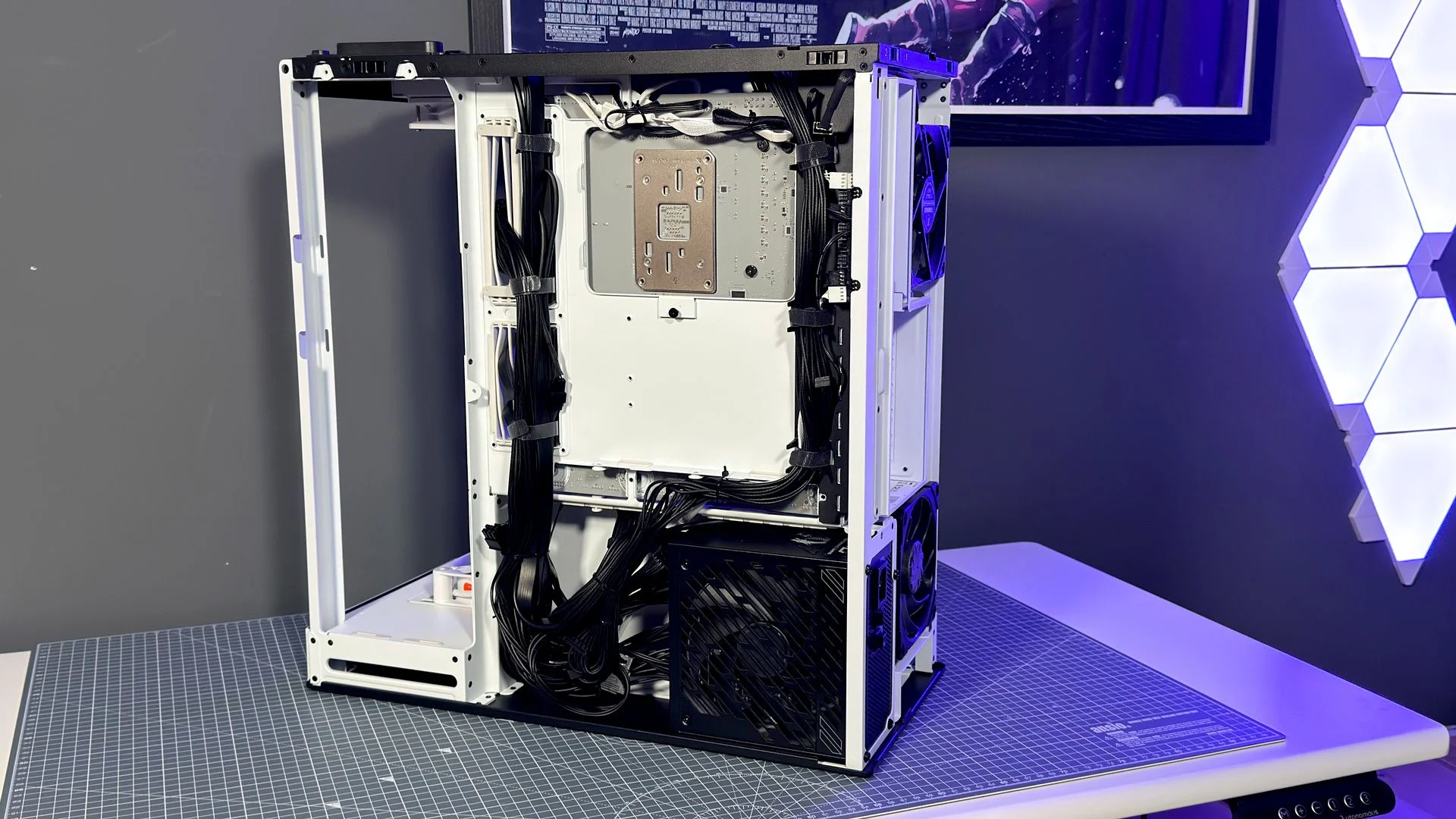
Once routed, cables are easy to secure. There are plenty of tie-down points, and the included hook-and-loop straps and zip ties hold everything neatly in place with little fuss.
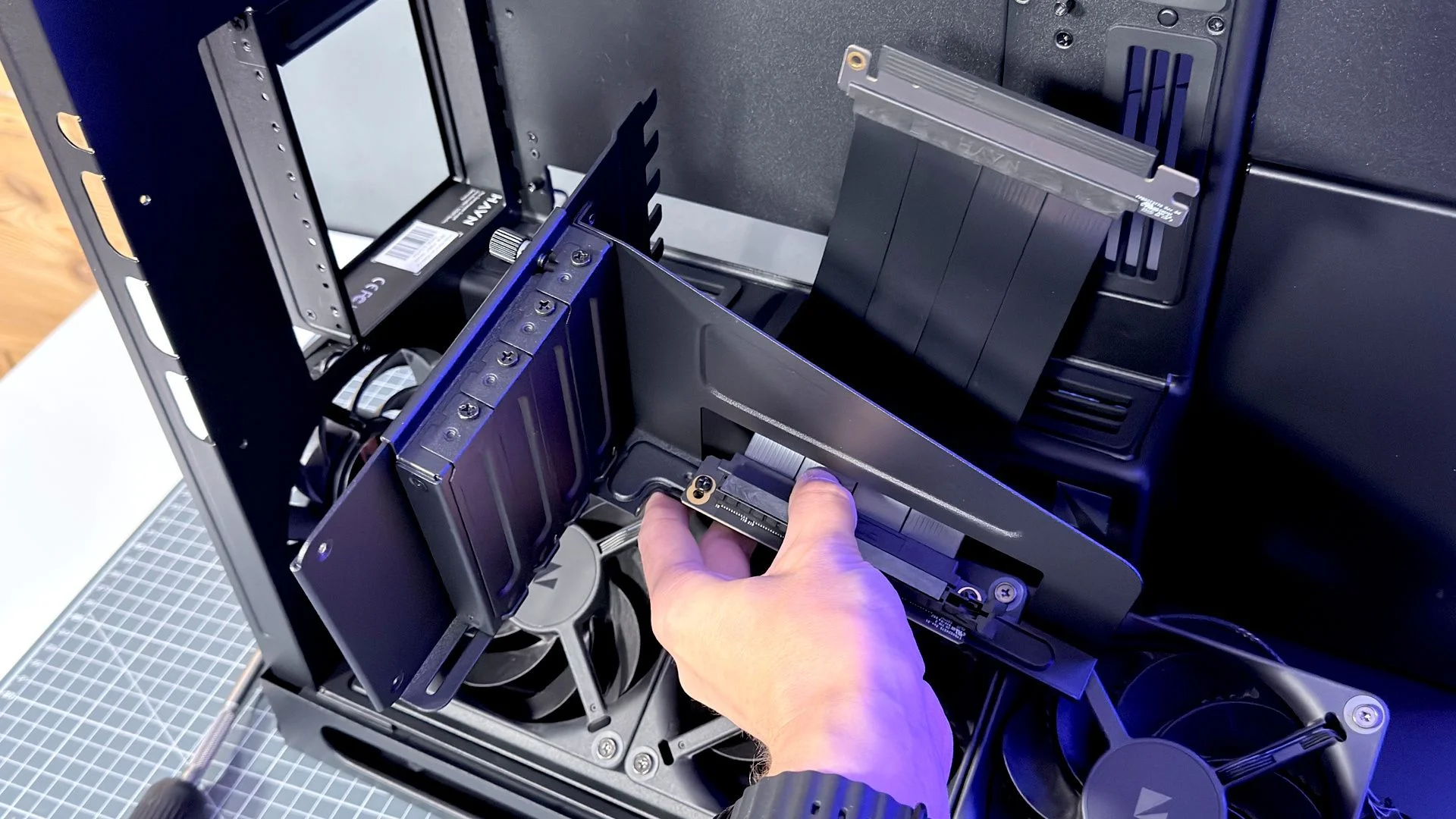
The VGPU build took a little more patience. I had to remove the bracket to install the motherboard, then put it back, but the process went smoothly enough. The end result still didn’t win me over. The bracket crowds the interior, GPU power leads hang in front of the memory, and the extra dividers make airflow more complicated. I don’t see enough benefit to justify the $80 premium; the standard layout is the more appealing choice for me.
Aesthetics
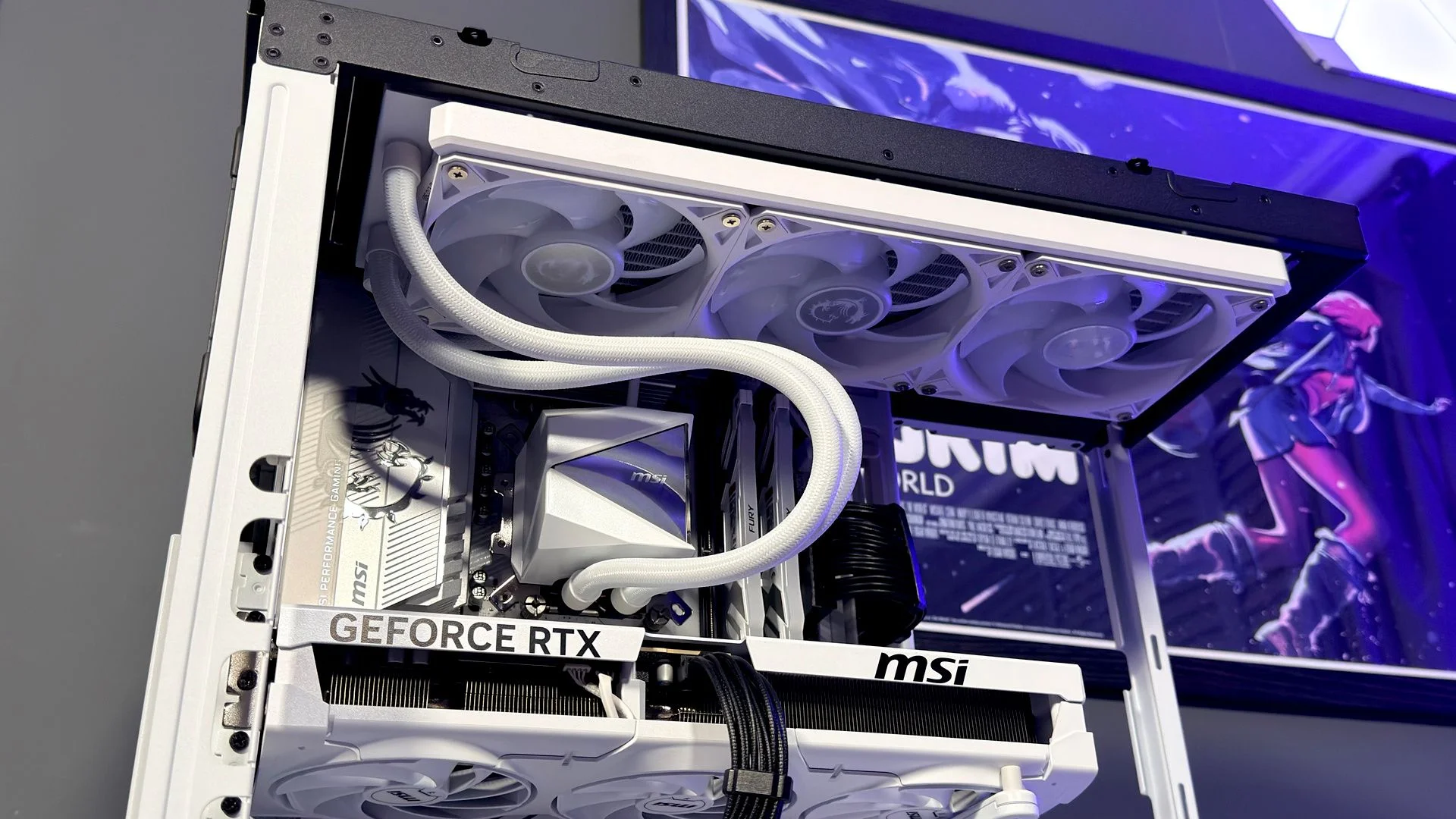
The HS 360 is one of the best-looking cases I’ve tested this year. Its sweeping glass and retro-futurist lines give it presence, while the design keeps the usual mess of cables and connectors out of view.
I’m especially taken with the rear panel’s black accents. They make colour matching easier, so an all-white build isn’t required to get a coherent look. My light system used mostly white parts, but a pair of black rear fans—added when I ran short of white ones—fit in better than expected.
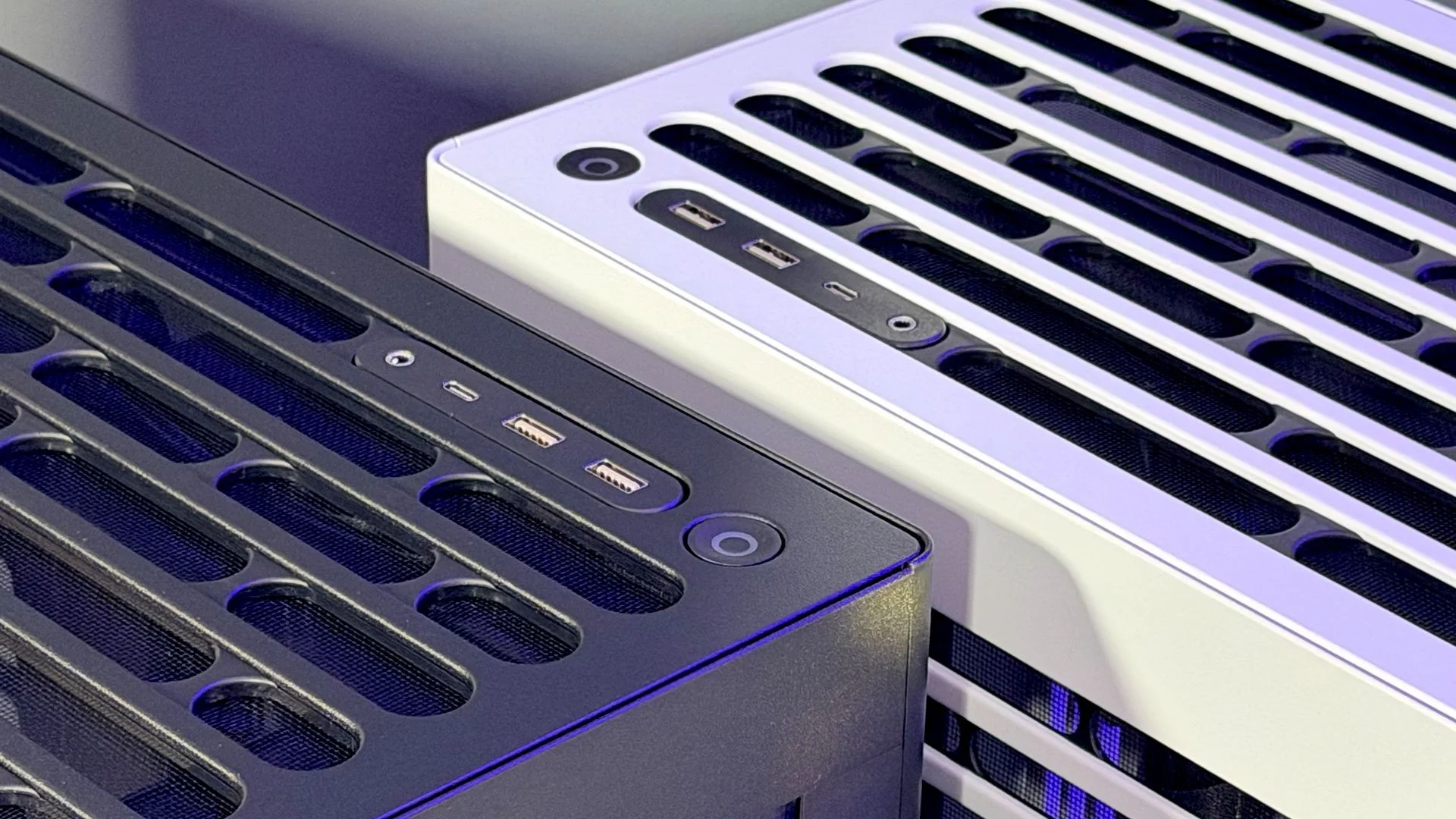
The glass bends more tightly than on the HS 420, giving the smaller case a cleaner profile. That attention to shape pays off: even a busy gaming PC looks tidy behind the panel.
Gallery
Thermals
The HS 360’s airflow concept is simple: feed cool air from below and let heat rise out through the top. That layout makes the choice of fans visible. With four lower fans pulling air in and four upper fans exhausting it, you’ll see the support struts and hub labels on the intakes. Havn’s H12 fans keep the look restrained, but reverse-blade versions would solve the problem more cleanly—particularly on the VGPU model, where the lower fans sit more prominently in view.
The VGPU version adds a more involved airflow arrangement. A magnetic glass divider and a fixed panel on the fan mount split the case into two areas: a cooler space below and in front of the graphics card, and a hotter one around its sides and rear.
Havn’s case for the dividers is that they stop warm GPU exhaust from looping back toward the front intakes, while guiding lower fan intake toward the graphics card’s own fans. In theory, both changes should help GPU temperatures.
The measured gain is real, but modest. Havn puts the improvement at 1.4–1.8°C; my own comparison found about 1.4°C with the glass in place. CPU temperatures didn’t change. For that small GPU benefit, I’d leave the panels out: they make the interior feel busier, and cooler tubes can push against the glass and shift it out of position, even with the included colour-matched anti-vibration pads supporting it above the card.
Value
At $200, the standard HS 360 makes a stronger case for itself than its VGPU sibling. It’s beautifully finished and has the premium feel its appearance promises. The HS 420 now costs $250, but that comparison comes with a pricing history: it launched in the US at $199 in late 2024, rose to $230 around April 2025, then reached $250 around March 2026.
The catch is that Havn sells the HS 360 without fans. That leaves buyers free to pick their own, but it also changes the real price of the build. The Cooler Master HAF II 500 includes plenty of fans, a meaningful advantage over an empty HS 360 at the same initial price. You could outfit the Havn with Arctic P12 Pro fans for about $40—enough for 10 standard or six RGB fans—or spend more than $100 on three packs of Havn’s H12 fans. Once the standard HS 360 approaches $300 fully equipped, the HAF II 500 at $200 looks more persuasive. So does the Corsair Air 5400, which includes three fans for $230.
Still, there’s a reasonable premium to pay for the HS 360’s looks, finish, and quality-of-life details. If appearance and build quality rank high for you, the standard model earns its place among premium cases.
The VGPU version is harder to recommend at $280, especially with no fans in the box and a vertical GPU setup that won’t appeal to everyone. It undercuts the HS 420 VGPU’s current $330 price, but that model launched in the US at $269. The HS 360’s apparent saving therefore owes something to the older case’s price increases.
UK prices tell a cleaner story: the HS 360 costs £170 against £200 for the HS 420, while the HS 360 VGPU is £240 compared with £270 for the HS 420 VGPU. The standard case is the easier recommendation; the VGPU model asks you to pay a lot for a feature set whose benefits, at least in my testing, are limited.